Learn. Understand. Keep a note.
From materials engineering to digital tools. A quiet space for making sense of things.

Distinguishing Browser Login and Windows Login: Reducing Account Confusion
You have entered Windows and a photo is visible in the top right corner of Chrome, but the blog management page may
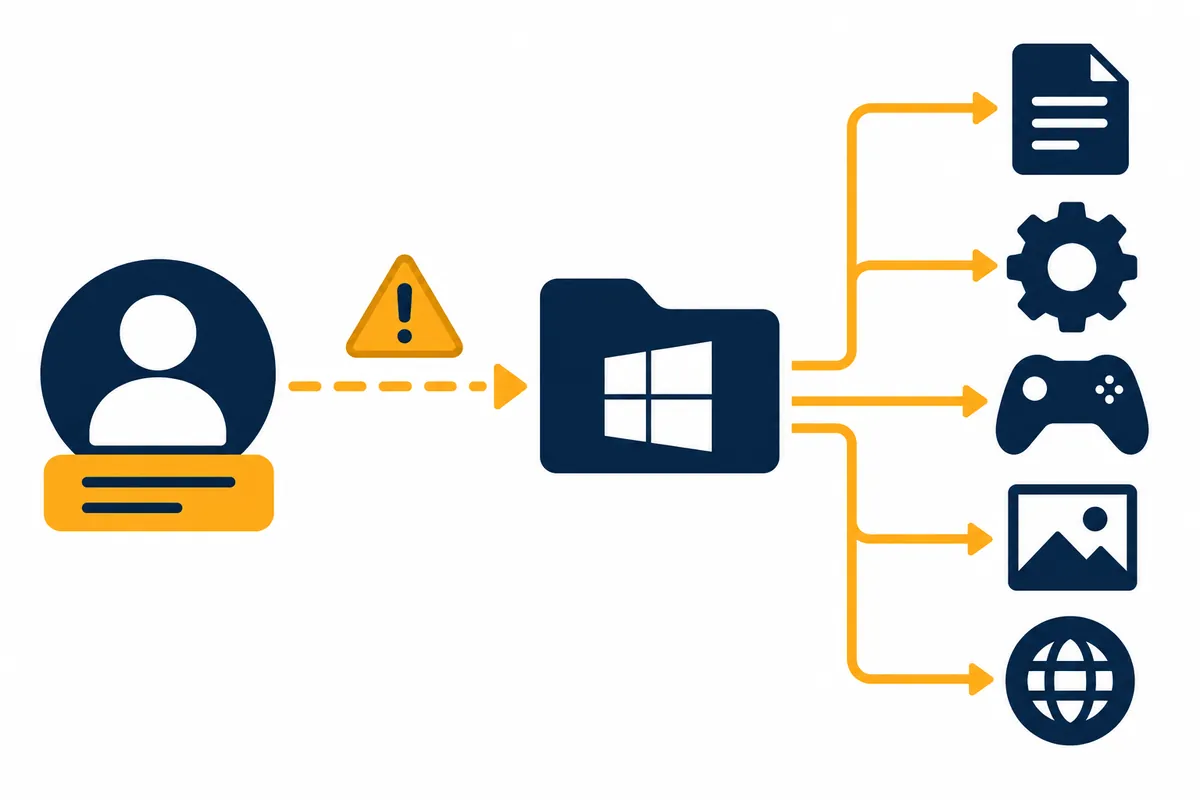
Things to check before renaming the user folder: Prevent path errors
If your username in the Users folder on your C drive appears truncated or outdated, you might be tempted to rename
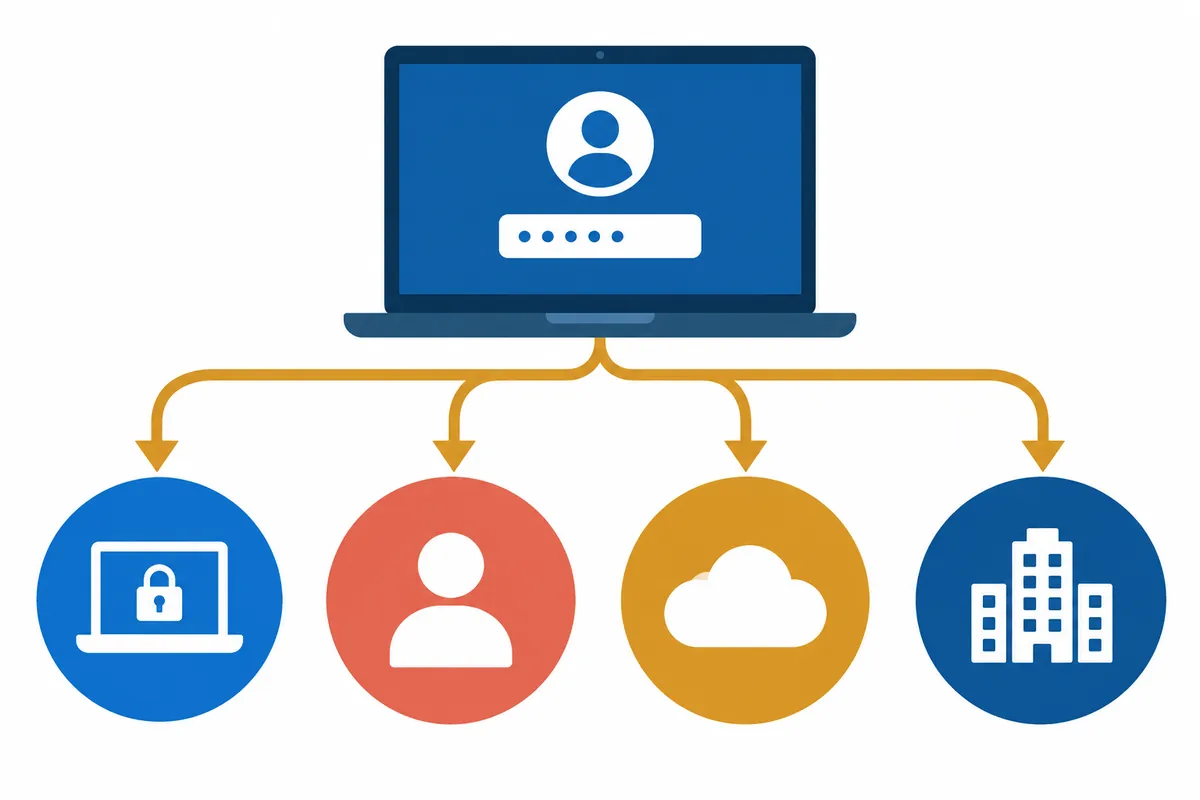
When you forget your login password: Official recovery path for your account
If you cannot remember your password on the login screen, you must first identify 'which account and which informat

Setting and Changing Windows Hello PIN: Differences from Account Passwords
If you log in with a short number on your PC but it doesn't work on the Microsoft account website, you must first v

Locking the PC when away: Distinguishing between auto-lock and logout
Just because your PC screen turned off while you went to get coffee doesn't mean the lock is complete. If you can s

Differences Between Local Accounts and Microsoft Accounts: Login and Sync Scope
You may encounter situations where documents are not visible after logging into a new PC with the Microsoft account
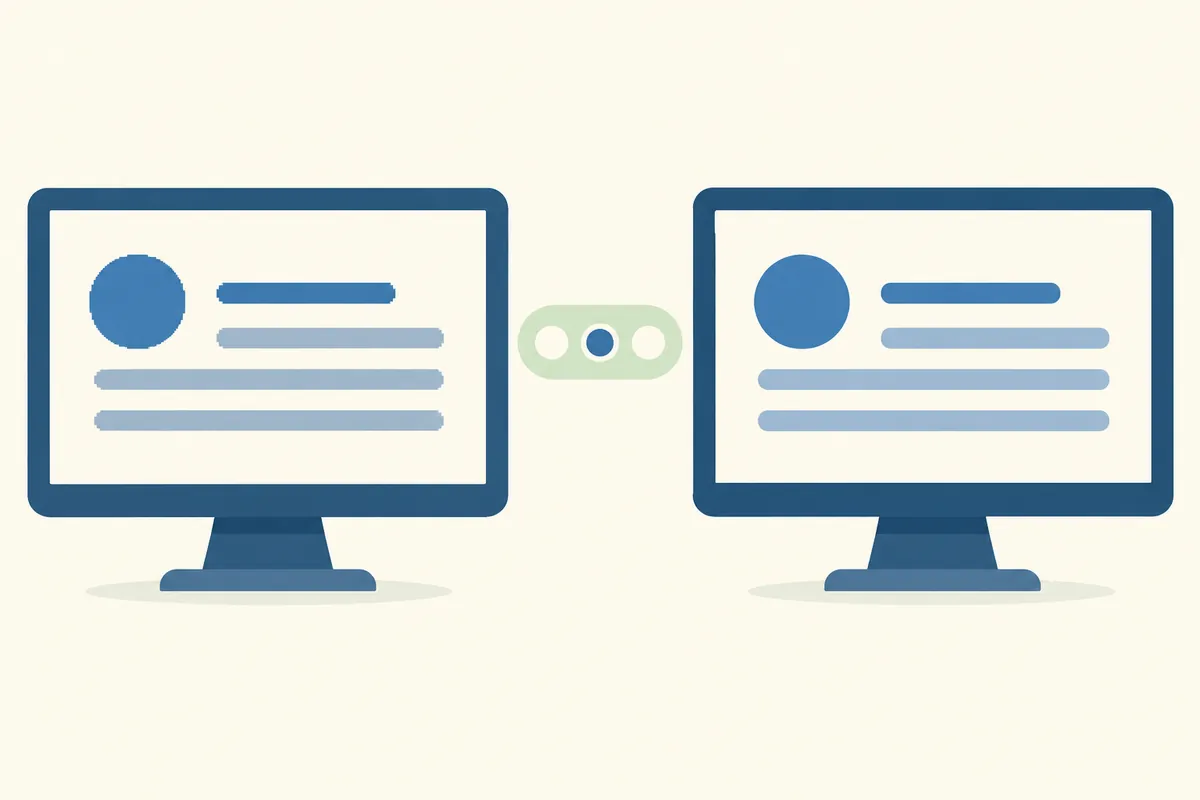
Adjusting Text Clarity with ClearType: Check Order by Monitor
Function to check when only the edges of text are difficult to read If the icons and photos on the screen look fine
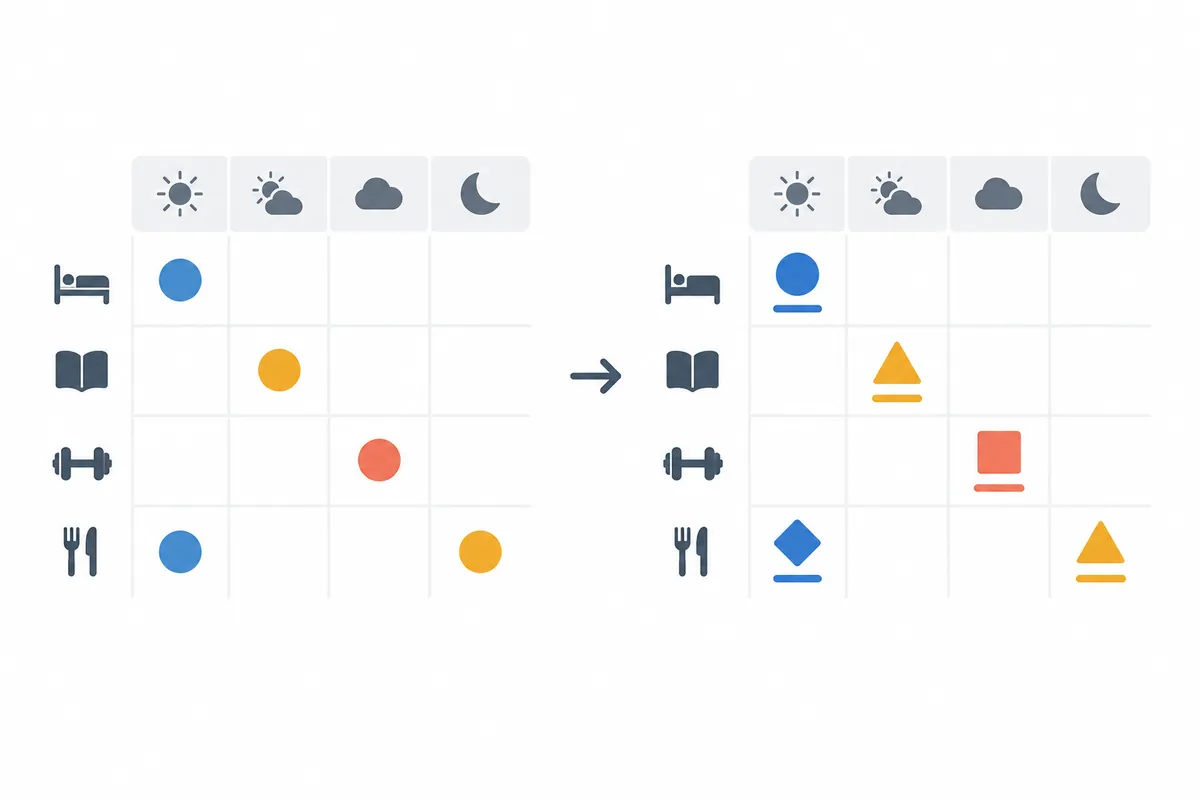
Using Color Filters: When It Is Difficult to Distinguish Colors on the Screen
Cases where it is difficult to read information distinguished by color alone If you distinguish statuses using only
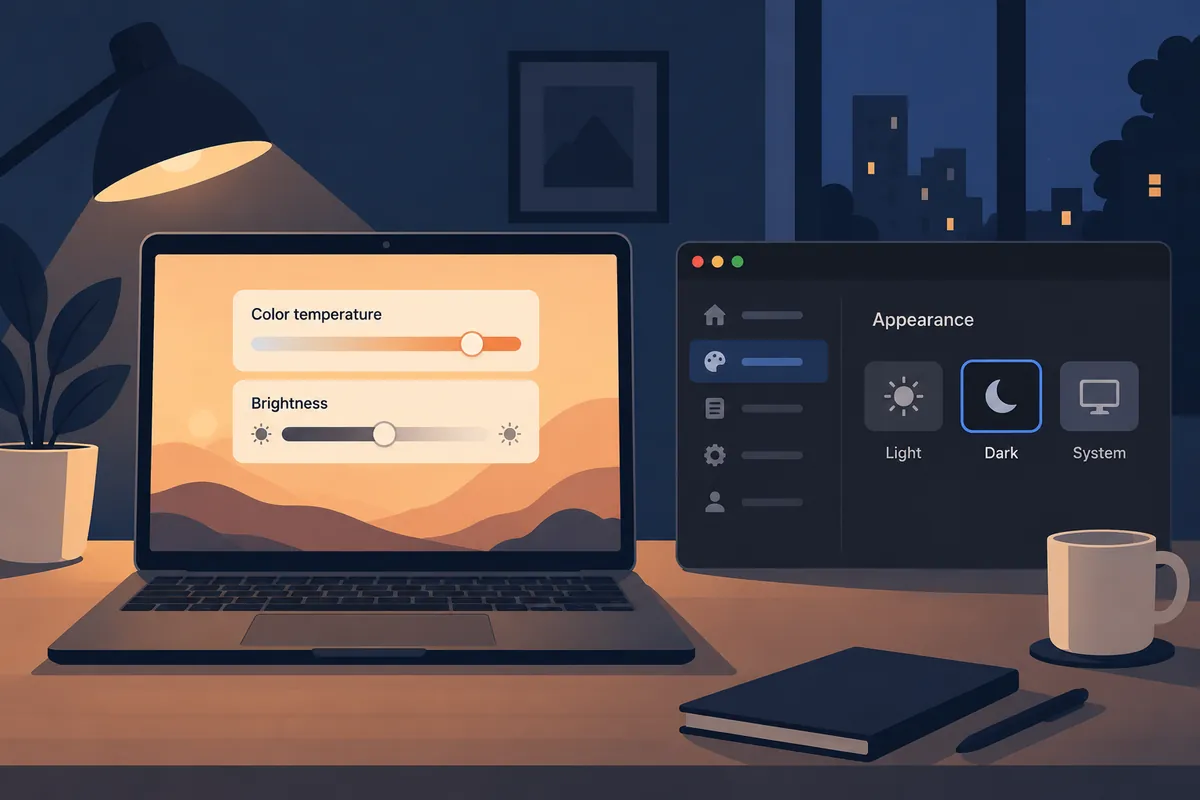
Night Mode Settings: Schedule Time and Color Temperature Adjustment
Three things to set in night mode If your Windows screen appears yellow at night or the colors change every evening
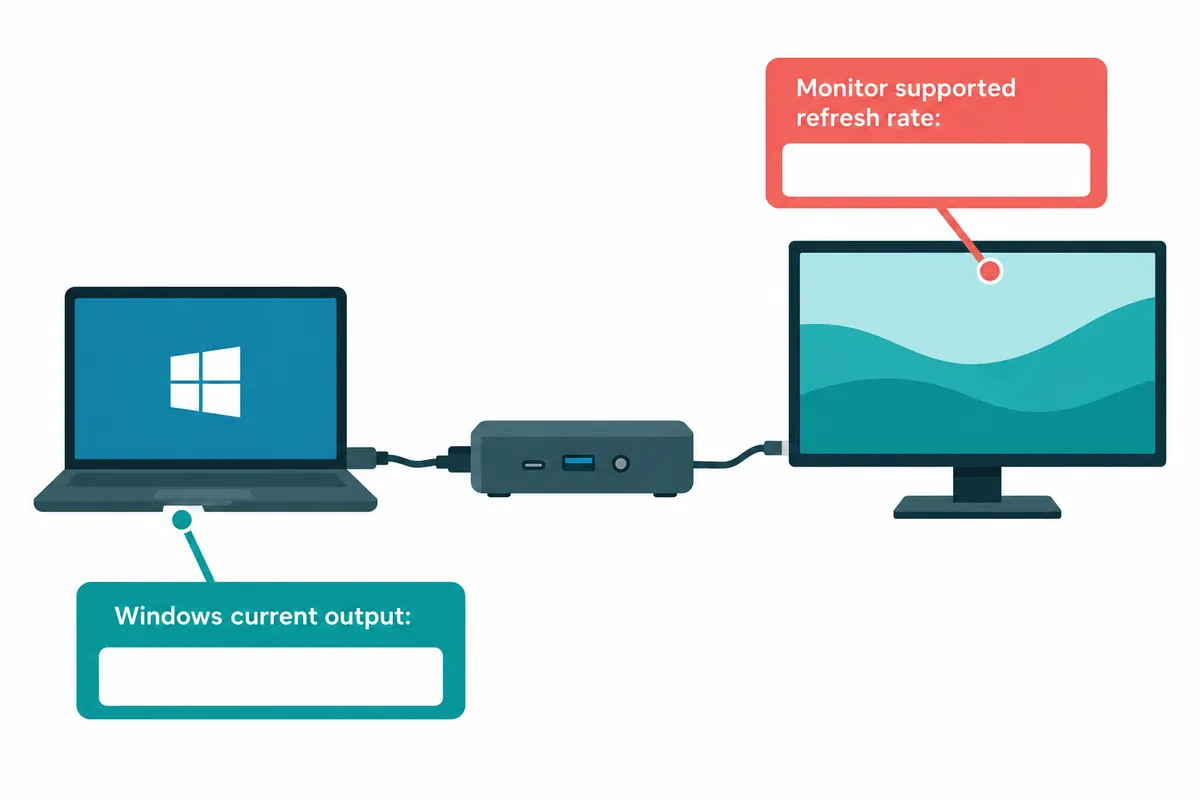
Checking Monitor Refresh Rate: Distinguishing Cables and Settings
The maximum value of the monitor and the current output value are different. Even if the monitor description states
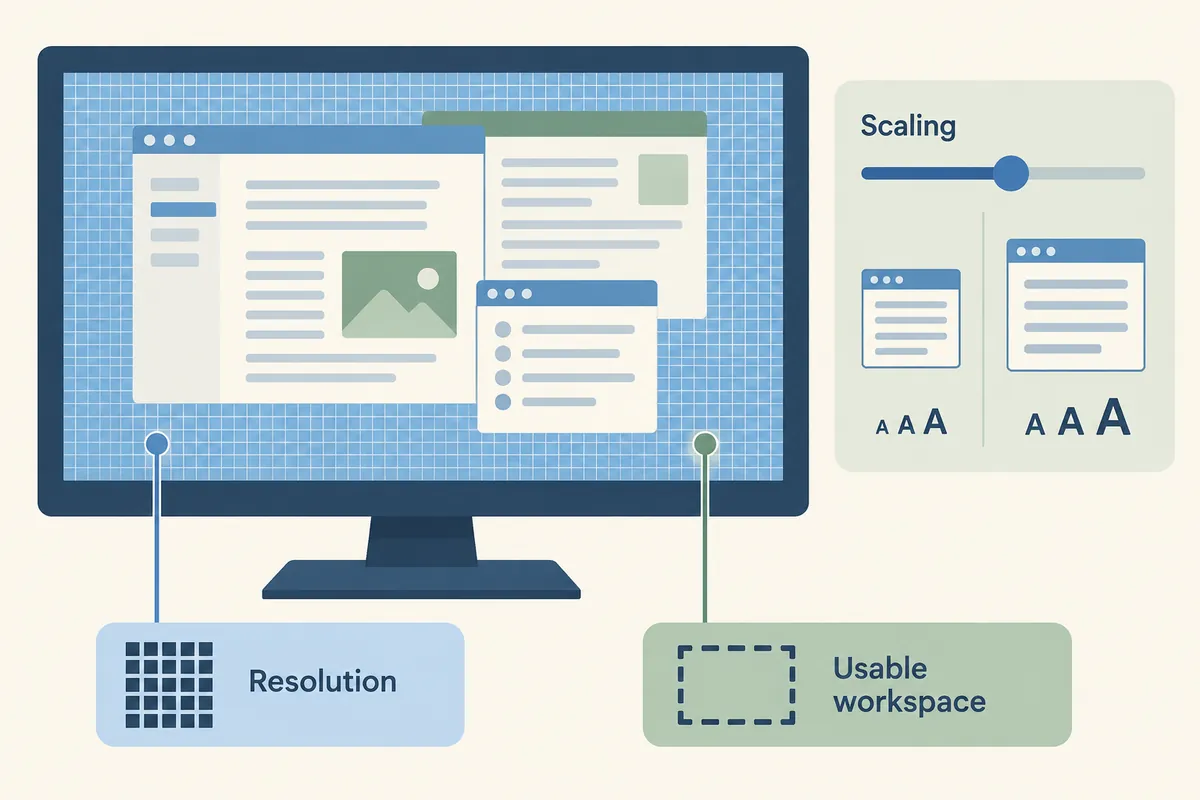
How to Choose Screen Resolution: Recommended Values and Actual Workspace
Read resolution numbers and workspace together A higher monitor resolution allows you to display more pixels on the

When windows are blurry due to different monitor scaling: Check scaling per screen
Case where the window becomes blurry only when moved to another monitor If an app that is clear on your laptop beco
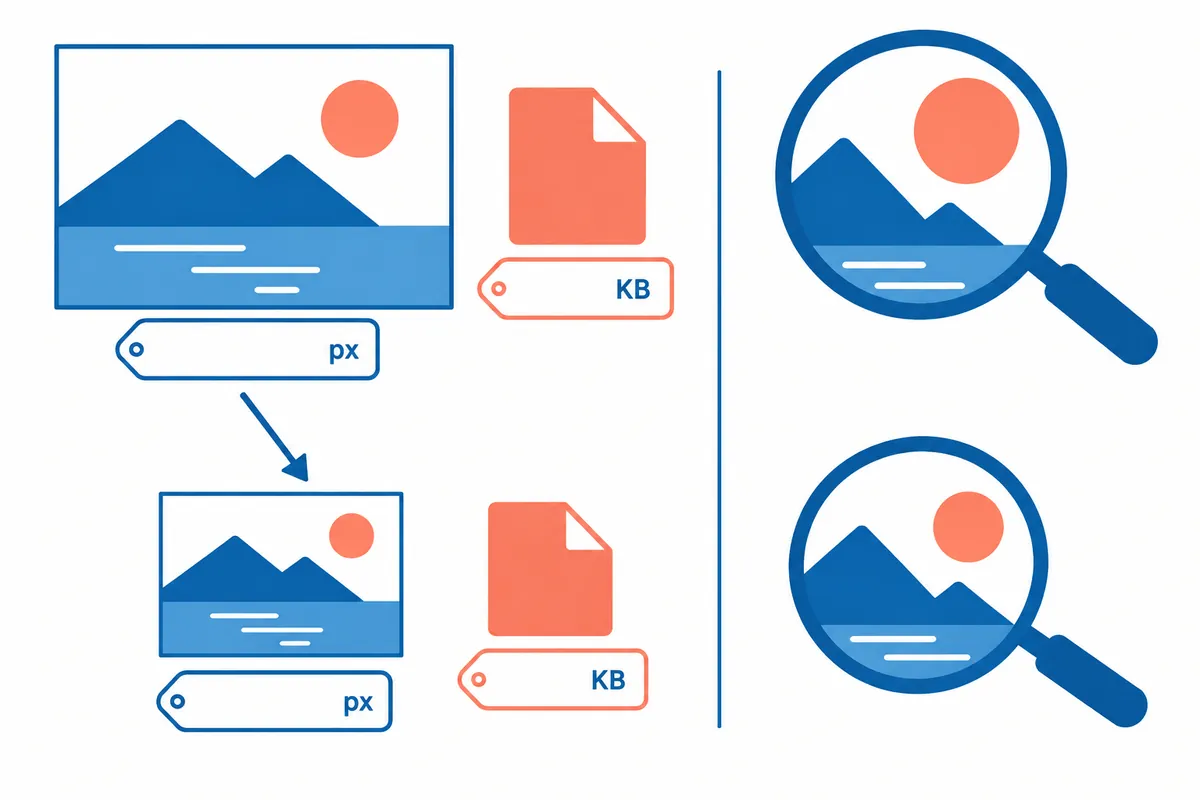
Resizing Images with Paint: Distinguishing Between Resolution and File Size
Key Summary: In Paint, you can change image dimensions to pixels or ratios. Save with a new name while maintaining
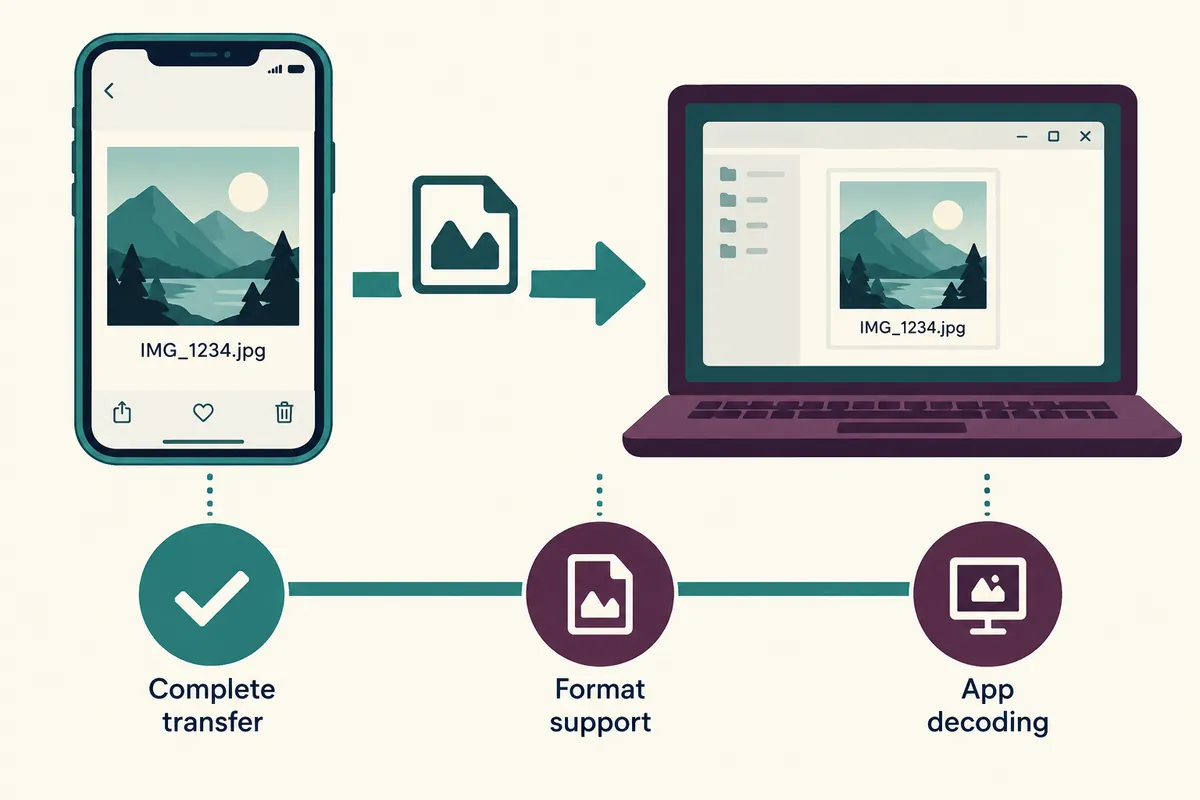
When HEIC photos won't open: Check file format and supported features
Key Summary: If HEIC photos do not open, first check if the file transfer is complete and determine if the app you
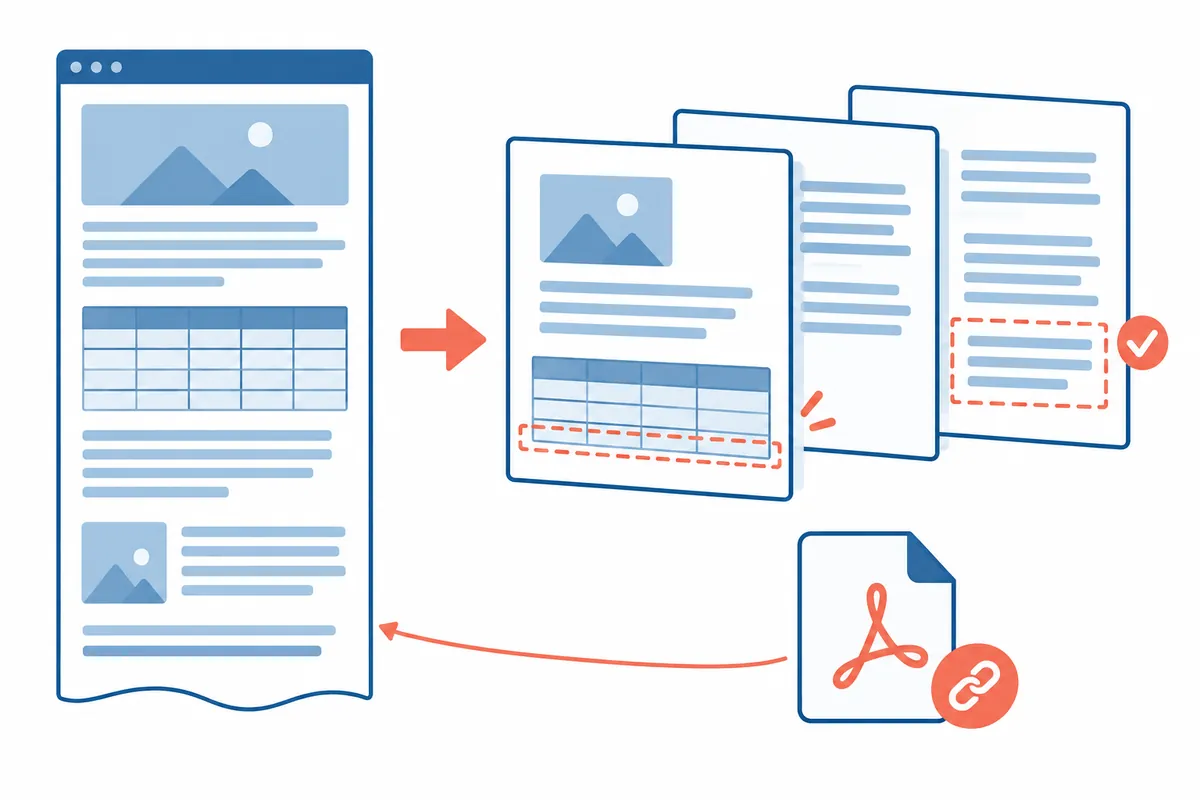
Saving a Webpage as PDF: Checking Page Truncation and Links
Key Summary: When saving a webpage as a PDF, check the print preview and the actual file separately. Check for trun

Difference between browser zoom ratio and screen scale: Site-specific adjustment
Key Summary: If only the text on a single site is small, zoom in on the browser; if multiple apps and icons are all

Managing Saved Passwords: What to Check Before Viewing, Editing, or Deleting
Key takeaway: Editing information stored in a password manager and changing an account's actual password on a websi
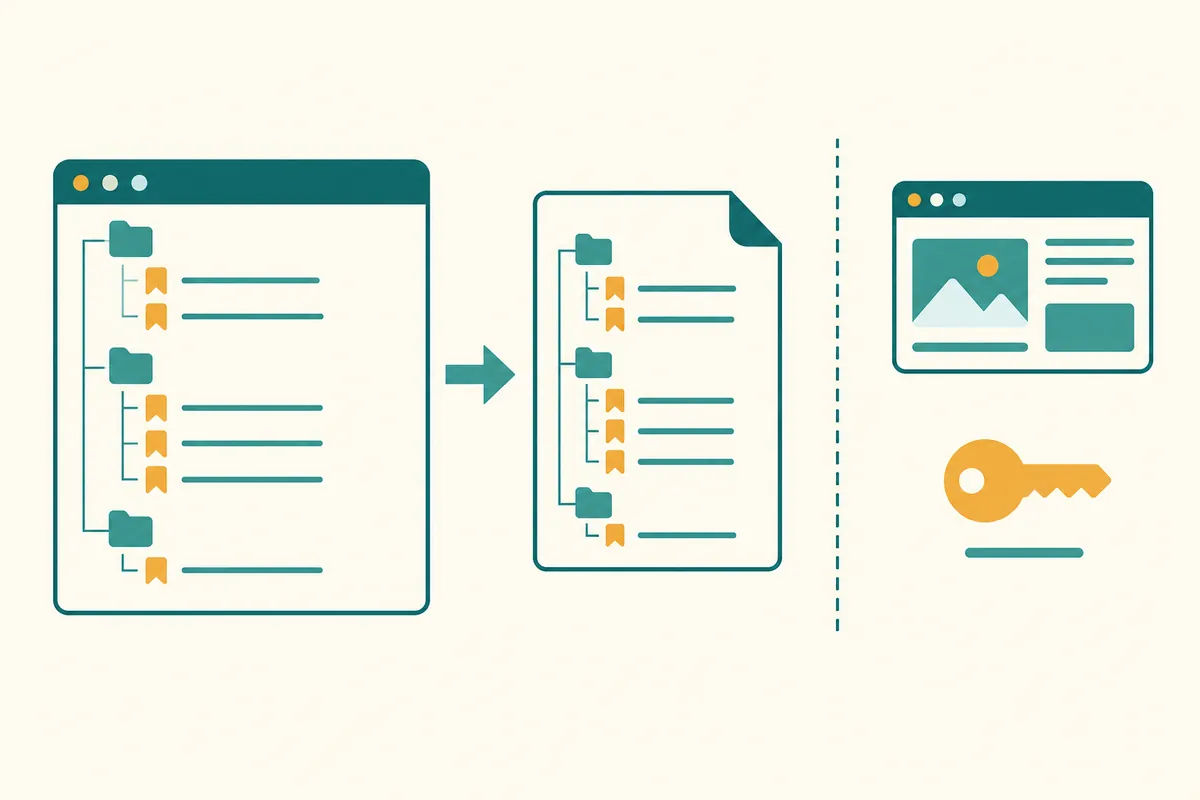
Exporting and Importing Bookmarks: Check the Backup File First
Key takeaway: Chrome bookmarks can be exported and kept as an HTML file. Preserve the original file and current boo
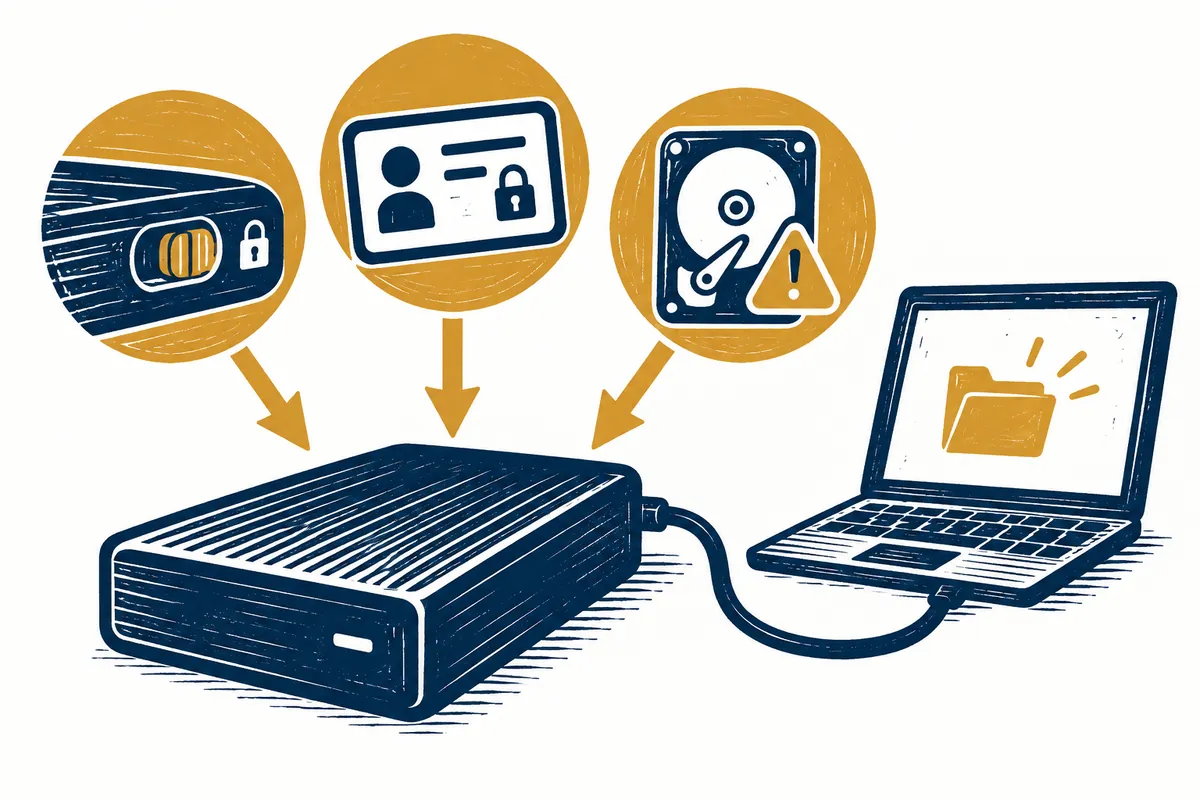
When an External Drive Is Read-Only: Distinguishing the Causes
If documents on an external drive open but cannot be saved or deleted, first read the actual error. Write protectio

When a USB Drive Does Not Appear: Checking Ports and Disk Management
If a connected USB storage device creates no new drive in File Explorer, first determine how far it was recognized.
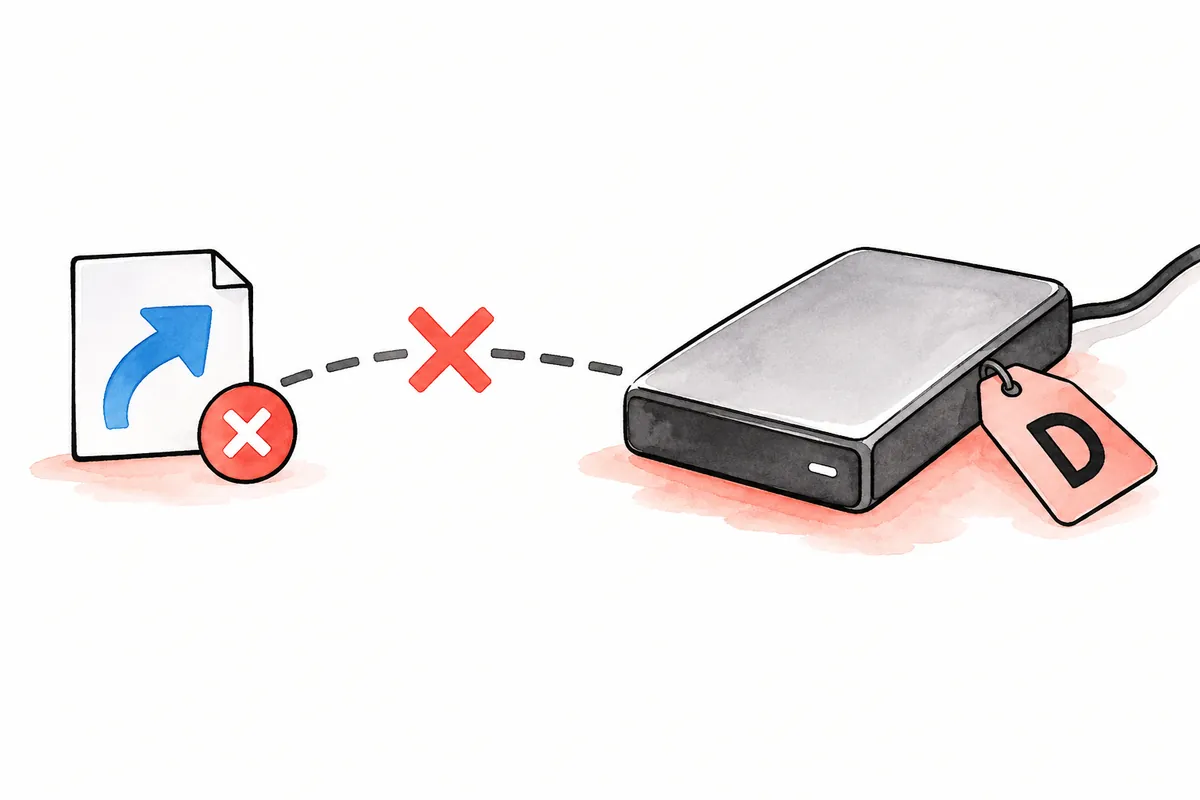
When a Drive Letter Changes: Correcting External-Device Paths
If an external device formerly appeared as E: but now as F:, existing shortcuts or programs may fail to find files.
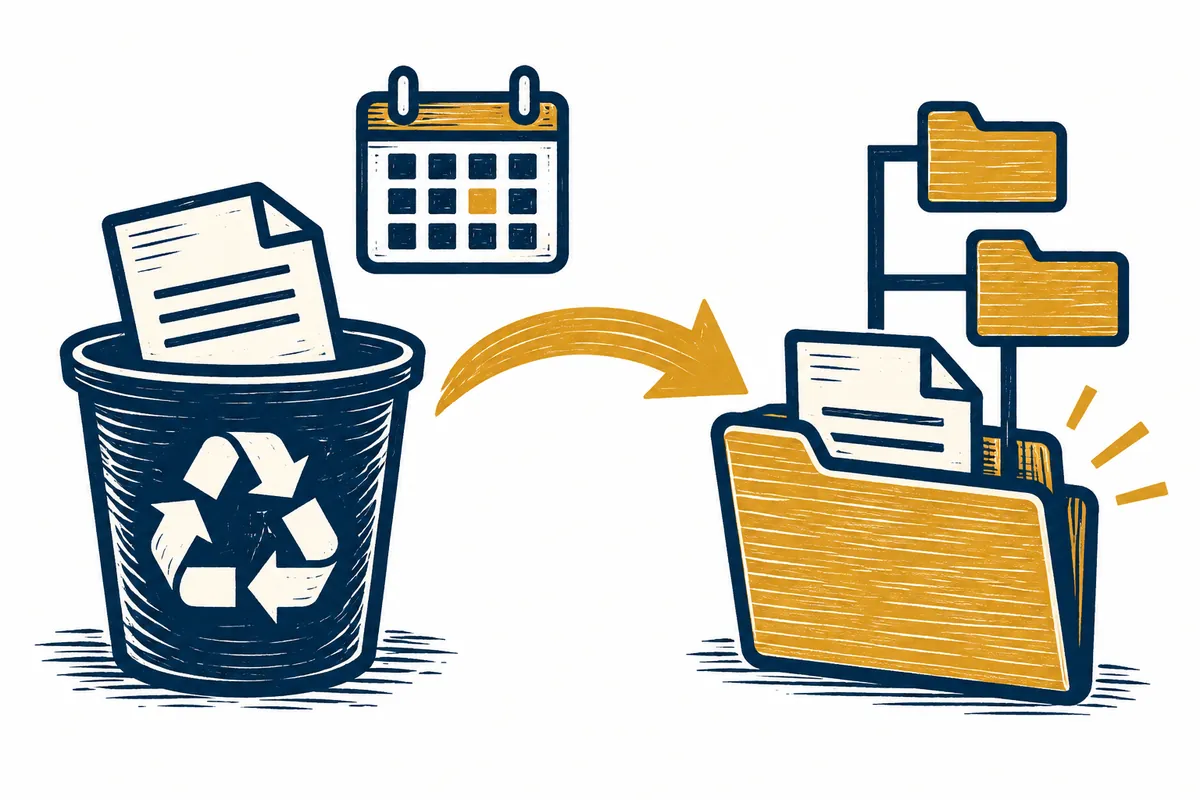
Restoring Files from the Recycle Bin: Original Location and Deletion Date
After accidentally deleting a file, several identically named items in the Recycle Bin can make selection difficult
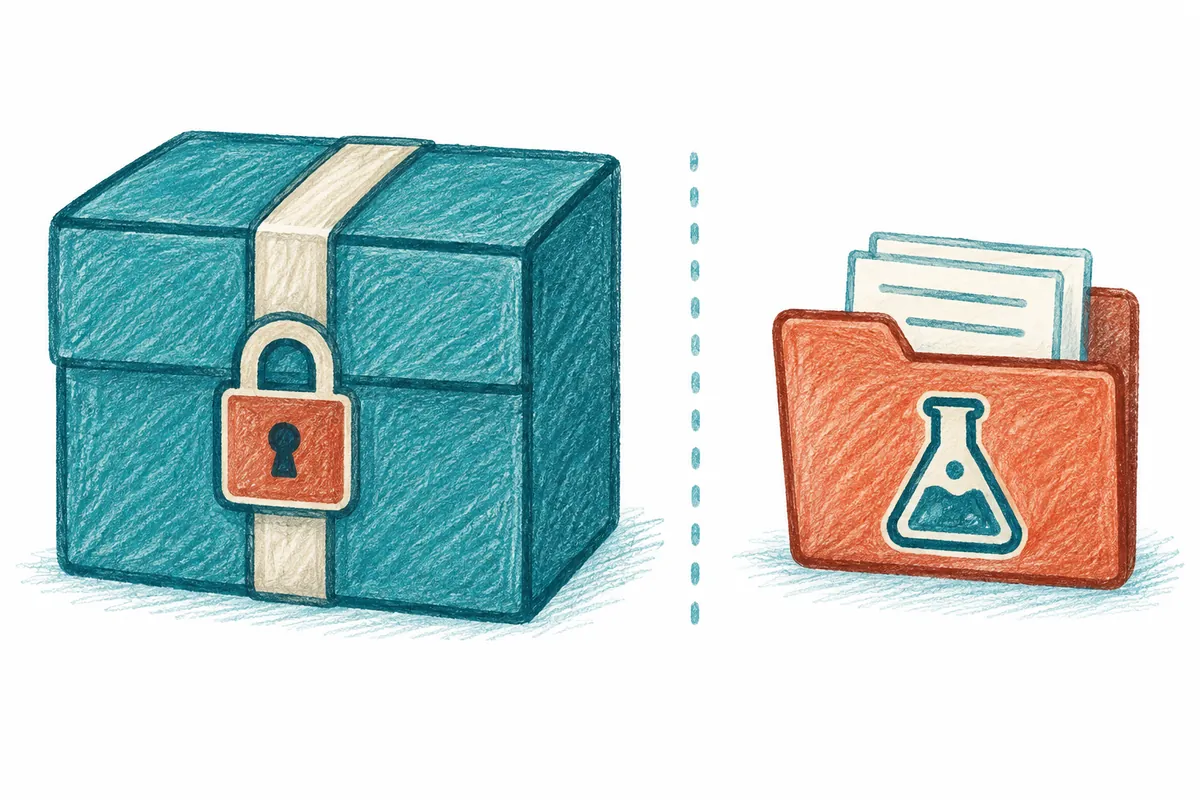
Before Restoring a Backup: Preserving Originals and Testing Restoration
Finding a backup can tempt you to restore it immediately to the original location. However, new work in current fil
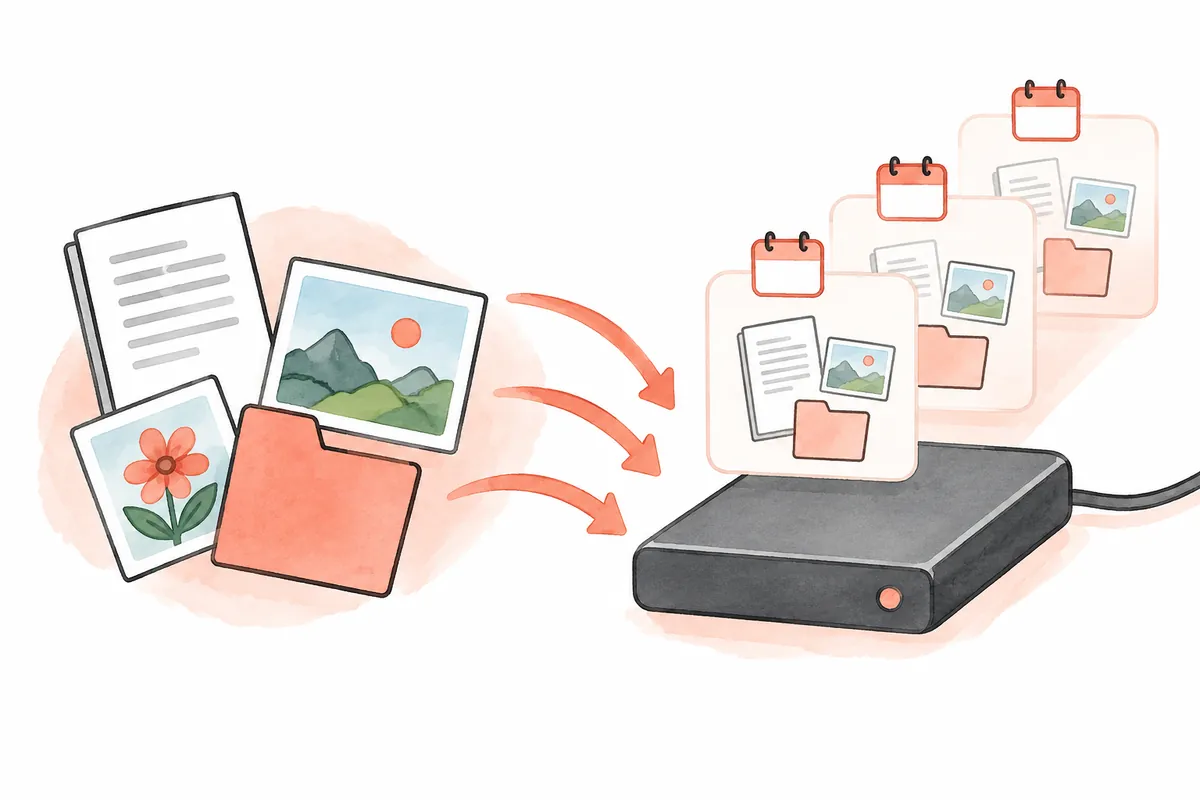
Backing Up Documents with File History: Required Folders and Restoration Checks
Frequent editing can leave a current document intact while making earlier content difficult to find. File History i