Learn. Understand. Keep a note.
From materials engineering to digital tools. A quiet space for making sense of things.
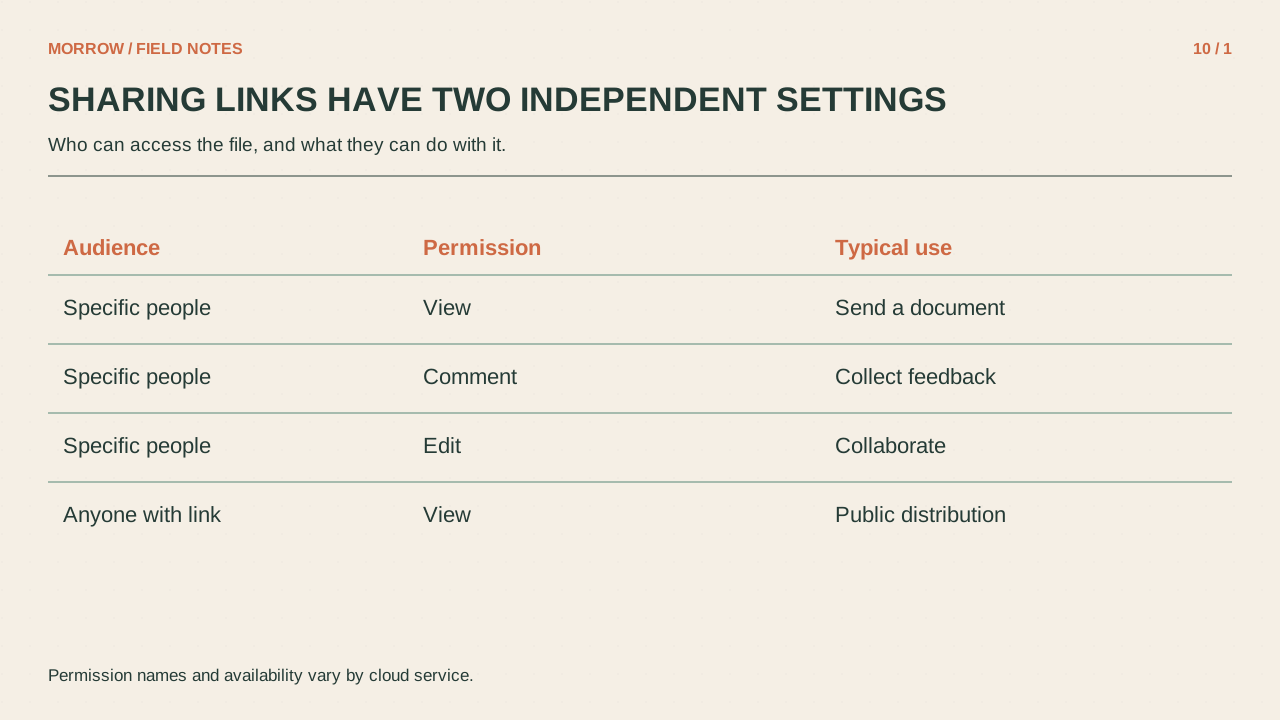
Audit cloud sharing links: check the parent folder before the file
Copying a link does not always make a file public, and not sending a link does not always make it private.
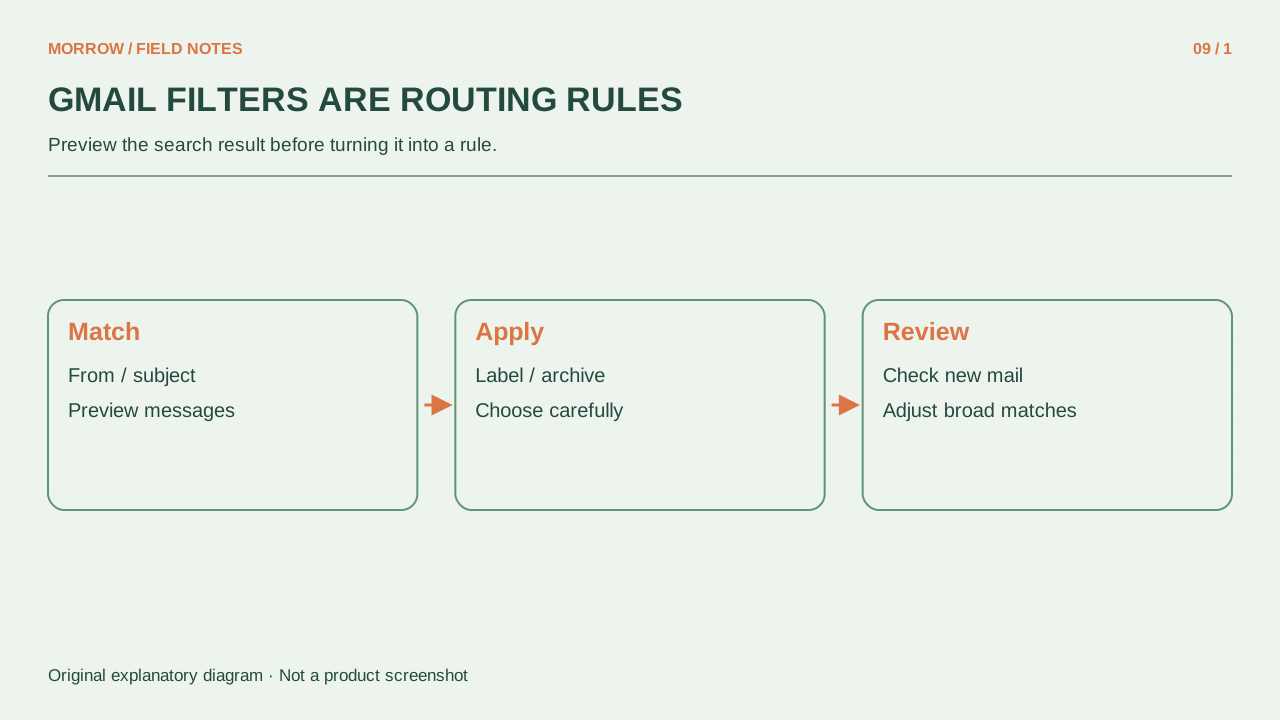
Gmail filters and labels: organize mail without hiding important messages
A good mail rule starts with “find what matters” rather than “empty the inbox.”
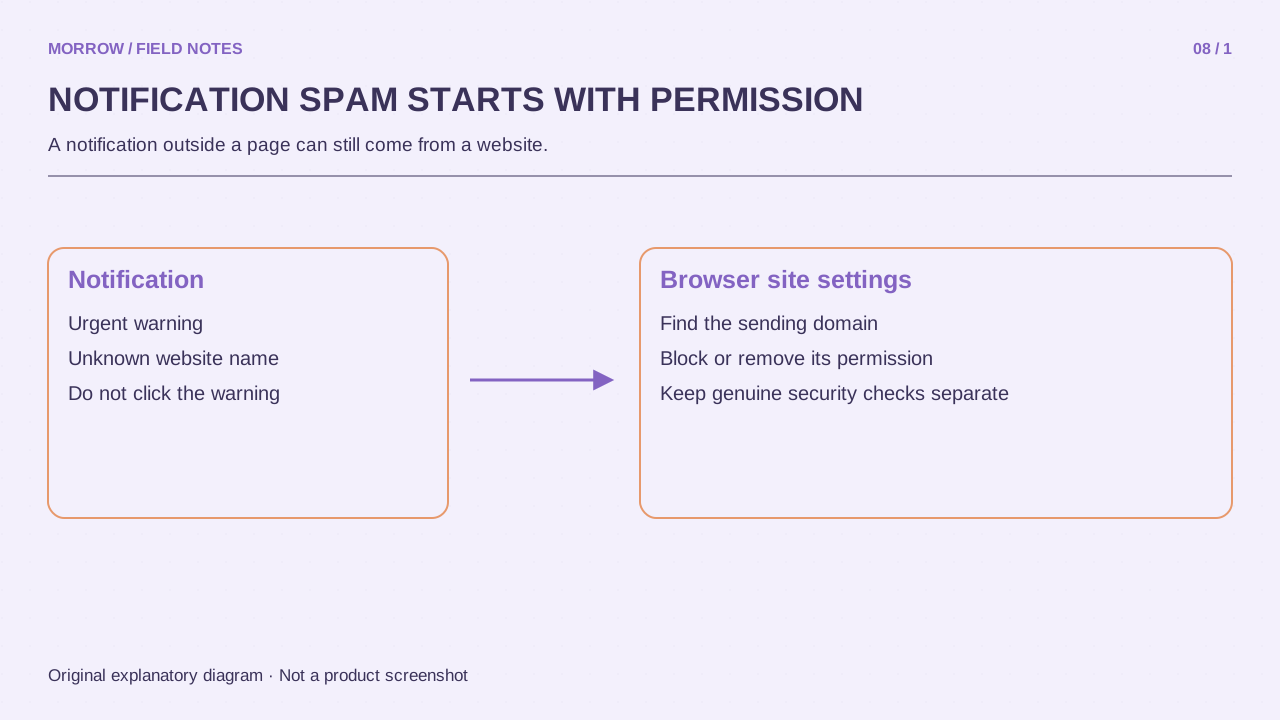
Stop browser notification spam by identifying the sending site
An alarming message in the corner of your screen may be a website notification rather than a genuine system warning.
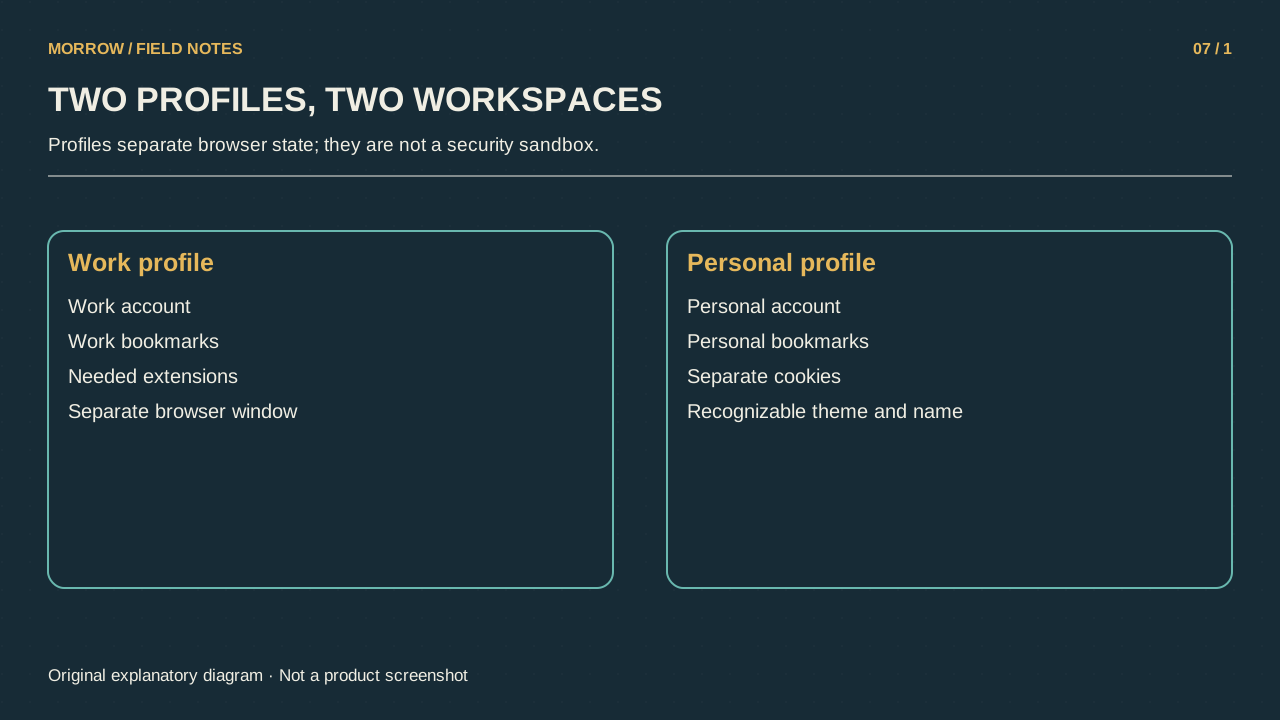
Separate work and personal Chrome profiles to reduce account mix-ups
Opening a work document with a personal account or uploading company material into personal storage becomes easier when several accounts share one browsing environment.
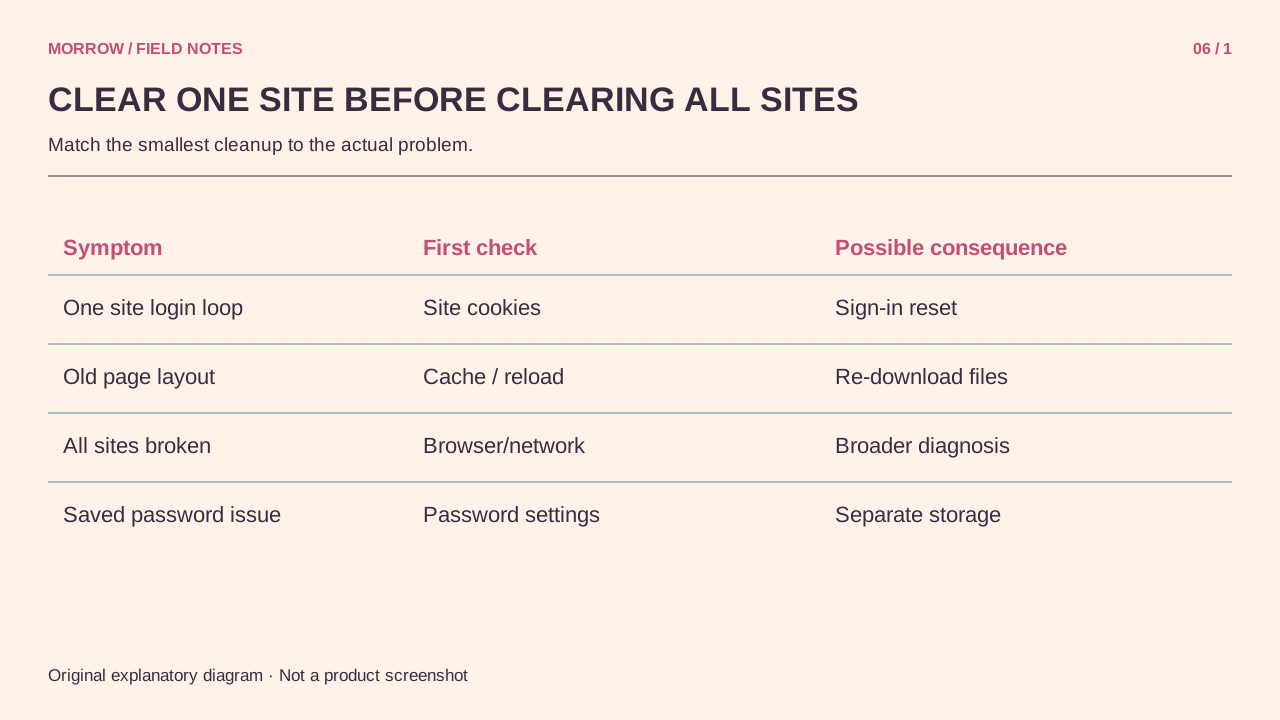
Clear cookies for one site while keeping other sessions intact
A login loop or broken cart on one website does not require erasing every browser session.
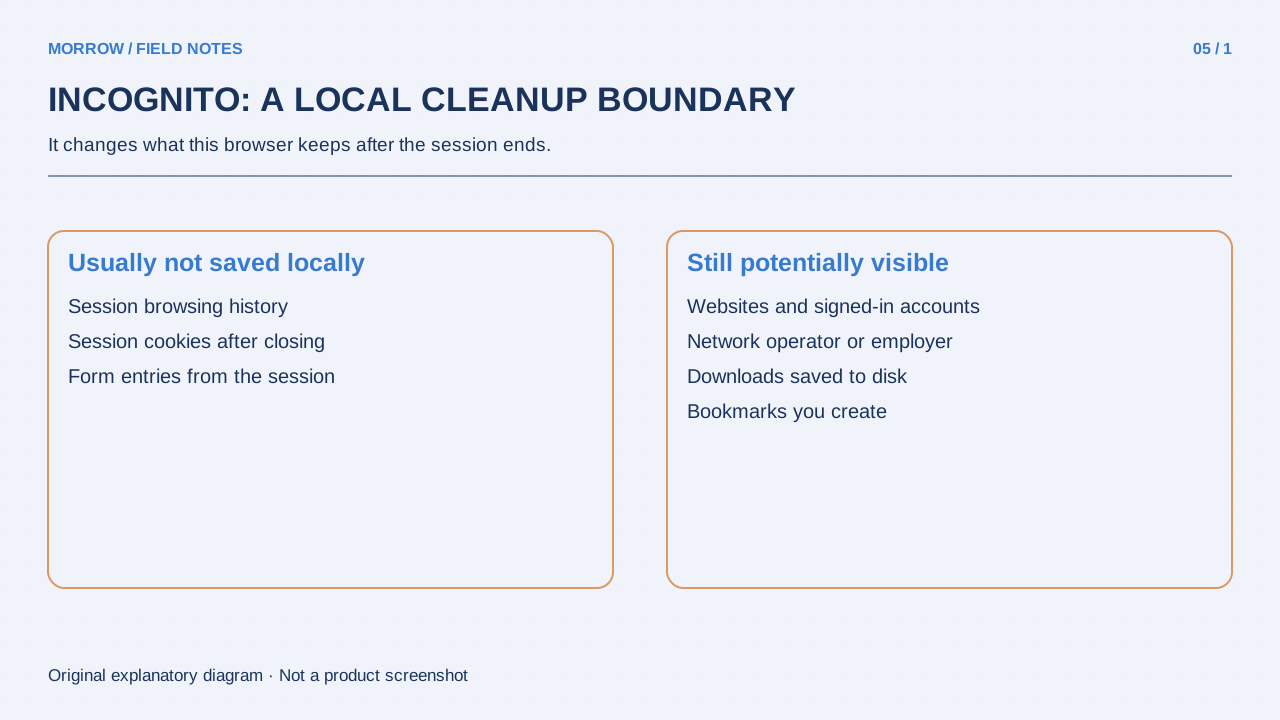
What Incognito actually hides: history, downloads and signed-in activity
An Incognito window often opens without your usual website logins, but that does not make you an unnamed person on the internet.
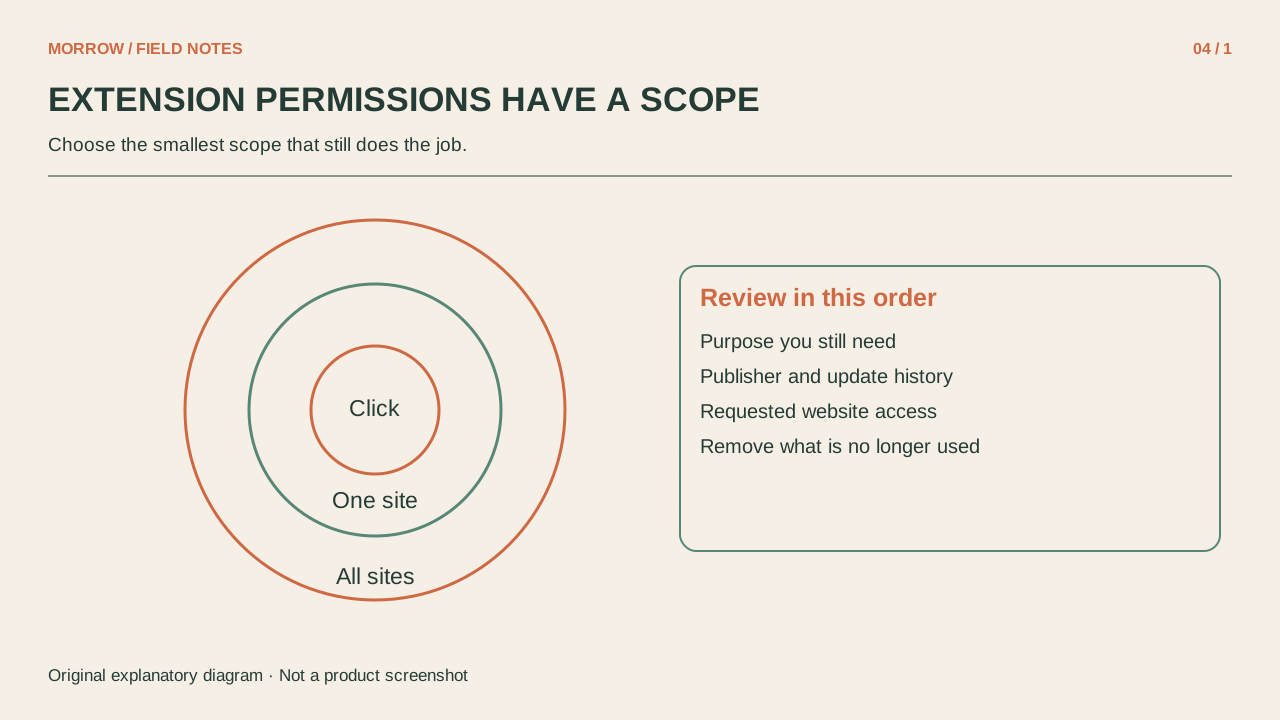
Audit Chrome extension permissions without breaking your workflow
Spelling, translation, screenshots and comparison tools can accumulate until you no longer remember what your browser runs.
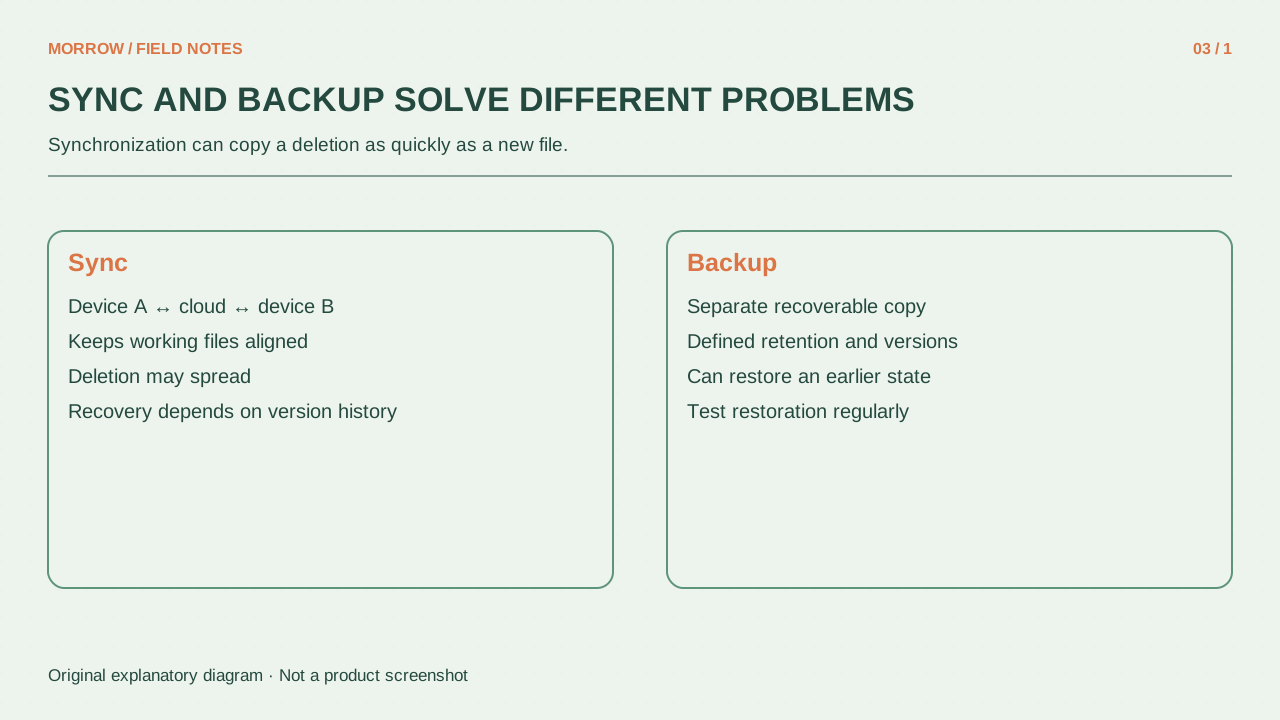
Cloud sync versus backup: test recovery with one disposable file
A file visible on your laptop, in the cloud and on your phone can look like three backups.
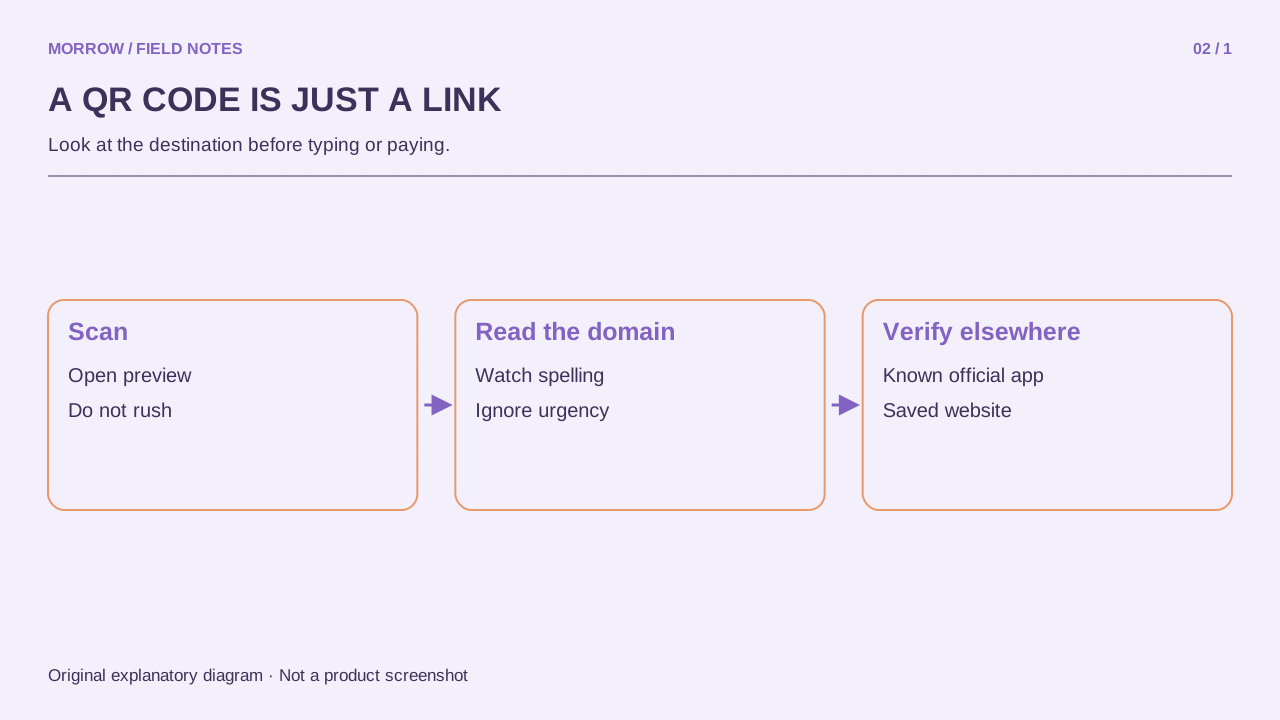
How to check a QR code before trusting its destination
You cannot judge a QR code's destination from its square pattern.
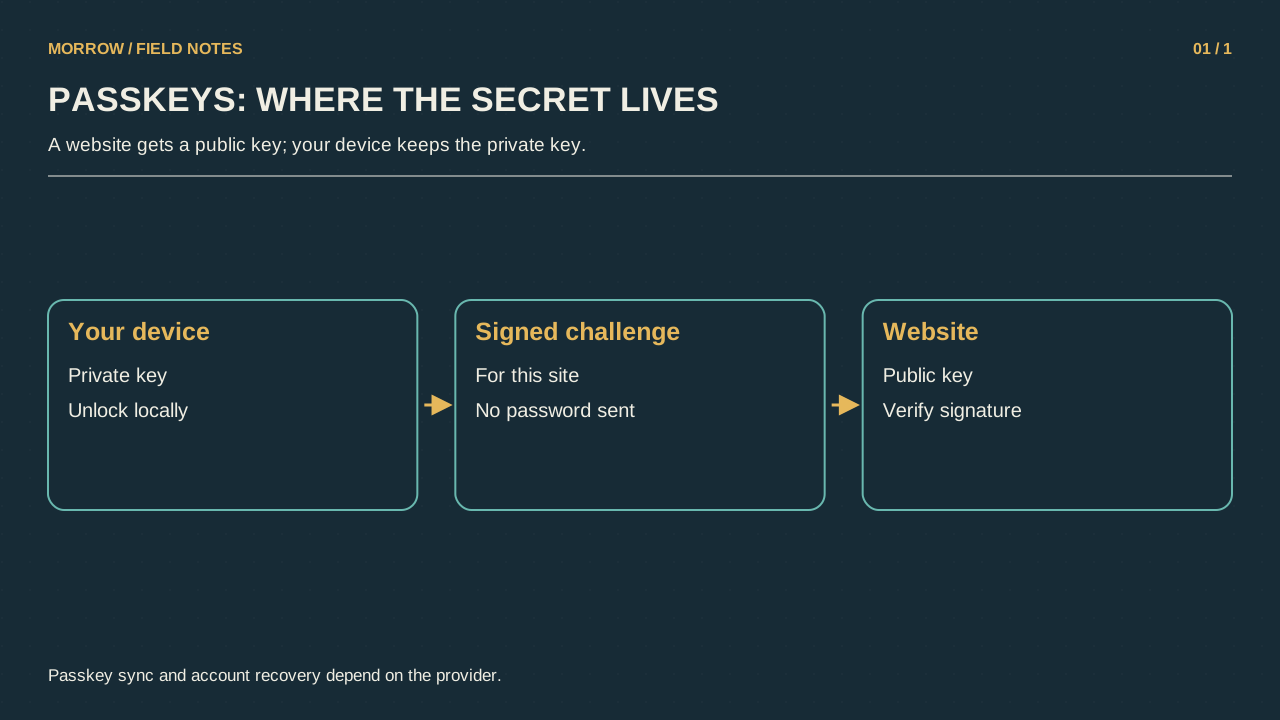
Passkeys, passwords and two-step verification: a practical switching checklist
A fingerprint prompt and a password followed by a code can both open the same account, but they are different login flows.