Learn. Understand. Keep a note.
From materials engineering to digital tools. A quiet space for making sense of things.
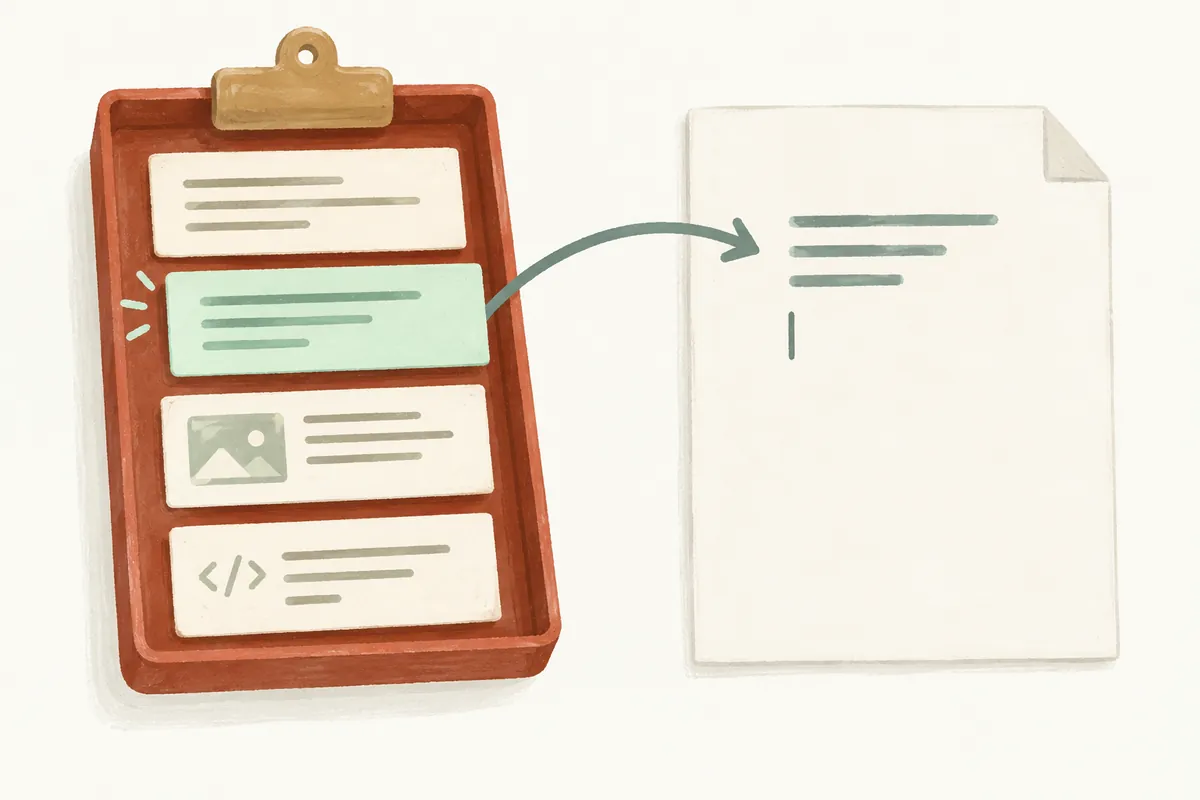
Using Windows Clipboard History: Paste Previously Copied Content with Windows + V
If copying another sentence after an address lost the earlier content, try clipboard history. Windows + V opens rec
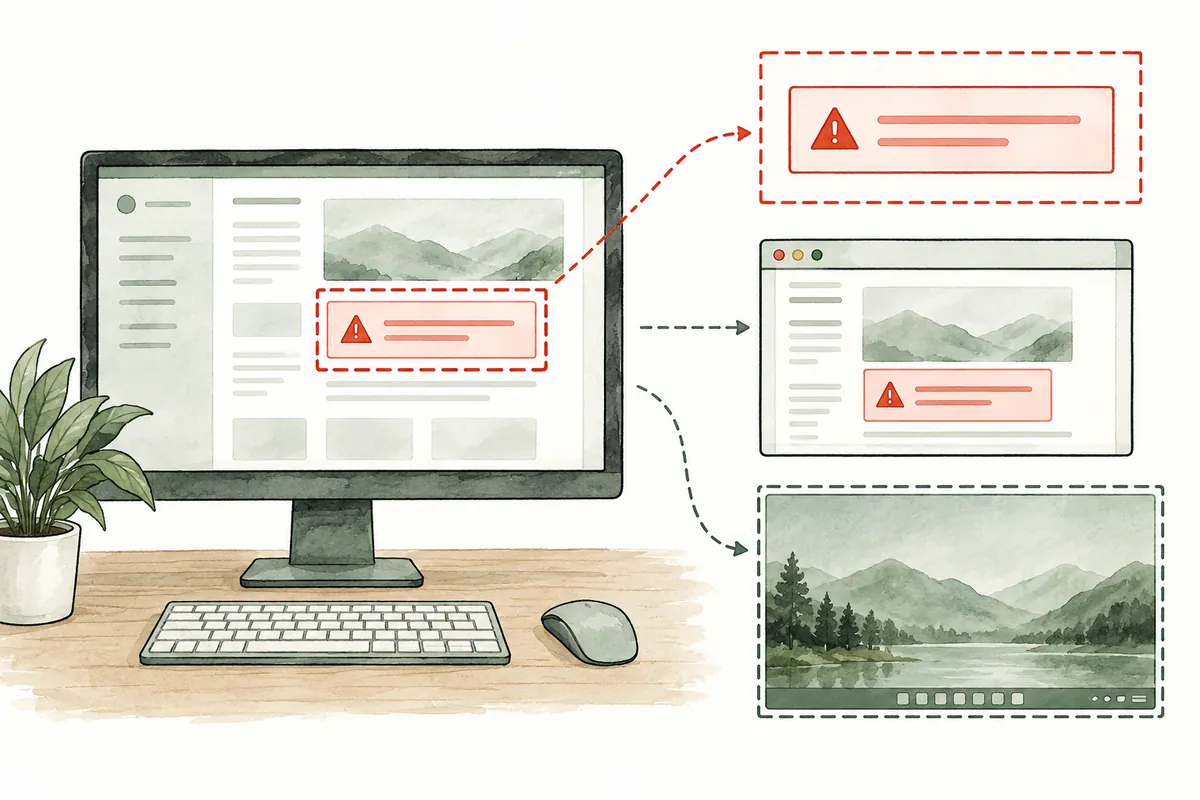
Using Windows 11 Snipping Tool: Capture Only What You Need and Save It as a File
Screenshots limited to relevant areas explain errors or settings more clearly than whole screens. Windows 11 Snippi
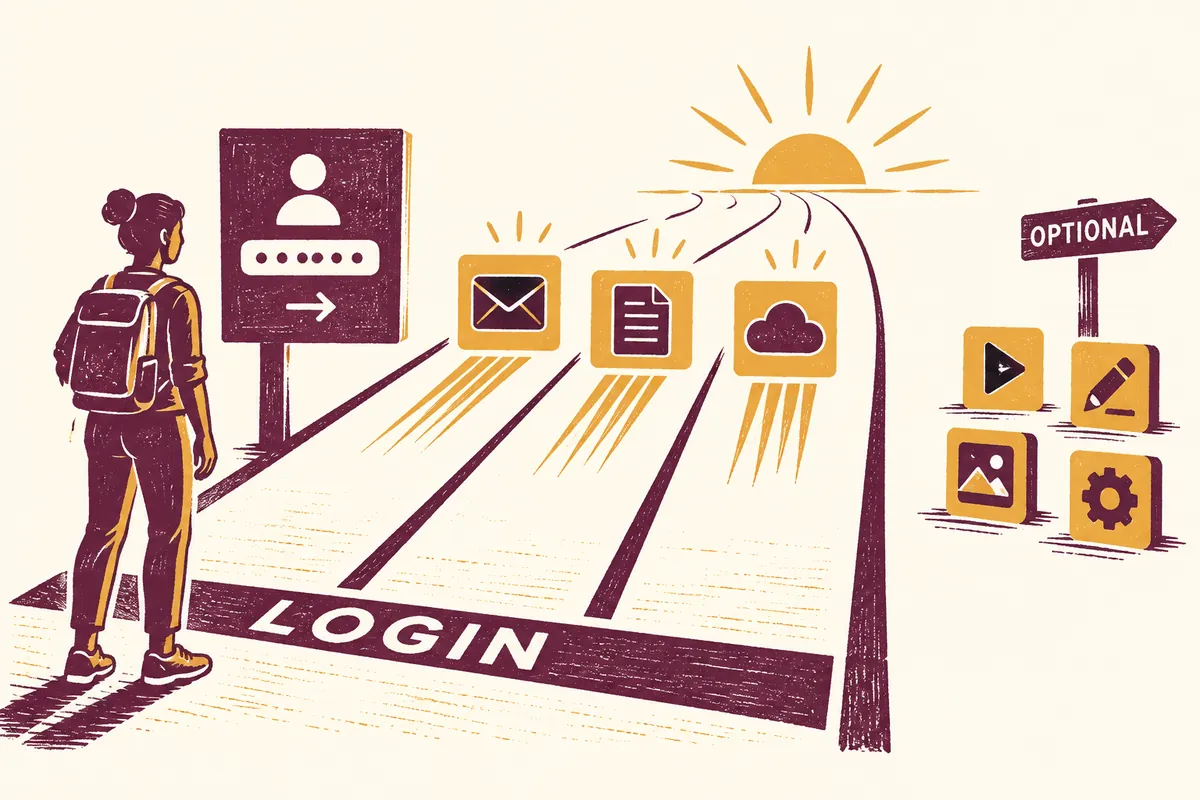
Reducing Windows 11 Startup Apps: How to Choose What to Disable
Messaging apps, game launchers, and cloud apps may all open when you start your PC. Windows 11 startup settings cho
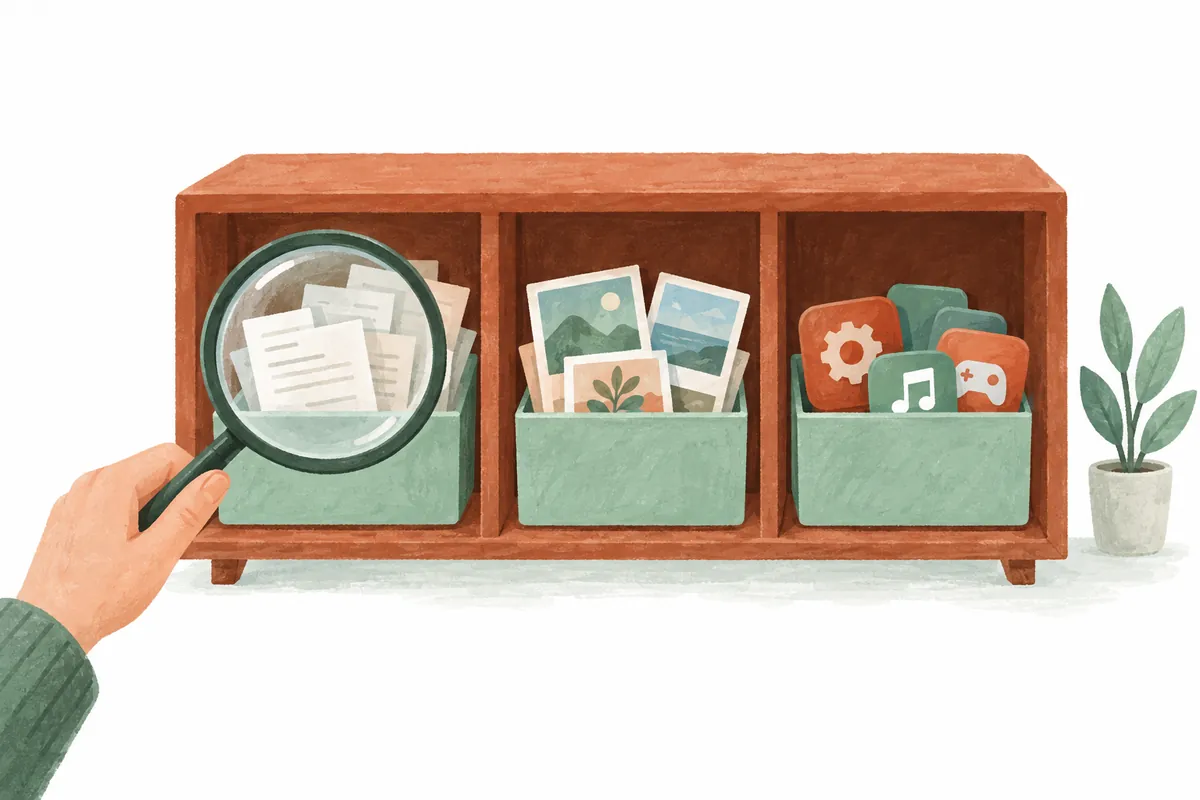
When Windows 11’s C Drive Runs Low: A Cleanup Sequence to Check Before Deleting
If C-drive free space is falling, first identify what occupies it. Windows 11 Storage shows usage, and Cleanup reco

Hiding the Windows 11 and 10 Taskbar: Auto-Hide Settings and Shortcuts
To hide the Windows taskbar, enable “Automatically hide the taskbar.” Change it under Taskbar behaviors in Windows
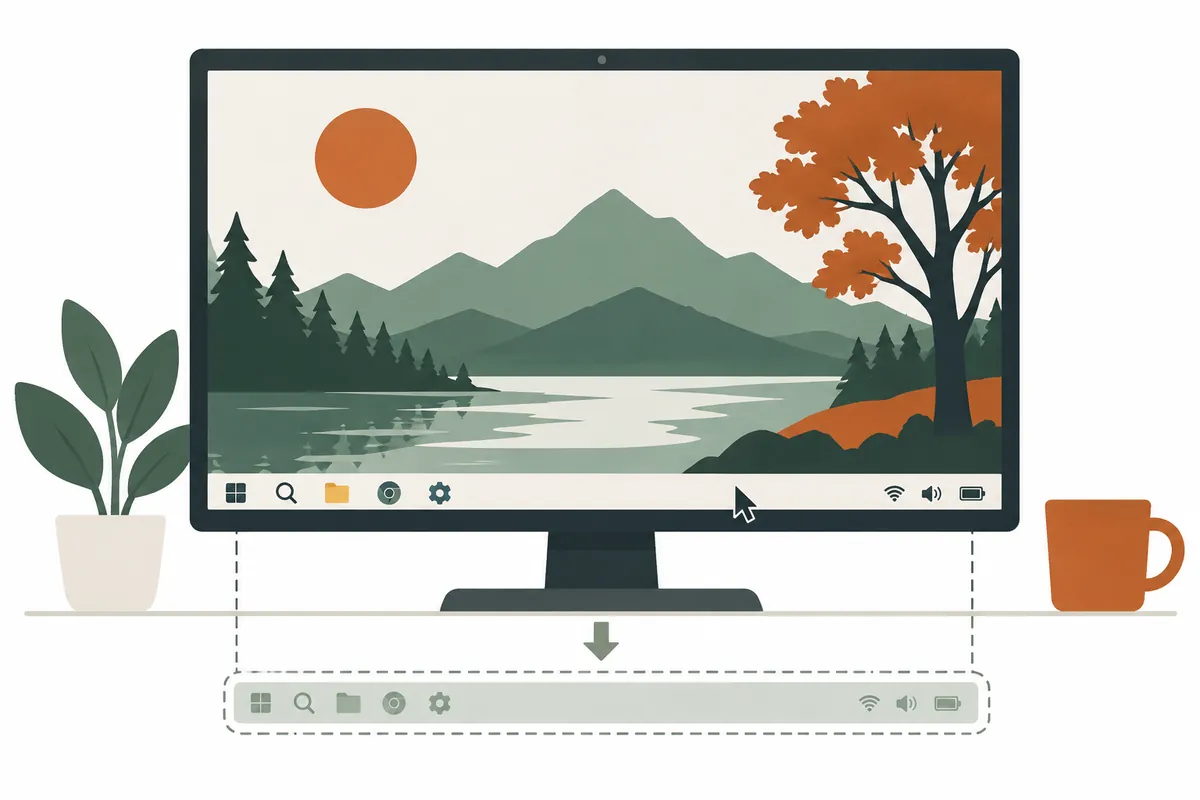
Hide or Show the Windows 11 Taskbar: How to Configure Auto-Hide
You can hide the Windows 11 taskbar at the bottom of the screen using auto-hide. Right-click an empty area of the t