File Hashes Versus Digital Signatures: Integrity and Publisher Verification
This article was translated from its source language with AI assistance. Please check technical terms and equations against the original.
Key point: Hashes compare byte contents with the same reference file, while digital signatures help inspect signature information and verification status. Record the downloaded file, official reference value, and signing publisher separately to avoid comparing different packages with the same name.
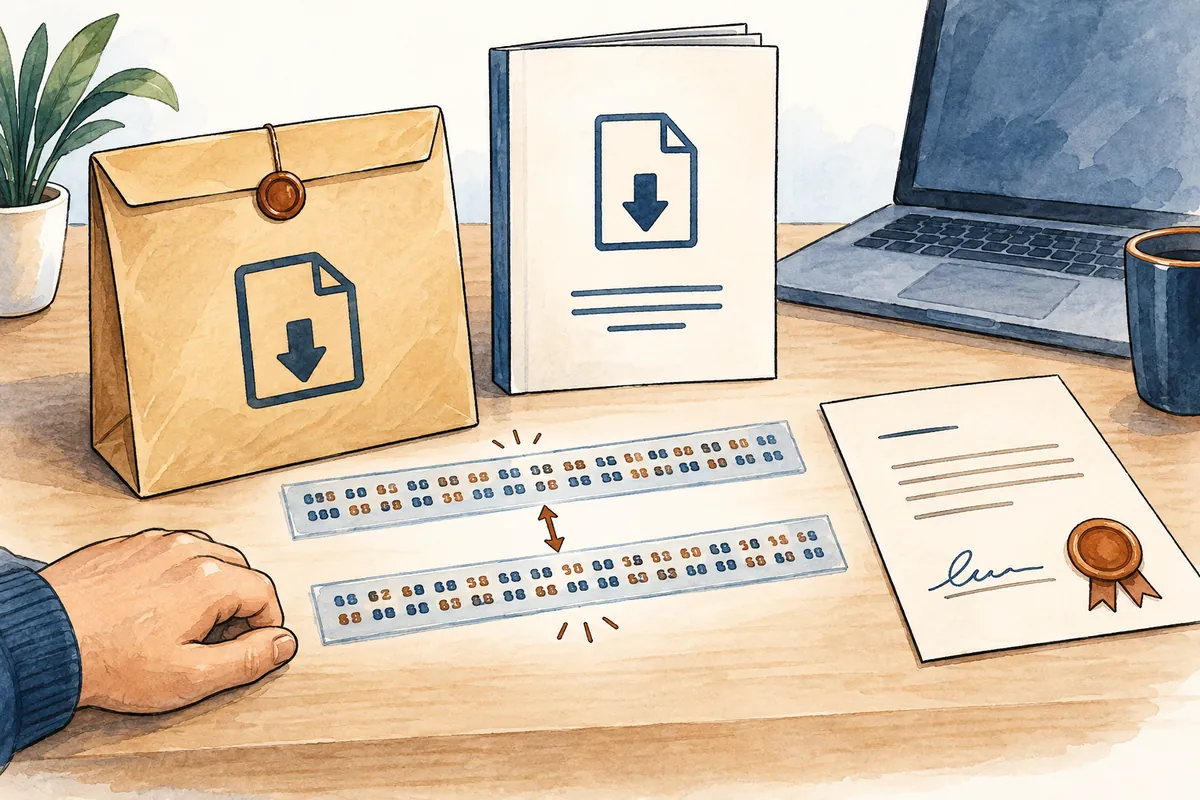
The process at a glance
This is an explanatory illustration, not an actual screen or task result.
1. Choose the official distribution route and exact package
2. Obtain a reference for the same file and algorithm
3. Inspect the local file hash without executing the file
4. Compare signature status and expected publisher information
5. Record mismatches and unknowns before deciding to run it
Separate the questions answered by the two checking tools
Files can have identical names but different contents, or different names but identical contents. A hash calculates a value based on file content for comparison. A digital signature helps identify information about who signed the file and its verification status. Separating what the product name on a download page, file content, and signature information each establish reduces judgment errors.
This article explains a checking sequence using PowerShell's Get-FileHash and Get-AuthenticodeSignature on Windows. It does not report downloading, executing, or checking an actual file. Signature methods and supported file types depend on the tool, so do not extend this Authenticode example into a universal check for every electronic document or operating system.
| Check | Main question answered | What requires separate judgment |
| File hash | Does the content match this reference value? | Trustworthiness and origin of the reference itself |
| Digital-signature information | What signature information and status are available? | Whether actual information matches the expected publisher |
| Official distribution page | Which product and version does it provide? | Correspondence between selected package and local file |
| Filename and icon | Under what name does the user see it? | Actual content and signing entity |
| Decision to run after checking | Will it be used for this purpose and environment? | Security checks, permissions, and support conditions |
Select the package scope through the official distribution route
Find download guidance on the supplier's official site and check version, operating system, CPU type, language, and package type. If both an installer and archive are provided, record which you obtained. Several files may share one version name, so selecting a reference solely by product name can compare the wrong file's hash.
Also check the local path, actual extension, and download completion. An automatically appended number or copy name does not prove different content. Conversely, renaming a file to resemble an official filename does not validate it. Retain the reference page address and checking time for subsequent comparison.
Obtain the hash reference for the same algorithm
If the reference page provides SHA256, calculate the local file with that same algorithm. Different output lengths or notation from different algorithms do not imply corruption. Microsoft documents SHA256 as Get-FileHash's default; the example specifies the option explicitly to clarify its purpose.
The reference's origin is part of the basis for trusting the file. A matching hash written beside an unknown-origin file by the same person does not verify the supplier. Find file-specific references through official distribution guidance and trustworthy routes. If no reference exists, record that absence rather than inventing a verification string.
Example of inspecting content without executing the file
The paths in the commands below are hypothetical. Replace them with your file's exact absolute path and first verify what the path identifies. LiteralPath prevents interpreting characters as wildcards. This option does not automatically correct a wrongly selected path.
These commands illustrate inspecting hashes or signatures and contain no installation command. If the file is absent or unreadable, examine the error instead of a result and check the path and access conditions. This article contains no execution log or actual Hash value, and does not present copied values from other articles as check results.
# 설명용 가상 경로. 실제로 실행한 결과가 아닙니다.
Get-FileHash -LiteralPath 'C:\ExampleDownload\package.exe' -Algorithm SHA256
Get-AuthenticodeSignature -LiteralPath 'C:\ExampleDownload\package.exe'
Check the file path in the output first
Do not read only the algorithm name and Hash: verify that Path identifies the intended file. Old versions in Downloads or multiple extraction locations can cause the wrong file to be read. A plausibly long output is not the required check if the target is wrong. Match the reference page's package and actual file on one line.
Compare the entire hash without reading only part or omitting characters. Visually comparing a few initial characters differs from full-string equality. Check capitalization and spaces introduced during copying, but do not arbitrarily edit a different value to create a matching record. Retrieve incorrectly transcribed values from the source again.
| Hypothetical check target | Relationship to the reference | Example of an appropriate record |
| Installer A and A's SHA256 | Same package and algorithm | Record the complete-value comparison separately |
| Archive B and internal file C | Different target contents | Do not assess C against B's reference |
| SHA256 and SHA512 for file A | Different algorithms | Obtain a reference using the same algorithm |
| Two versions with the same name | Version-to-file correspondence unverified | Check each version's official package |
| File checked only for signature status | Hash reference unverified | Record signature and hash states separately |

Do not confuse an archive with files inside it
If the distribution page supplies the archive's hash, compare that archive. A different hash for an executable after extraction is not a mismatch for an identical target. Conversely, checking an internal file does not validate the entire archive. First establish the scope of the stored object.
A hypothetical archive B might contain a document and executable C. Recording their names, sizes, and paths separately clarifies which value was calculated. No real archive or executable was created or assessed here. The example is a method for distinguishing targets.
Check signature status together with the publisher name
Get-AuthenticodeSignature inspects a file's Authenticode signature information on Windows. Official documentation states that if both an embedded signature and a Windows catalog signature exist, the catalog signature is used. Understand the scope of the signature information read and compare it with information associated with the expected supplier.
If the output contains signer-certificate information, compare it with official distribution guidance to establish the legitimate publisher. Do not assume the certificate subject must exactly match the product's displayed name. When legal entities and brands differ, supplier guidance is needed. Similar names alone cannot establish a relationship.
Do not extend “Valid” to the intended use
In official command examples, Valid is used to filter signature-check status. Separate reading this status from judging whether the file offers needed features, requests appropriate permissions, or works in the current environment. As an interpretation principle here, one signature-verification field is not a guarantee of the software's overall security or quality.
If the signer differs from expectations or the status is unclear, consult current supplier guidance before rushing installation. Disabling signature checks or automatically ignoring warnings is not part of this sequence. When contacting support, provide filename, version, source, and displayed status to make comparison concrete.
Unsigned files and formats outside the tool's support
Microsoft documents that the command returns information for unsigned files as well, with some fields empty. No signature, an unsupported signature-check format, and an unreadable-file error are different states. Record results and error messages distinctly to select the next verification route.
An ordinary data file producing an unexpected Authenticode result does not make all such files malicious. Find the supplier's recommended method and use evidence suited to the format. If an organization requires signed packages, apply that rule too. Personal guesses cannot replace organizational policy.
When hashes differ, recheck the reference and file
If the same-package and same-algorithm conditions are confirmed but values differ, postpone execution and check download completion, transcription, and version selection. One comparison alone cannot determine whether the cause is corruption, a wrong file, or a distribution change. Narrow it using official supplier guidance.
For a newly downloaded file, record a path distinguishing it from the previous file and the reference used. Do not alter the reference to match the local calculation and mark a pass. If the reference page was outdated, correct its version and checking date while recording why, preventing confusion in later comparisons.
Three separate lines suffice for the completion record
The first line records the supplier's official distribution route and package version; the second, the same-algorithm reference source and local comparison status; the third, signature status and comparison with the expected publisher. Leave unchecked items unverified. Distinguish planning a check from confirming an actual result.
The commands and hypothetical table show a record structure only; they did not validate an actual user's file. Decide whether to execute a real file after also considering required security, support, and permission conditions. Keeping evidence for each question instead of merging hashes and signatures into one pass mark helps manage downloads.
Official sources and verification scope
- Microsoft — Get-FileHash algorithms and file-content comparison
- Microsoft — Get-AuthenticodeSignature scope and signature information
Official documents checked: 2026-10-07. Recheck on publication: supported PowerShell versions and Windows scope; distribution packages, hash references, signer, and verification-status meanings; changes to official distribution.
AI writing assistance. The hypothetical examples, figures, and commands in this article are illustrative, not results of actual execution or testing. Check the environment and results when performing actual work.
Original illustrations created to help explain this article.
Original on Tistory ↗