Find duplicate files safely: use checksums, then review why each copy exists
This article was translated from its source language with AI assistance. Please check technical terms and equations against the original.
“report.pdf” and “report-copy.pdf” may be identical, but their names cannot prove it. Different names can also hide exact copies. Start duplicate cleanup as a review task: identify files containing the same bytes, then understand why each copy exists in its location. A duplicate-finder result is evidence to inspect, not an automatic deletion list.
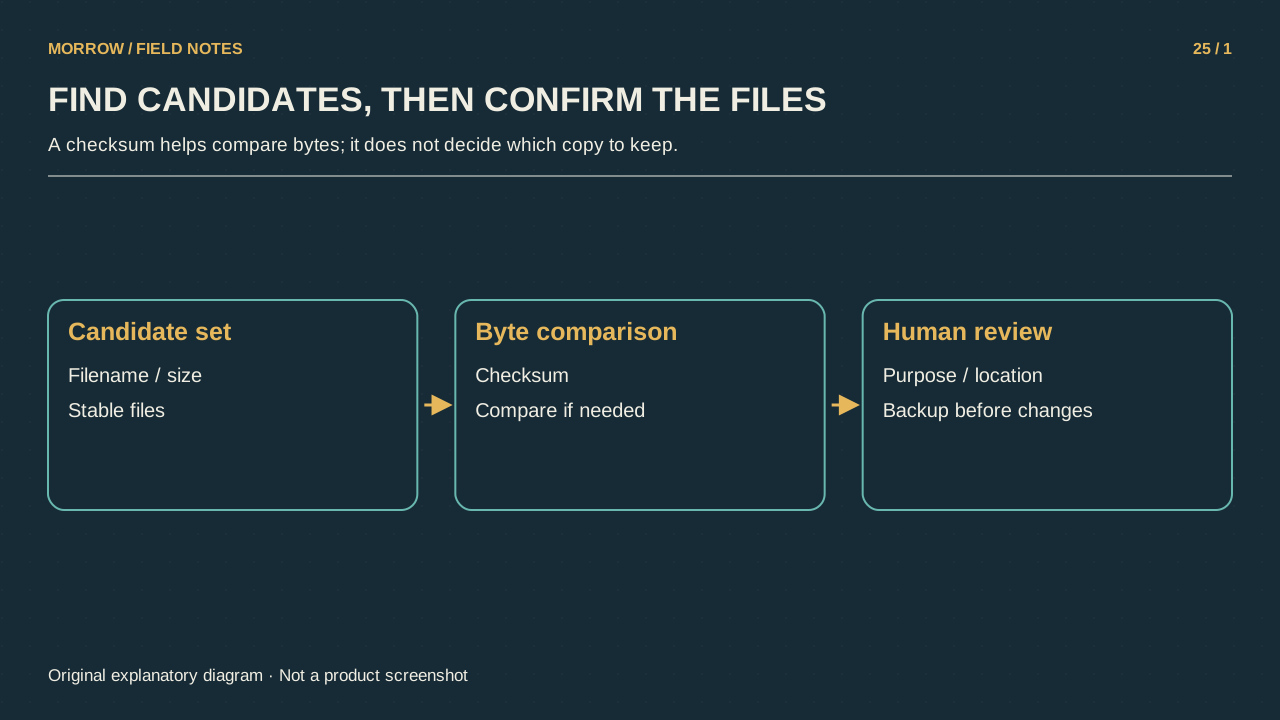
Define exact duplicates before searching
This workflow targets byte-for-byte copies. Photographs exported at different quality settings, images with altered metadata and PDFs with added annotations can look similar while containing different bytes. A checksum does not judge whether these versions mean the same thing. Choosing “exact copies only” prevents useful variants from being dismissed as redundant.
Different file sizes rule out byte-identical copies. Equal sizes only narrow the candidates; they do not prove identical contents. Names and modified dates can help you organize the review, but copying or synchronization can change dates. Do not make those labels the final decision criterion.
Calculate checksums without moving files
Microsoft's Get-FileHash documentation describes hashing file contents and using SHA256 by default. Compare both candidates with the same algorithm. These PowerShell examples read named files and display results; they do not move or delete them. Replace the example paths with your own.
Get-FileHash -LiteralPath 'C:\Review\report.pdf' -Algorithm SHA256
Get-FileHash -LiteralPath 'C:\Review\report-copy.pdf' -Algorithm SHA256
The GNU SHA-2 documentation covers checksum utilities such as sha256sum. Across systems, the principle is the same: compare the same bytes with the same algorithm. Compare the complete checksum, rather than a few opening characters.
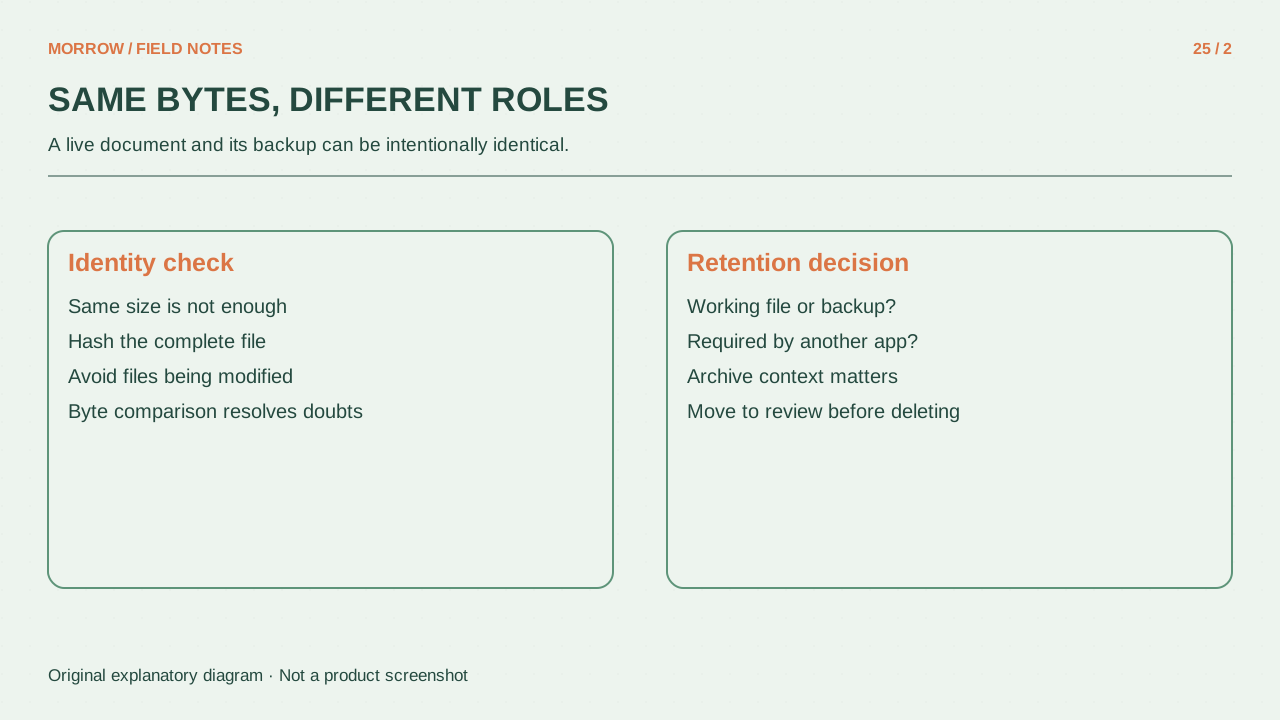
A matching checksum does not mean an unnecessary copy
A SHA256 match provides very strong evidence for ordinary duplicate review. If strict byte identity matters, a direct byte comparison can provide an additional check. Neither step tells you that a copy is dispensable. A checksum also does not certify a trustworthy source or authentic document content.
| Review question | Why it matters |
|---|---|
| Is this a backup? | The duplication may be deliberate. |
| Does another file or application reference this path? | Removing the path can break a link. |
| Is it needed in a shared folder? | Other people may depend on that location. |
| Which copy is the retained reference? | You need a consistent storage decision. |
Start with a small review record
Inspect a few candidates in one folder first. Record path, size, SHA256 and the reason for retaining a copy. Mark inaccessible or cloud-only files as unexamined, rather than implying they were compared. Files that change while being read can complicate a comparison; use stable, saved copies when reviewing them.
Do not connect an unreviewed candidate list to a recursive delete operation. After any cleanup, verify that documents and applications still open correctly instead of focusing only on reclaimed space. Technical identity and storage purpose are separate decisions. Keeping them separate makes duplicate review useful without turning a matching string into an unjustified instruction to erase a file.
Related practical guides
Original illustrations created to help explain this article.