Why a 65W charger slows down with two devices: USB PD and shared power
This article was translated from its source language with AI assistance. Please check technical terms and equations against the original.
Your laptop charges normally on its own, then charges more slowly after you plug in a phone. The 65W or 100W printed on a charger does not necessarily apply to every port simultaneously. Read three different quantities: one-port maximum, multiport distribution, and the power agreed with the connected device.
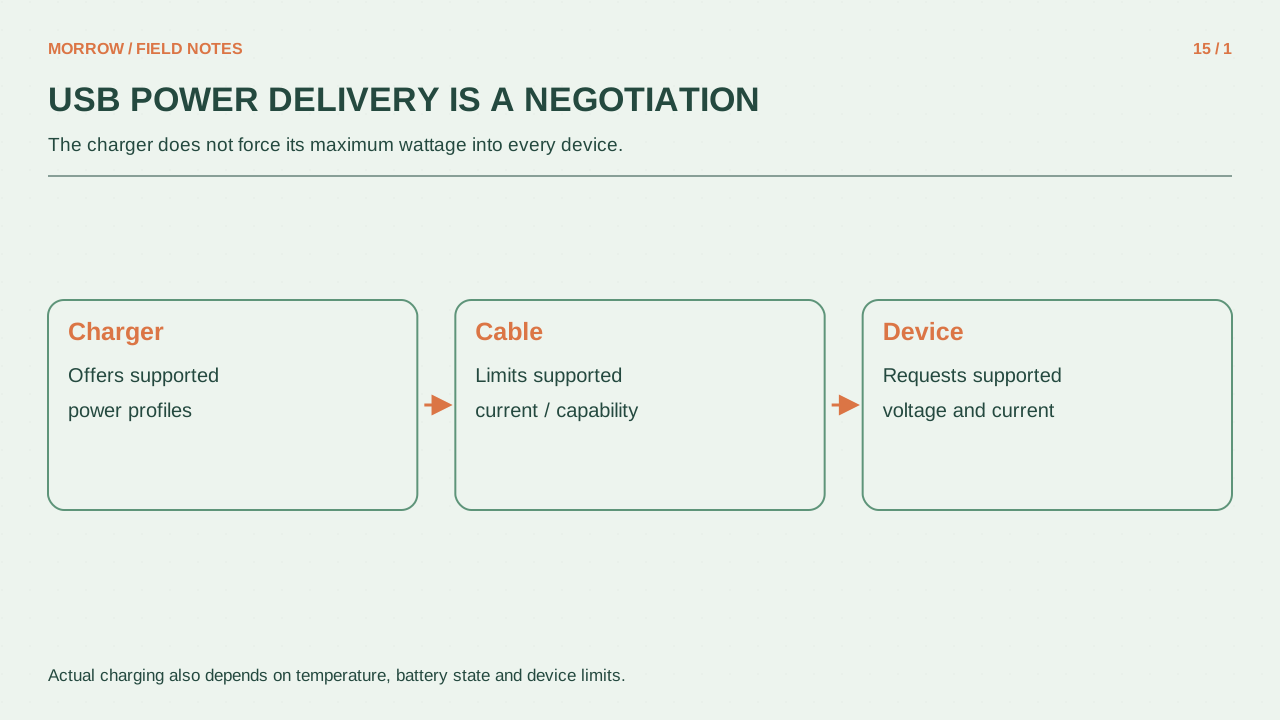
USB PD agrees supported power conditions
USB Power Delivery lets a source and a receiving device negotiate supported power. The charger's headline rating alone does not determine actual charging power. Cable capability, device support, battery state, and device activity also matter. The PD specification supporting up to 240W does not mean that your particular charger provides 240W.
For an illustrative example, a phone that cannot accept the charger's 65W conditions will not charge at 65W simply because the rating is printed on the case. A compatible charger with a higher rating does not automatically force that maximum into a lower-power device either. Compatibility and negotiation are the useful questions.
Read total output and the port combination table together
| Manual entry | Meaning | Next question |
|---|---|---|
| 65W maximum | Maximum under specified conditions | Single port or shared total? |
| C1 alone: 65W | Only that port is used | What changes when C2 is occupied? |
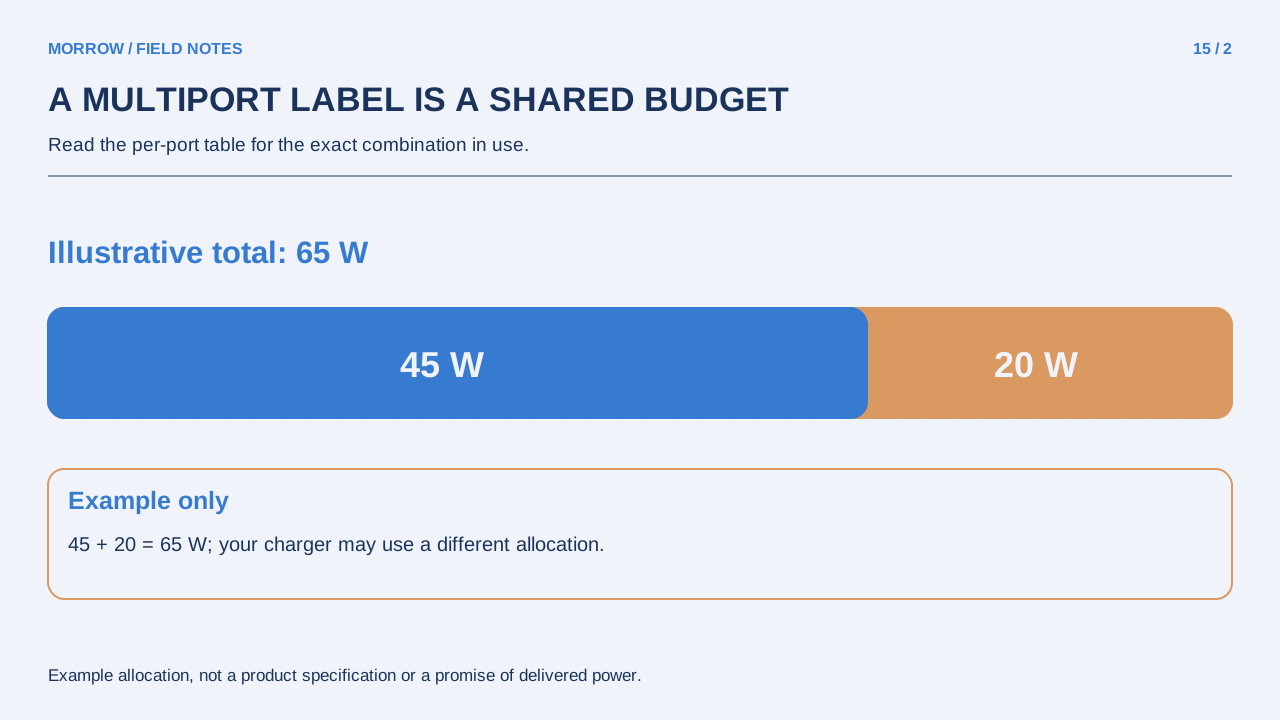
| C1 45W + C2 20W | Distribution for that combination | Do other combinations differ? |
The 45W-plus-20W row is a reading example, not a rule for every 65W charger. Specific products, such as the Anker 615, publish combination-dependent output information. Find the table for your exact model. Similar port positions do not establish identical power distribution.
Separate the causes of slow charging
- Connect only the laptop to the documented port.
- Keep the cable and workload the same while checking charging.
- Add the phone and record the change and any device message.
- Compare the simultaneous-output table with the laptop's power requirements.
- Run a separate comparison changing only the cable.
Try to keep battery level and workload comparable. Comparing an idle laptop with one running a game mixes charging distribution with device consumption. Charger output and power stored in the battery are not identical: the running computer uses some incoming power first. Under a demanding workload, the battery may rise slowly or even fall.
Record brief reconnects instead of guessing
A multiport charger may redistribute power when another device is connected. Check the specific manual to establish whether a short reconnect is documented behavior. Do not explain persistent disconnects or a damaged cable away as ordinary sharing. Record the cable, port, and device combination so support can investigate a repeatable situation.
Plan around the combination you use, rather than the largest number on the box. If the laptop and phone always share the desk charger, the documented two-port arrangement is the useful specification. After finding a working arrangement, keep that combination consistent and label the ports if it prevents repeated confusion.
Primary references: USB-IF Power Delivery overview and Anker 615 model-specific output information. Example distribution values are not promises for other models.
Related practical guides
Original illustrations created to help explain this article.