Mesh, range extender, or wired access point? Follow the backhaul path
This article was translated from its source language with AI assistance. Please check technical terms and equations against the original.
A weak connection in one room does not automatically require a mesh system. Look at two links: the device's link to the local Wi-Fi node, and that node's link back to the main network. The second link is the backhaul. Start by asking whether an Ethernet connection is available; it often makes the choices easier to understand.
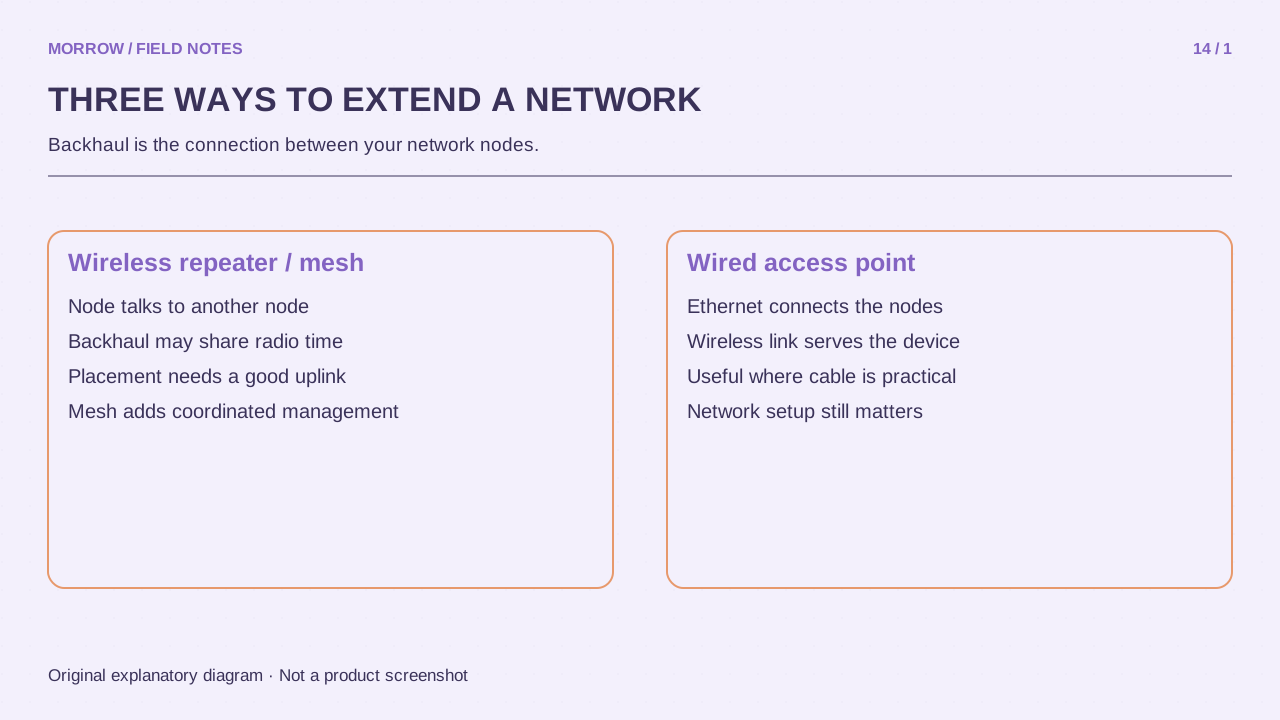
Compare connection structures before product names
| Approach | Upstream connection | First check |
|---|---|---|
| Wireless range extender | Usually receives and retransmits existing Wi-Fi | A usable original signal at its position |
| Mesh system | Compatible nodes, wireless or supported wired backhaul | Exact model compatibility and backhaul support |
| Wired access point | Ethernet input, Wi-Fi for nearby clients | Cable path and access-point mode |
AP means access point. Mesh and wired AP are not mutually exclusive concepts: a compatible mesh system can use Ethernet backhaul. Conversely, an extender with an Ethernet socket does not automatically support every AP mode or mesh system. Read the actual model documentation rather than using the connector as proof.
Place a wireless extender before the dead zone
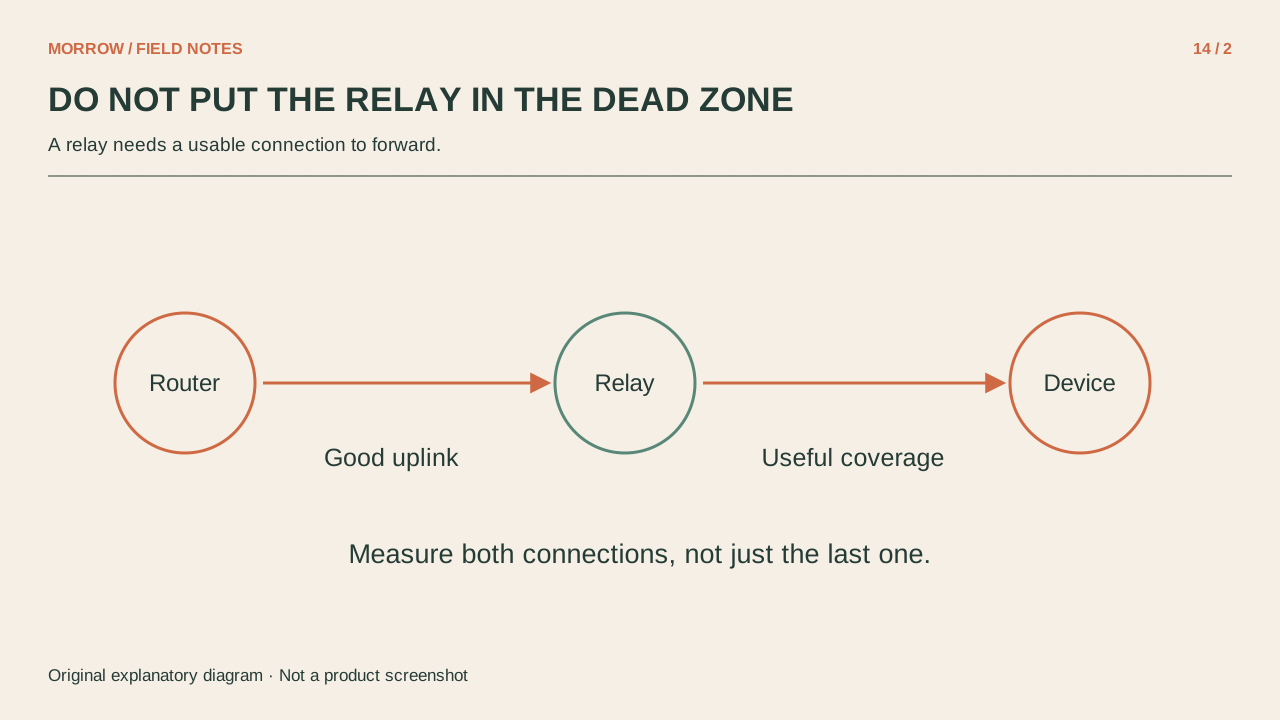
The extender itself needs a reliable original connection. If the desk has no usable signal, putting the extender beside the desk may give it the same upstream problem. Test an intermediate position where the original Wi-Fi is still stable. Its job is to extend an existing usable link, not conjure one from an unusable location.
When a device receives and retransmits wirelessly, both links consume wireless resources. The effect depends on its radios, bands, and configuration; a universal claim that speed is exactly halved is too simple. Even well-specified equipment cannot use its full capability if its weak upstream connection is the bottleneck.
Consider a wired path when one already exists
Suppose an Ethernet run connects the living-room router to the study. A device supporting AP mode could provide local Wi-Fi in the study over that wired path. First establish where the wall socket connects and whether the cable and ports work. Then test at the actual desk using the same task as before.
Installing another device in router mode can introduce a separate subnet or double NAT, depending on the layout. AP mode is a different role. Check the manufacturer's instructions and sketch the starting network before changing modes. For mesh, shared branding is not enough: verify the exact compatible models.
Run three tests before adding equipment
- Improve the current router position and retest the problem area.
- If possible, connect a laptop by Ethernet to separate an internet bottleneck from a wireless one.
- Check the original Wi-Fi at the proposed extender position.
Judge the final result with real work: a call, a large transfer, and walking between rooms. Mesh coordination can help management and roaming, but it cannot remove the influence of client decisions or walls. Choose a structure that addresses the missing link, then confirm compatibility and placement. A single repeatable improvement matters more than a list of features you cannot use in your layout.
Primary references: TP-Link AP-mode guide, Google wired mesh and compatibility guidance, and Google placement guidance. Follow the specific model's documented setup and limitations.
Related practical guides
Original illustrations created to help explain this article.