What Is Claude Code? Why Its Workflow Differs from Ordinary Claude Chat
This article was translated from its source language with AI assistance. Please check technical terms and equations against the original.
Key takeaway: Claude Code helps you read and edit files and run commands inside a development project. Receiving an explanation of code in an ordinary Claude conversation and making actual changes in a project environment require different checks. Instead of deciding which is always better, first distinguish whether you want an explanation or changes to files.
1. Claude Code Centers on Working in a Project
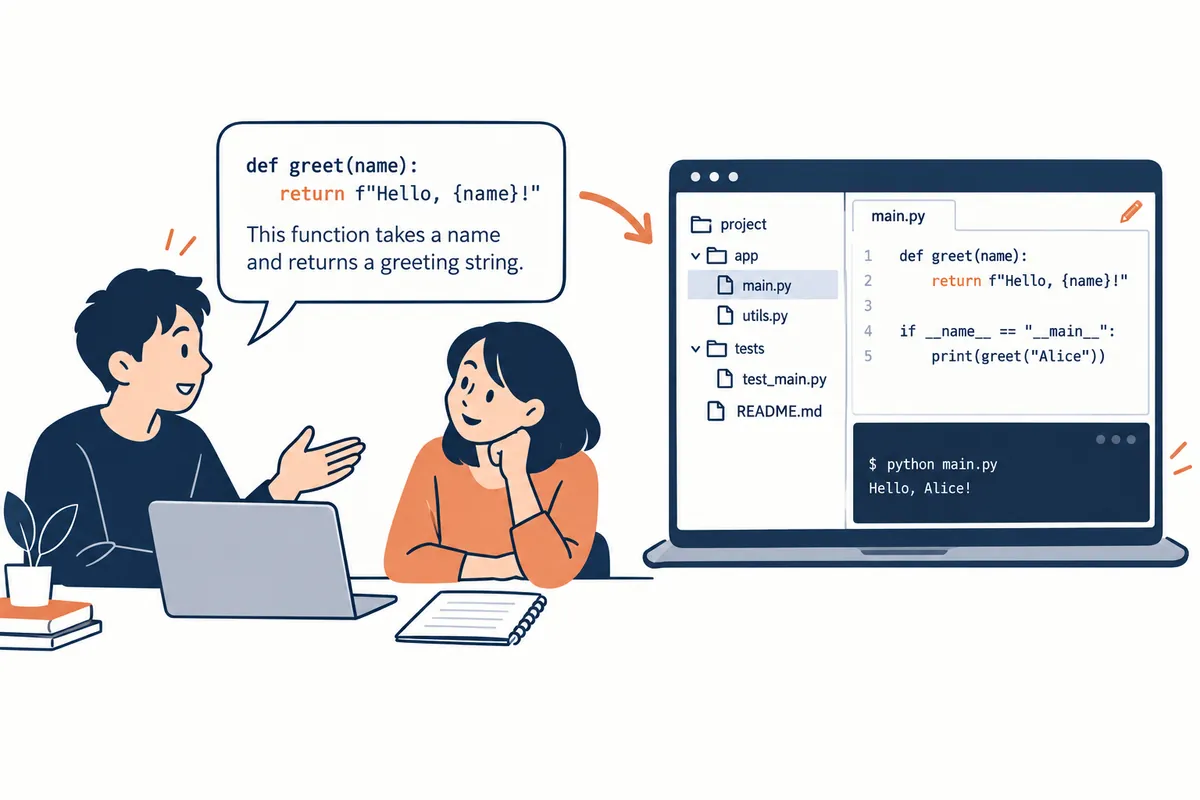
The official documentation introduces Claude Code as a tool available through terminals, IDEs, desktop apps, the web, and other environments. In the CLI, you can edit files, run commands, and perform other project work. Check the official overview for available environments and access conditions.
Pasting code and asking “Explain what this function means” differs in scope from opening a project and requesting “Find where this function is called and fix the error.” The latter requires related files, a runtime environment, and validation commands. A good explanation does not establish that an error has been fixed in the actual project.
2. Three Things to Check When Comparing with Ordinary Chat
| What to check | Explanation-focused request | Project-change request |
| Input material | Pasted code and description | Project files and runtime environment |
| Desired result | Explanation, examples, and proposed fixes | Actual file changes and validation records |
| Review target | Whether the explanation matches the code | Changes and execution results |
This table illustrates types of requests rather than making definitive comparisons of every product feature. Ordinary Claude can also perform various tasks depending on account features and connected tools. Rather than judging functionality by the screen's name, check which files and tools the current session can access.
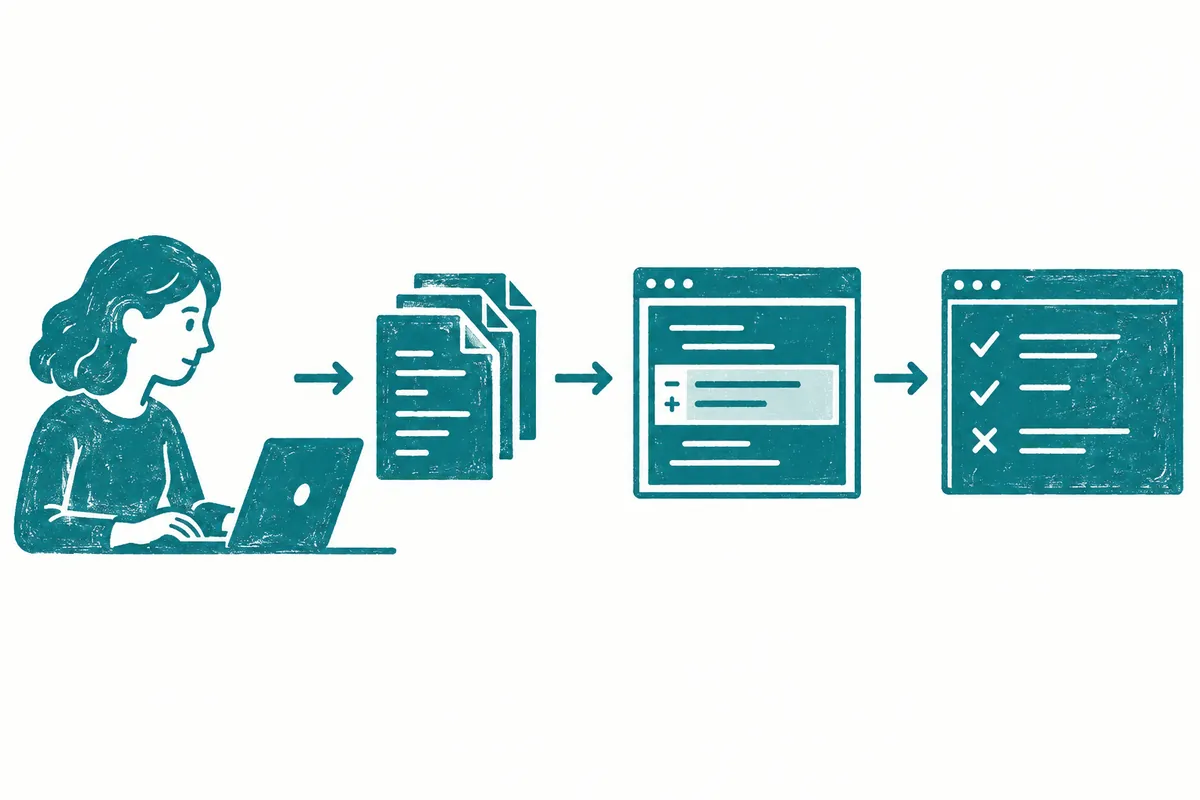
The sequence in which Claude Code gathers material, uses tools, and checks results is described in the how-it-works documentation. Before delegating work, users should define completion criteria; afterward, they should inspect changed files and supporting evidence.
3. Good First Tasks for Beginners
Start with an explanation of project structure or investigation of a small error before adding features. Distinguishing investigation without file changes from actual editing makes answers easier to review. The following wording is a starter example, not a request executed in a specific project.
이 프로젝트의 구조를 먼저 설명해 줘.
실행 시작 파일, 주요 폴더, 기존 테스트 위치를 찾아 근거 경로를 적어 줘.
아직 파일은 수정하지 마.
실행 방법이 문서와 설정에서 일치하는지 확인하고,
확인할 수 없는 부분은 추측하지 말고 질문으로 남겨 줘.
After comparing the explanation with the actual files, request a small change. You could specify a single problem: “Fix only the issue of showing guidance when search results are empty. Check existing behavior and report the related validation results.” A narrow scope also makes changes easier to inspect.
4. Check Scope and Permissions Before Changing Files
If the project already contains edits, first inspect and preserve them. Specify target files and responsibilities to avoid touching files someone else is working on. Use review examples instead of passwords or actual customer data. These are basic preparations for organizing development work.
Claude Code's tool access is managed by permission settings. An instruction saying “do not modify” and a setting restricting tool use serve different purposes. To manage actual access, check the official permissions documentation and session settings. For unfamiliar commands, read their purpose and effects before proceeding.
5. What to Look for in a Completion Report
The report should identify changed files, reasons for the edits, validation actually performed, and items still unverified. “Can be tested” or “looks fine” is different from running tests and passing them. Check the commands and results, and inspect behavior on the actual screen if the interface changed.
For example, merely hiding an error message may make things appear normal while leaving the cause intact. Check that the reproduction conditions no longer trigger the issue and that previously valid inputs still work. Judge changes and observed results rather than skipping review because AI wrote the code, or assuming it is wrong based only on an explanation.
6. Choose a Terminal, IDE, or Web Environment
Even within Claude Code, distinguish the interface from where code executes. First decide whether you will work with a project running on your computer or a repository in a separate environment. The official how-it-works documentation separates the interface and execution environment, so a web interface alone does not establish where files are processed.
| What you want to do | What to check when choosing | First request to delegate |
| Modify an existing local project | Working folder and currently installed tools | Find and explain the structure and execution commands |
| Compare changes in an editor | Open project and connected execution environment | Investigate current changes and related callers |
| Work on a repository in a separate environment | Repository access and prepared dependencies | Report the current baseline and what can be validated |
| Need only a short code explanation | Code to provide and scope of the question | Explain inputs, outputs, and exceptions |
This table is a framework for choosing an environment, not an account-specific feature list. A button in an app does not establish that the repository and tools you need are connected. Asking for “the current working path, shell, readable files, and environments that cannot be checked” first makes the next request's scope easier to define.
7. Prepare the Project Before the First Edit
- Open the actual working folder and distinguish its name from other projects.
- Separate files the user has already edited from files targeted by the new task.
- Find execution and validation methods in the README and configuration files.
- Distinguish what can be reviewed without external services from what requires a real connection.
- Briefly describe expected behavior for valid and erroneous inputs.
For a Git repository, you can also inspect the change status. For example, git status --short helps identify ongoing changes. It was not executed in this article and cannot be applied as is to a folder without a Git repository. Identify who made the changes before automatically deleting or reverting the listed files.
이 폴더를 처음 확인합니다.
README와 설정 파일을 근거로 실행 방법을 설명하세요.
현재 변경 중 이번 요청과 관계있는 부분을 구분하세요.
파일을 수정하거나 패키지를 설치하지 마세요.
검증 명령을 발견하면 명령 / 목적 / 실행 조건을 적으세요.
외부 계정이나 비밀값이 필요한 확인은 그 값 대신
필요한 항목의 이름과 준비할 절차를 알려 주세요.
To see a plan before code edits, refer to options such as claude --permission-mode plan in the official guide. Plan mode behavior and approval flow appear in the official workflow documentation. A natural-language request to “not modify” and the actual session permission mode serve different purposes, so use both to fit your current objective.
8. Turn an Explanation of a Fictional Input Error into an Editing Task
The following is fictional notes-app code. It was neither taken from an actual repository nor tested with Claude Code. It illustrates the difference between requesting a code explanation and requesting actual work.
function addNote(text, notes) {
  notes.push({ text: text });
}
For an explanation only, you could ask, “Explain this function's inputs and array changes, and identify conditions to consider when it receives a whitespace string.” To delegate an actual project change, also investigate where the function is called, whether non-string inputs are possible, and how the storage format must be preserved.
가상 메모 앱에서 공백만 적은 항목이 저장되는 문제를 해결하려고 합니다.
대상: [실제 파일 경로]
정상 동작: 내용이 있는 문자열은 기존 형식으로 한 번 저장.
오류 동작: 빈 문자열과 공백뿐인 문자열은 저장하지 않음.
먼저 호출부에서 전달하는 자료형과 기존 입력 검증을 조사하세요.
앞뒤 공백을 보존할지 제거할지는 현재 요구사항을 확인하세요.
공개 저장 형식은 바꾸지 마세요.
필요한 최소 수정과 관련 검증을 진행하고,
직접 실행한 명령·결과·미실행 항목을 보고하세요.
In this example, “block strings containing only whitespace” and “remove leading and trailing whitespace from every sentence” are different requirements. A product that does not need the latter could preserve the original text and only determine validity. Even when you feel you understand the cause, specify conditions so product behavior is not arbitrarily expanded.
| Fictional review input | Expected result under the request | Additional condition to decide |
| Empty string | Do not save | Whether to display guidance |
| Three spaces | Do not save | Whether other whitespace characters are included |
| “Today's tasks” | Save in the existing format | Handling duplicate clicks |
| “ Today's tasks ” | Input containing content | Policy for preserving leading and trailing whitespace |
This table is a draft of completion criteria, not a record of completed tests. When actual validation results arrive, mark the inputs actually executed and leave the others as planned.
9. A Practical Way to Read Work Reports
If the only explanation is “input validation was added,” request code changes and behavior validation separately. Changed files and diffs, output from executed commands, and environments not yet prepared should each be identified to understand the current state. Even if a validation command succeeds, check that it covers the intended input cases.
완료 보고를 다음처럼 구분해 주세요.
변경: 파일명과 바꾼 동작.
관찰: 실제 실행한 명령과 확인한 입력·결과.
해석: 그 결과로 판단할 수 있는 범위.
미확인: 실행하지 않은 화면·환경·외부 연결.
다음 단계: 남은 확인을 수행할 구체적인 방법.
테스트 코드 작성과 테스트 실행을 같은 상태로 쓰지 마세요.
If a report hides failures, ask, “Explain the first command that failed and the error location first, and do not fill the results with predictions.” Distinguishing project explanation, code editing, and actual behavior verification makes deciding the next task easier.
Frequently Asked Questions and Troubleshooting
Can I use it without knowing how to code? You can start by requesting a structural explanation, but actual changes require execution and review skills. Is it only for terminals? The official guide introduces multiple environments, so check your own. Can I delegate an entire app at once? Divide the goal into features and define completion criteria for each stage to make progress easier to understand.
Official Sources and Date Checked
Official documentation checked: October 3, 2026. Screens and availability conditions may change afterward.
Original illustrations created to help explain this article.
Original on Tistory ↗