Comparing Two Documents with Claude: Request a Difference Table and Original Evidence Together
This article was translated from its source language with AI assistance. Please check technical terms and equations against the original.
Reviewing a difference table for two documents
| STEP 1 | Check the roles of documents A and B |
| STEP 2 | Check readable scope and pages |
| STEP 3 | Request differences and evidence locations |
| STEP 4 | Compare important rows with the originals |
| STEP 5 | Share with verification status recorded |
This explanatory diagram organizes the reading sequence. It is not an actual program screen or measurement result.
Uploading two documents to Claude and asking “Tell me the differences” may give you an overall impression but make it difficult to verify which sentences actually changed. To distinguish changed content, relocated content, and similar wording with changed meaning, request comparison criteria and original evidence together.
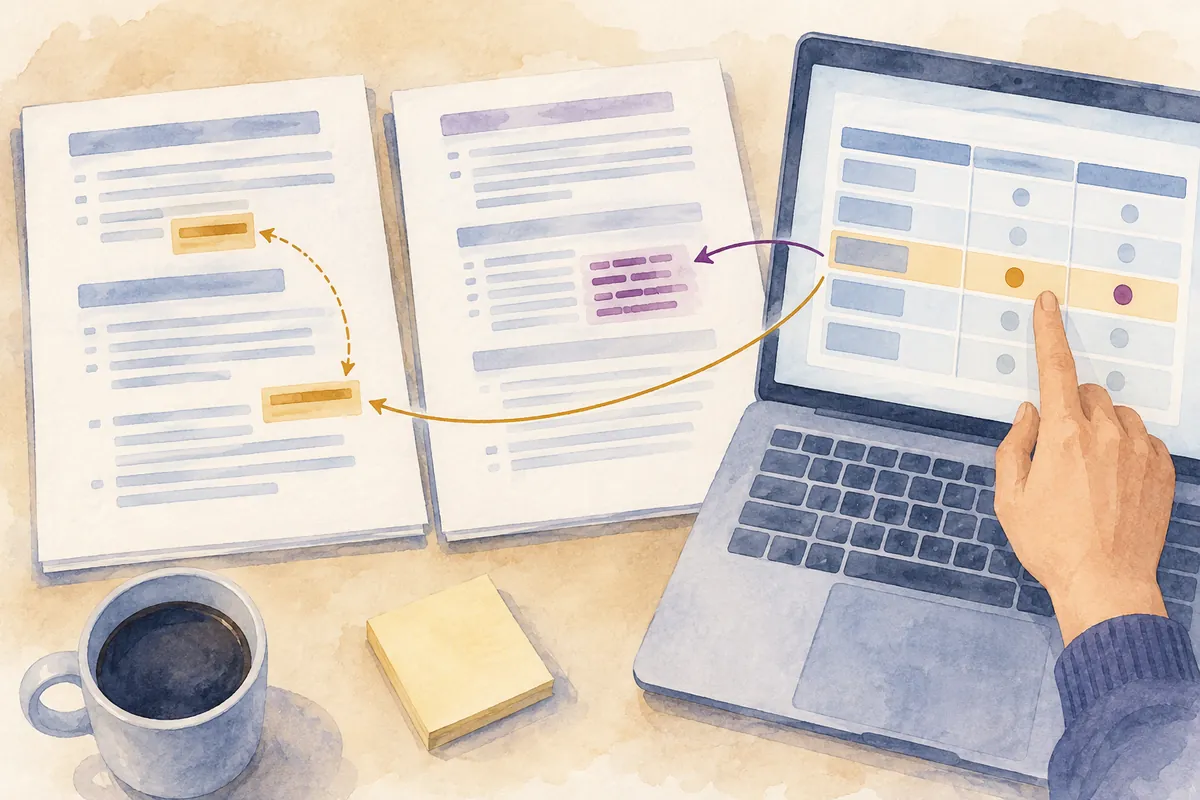
This article explains a document comparison procedure using hypothetical earlier and revised workplace notices. It is not a record of uploading real documents or testing Claude's responses. It focuses on checking the originals and responsible institution's guidance rather than establishing important submission conditions or contract and policy interpretations from an AI comparison table alone.
1. Define the roles of A and B first
Do not designate a document as the latest version solely because its file name includes “final.” Check publication date, revision date, version, and issuing institution, then assign roles such as A for the previous edition and B for the current edition. To compare revisions, both documents must apply to the same target group. Different programs or regions can cause a separate document to be mistaken for a revision.
Hypothetical file names can distinguish roles, such as “Guide_A_Previous.pdf” and “Guide_B_Current.pdf.” Specify what those names mean in your request. Merely saying “A and B” can be confused with other files or documents from earlier conversation, so connect exact file names with document titles. If dates are unverified, compare file 1 and file 2 instead of declaring them previous and current.
State the comparison purpose in one sentence. “Summarize everything” and “Identify changes in what applicants must do” yield different results. For scheduling, focus on deadlines and time zones; for workplace procedures, focus on steps, responsible people, and required materials. Choose criteria relevant to the reader's decisions rather than treating every sentence as equally important.
2. Check whether the files can actually be read
Check supported document formats and current usage conditions in Claude's official file upload guidance. A supported format such as PDF or DOCX does not guarantee identical extraction of every document's contents. Scan quality, page layout, tables and images, and processing conditions for long documents can affect results, so establish the readable scope before comparing.
After attaching files, you can ask, “Check each file's title, page or section structure, and text scope usable for comparison, and tell me which parts could not be read.” Comparing the first-page title or a small passage against the original makes it easier to check whether the wrong file was used. A statement that all contents were read does not alone establish extraction accuracy.
If tiny lettering in an image or a scanned table is important, inspect that page closely. Distinguish PDF viewer page numbers from numbers printed in the document. If they differ, locations in the comparison table will differ too. Asking “Distinguish PDF page numbers from printed document numbers, and include only verifiable numbers” helps create a route for rechecking.
| Preparation item | What to check | Hypothetical record |
| Document roles | Previous/current editions or separate documents | A is the previous guide; B is the revised guide |
| Identifying information | Title, issuing institution, version, and dates | Compare file names with titles in the text |
| Readable scope | Whether text, tables, and images were checked | Text in Table 2 requires separate checking |
| Comparison purpose | Key criteria such as procedures, deadlines, and wording | Focus on changes to applicant actions |
| Location notation | Viewer pages and printed numbers | PDF page 5, printed page 3 |
3. Add original locations and evidence to the difference table
Table columns can include comparison item, content in A, content in B, change type, original location, and required action. Summaries alone make it hard to verify whether the actual sentences' meaning was preserved. Request a short supporting passage and location for each row; there is no need to reproduce the entire document verbatim. The purpose is to leave clues for returning to the original.
Change types can include additions, deletions, numerical changes, condition changes, relocation, and wording changes. If the same sentence moves to another section, check that it is not exaggerated as a separate deletion and addition. Even when a sentence becomes shorter, its conditions may remain elsewhere, so search related items beyond the compared section too.
In a hypothetical case, A saying “by October 10” and B saying “by October 12” can be marked as a date change. However, if the sentences apply to different programs or target groups, you cannot conclude that the deadline changed for the same item. Compare original headings and surrounding context to check whether the AI matched the same procedure. Numbers alone do not determine the meaning of a difference.
| Comparison item | Content in A | Content in B | Question for checking the originals |
| Application deadline | Hypothetical: October 10 | Hypothetical: October 12 | Is this the same application for the same target group? |
| Required documents | Hypothetical: Document X | Hypothetical: X and Y | Are exceptions stated in another section? |
| Submission method | Hypothetical: In person | Hypothetical: Online route added | Can applicants choose either route, or is online submission mandatory? |
| Section location | Hypothetical: Section 2 | Hypothetical: Section 5 | Has the content itself been preserved? |
The items and dates above are hypothetical examples created to explain the comparison method. The table does not report changes to an actual policy or institutional guidance.
4. A comparison request you can use directly
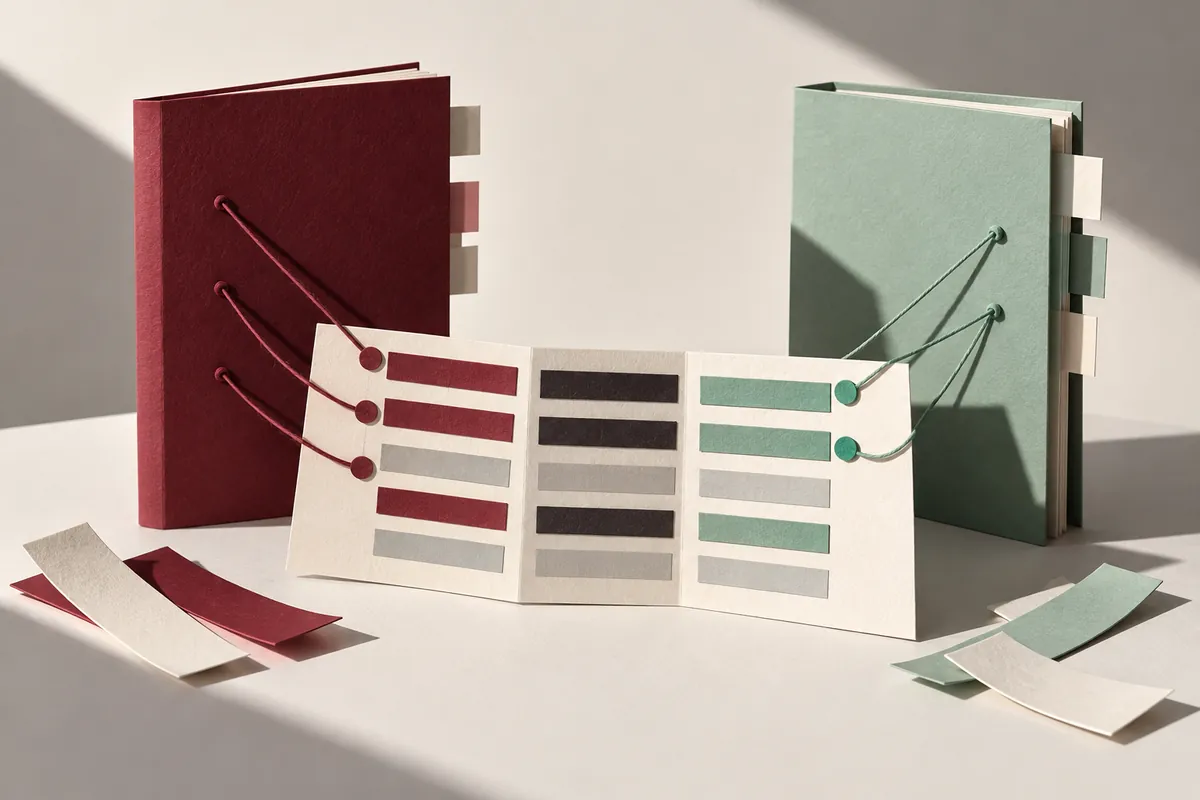
You can ask, “Compare the attached A and B. A is the previous edition and B is the current edition; prioritize changes in what applicants must do. Organize each difference in a table with the item, summary of A, summary of B, change type, evidence locations in both documents, and points needing verification. Distinguish content that merely moved from content whose meaning changed. Explicitly identify unreadable parts and inferences without evidence.”
After receiving the table, check the originals for the most important rows first. Deadlines, eligibility, costs, duties, and required materials change actual actions, and omitting a small word in a summary can alter meaning. Focus on condition-setting words such as “may,” “required,” “exception,” “after,” “before,” and “within.”
Make follow-up questions specific. “Check B's exact sentence and related exceptions for the submission method in row 3” narrows scope more than “More detail.” If you cannot find the sentence at the AI's stated location, mark a location error and check again instead of arbitrarily supplying another page to make it fit. Separate unverifiable evidence from confirmed items.
5. Practice distinguishing changes in meaning from wording changes
If a hypothetical sentence changes from “You may submit the documents” to “You must submit the documents,” its meaning shifts from optional to mandatory. Conversely, changing “Submit the application documents” to “Send in the required papers” may only change wording if surrounding conditions are identical. Actual legal meaning is not established by comparing one word alone, so read related definitions and context too.
Compare numerical units as well. Ten days and ten business days, 5% and 5 percentage points, and won and ten-thousand won differ in meaning despite matching numbers. Check whether a period's starting point or reference date changed. Even if a table marks no numerical change, changed units in the heading can constitute a real change. Include footnotes, table titles, and legends as well as sentence text.
An apparently deleted item may have moved to an appendix or separate link. Conversely, even if a link remains, its target may have been revised or removed, changing the actual guidance. “Not found in the text” and “the condition was abolished” are different claims. Record the scope checked and consult current official guidance if actual applicability matters.
6. Turn the AI comparison table into a review record
Assign a review status to each row, such as original checked, location needs correction, more context needed, or responsible person confirmation needed. This clarifies remaining work. Do not mark a review complete merely because AI uses a confident tone. Mark complete only rows connected to originals you directly verified, and keep uncertain rows separately.
If both documents are too long, start with sections suited to the comparison purpose. State in the final result that only certain sections were compared. Do not label unexamined sections “no differences.” When a full comparison is required, maintain lists of checked and unchecked sections to reveal gaps.
The final summary should describe the most important changes, affected readers, required actions, and still-unverified items. Retaining original links or file identifiers lets you compare again when a new edition appears. Before sharing the table, check that recipients can access the originals and that private content has not been placed in a public channel.
7. Steps to retrace when comparison results seem wrong
First check whether the file roles were reversed. Then inspect editions and target groups, extracted text scope, matched items, and page notation in that order. If a file was omitted or a table could not be read, changing prompt wording alone may not produce an accurate comparison. Resolve the state of the input materials first.
Preserve both original files even after review. The comparison table organizes information to help locate original text; it does not replace the originals. If corrections or new versions appear, identify the new files separately and update which editions were compared. Keeping sources and scope is particularly helpful when repeating document comparisons.
Official sources and scope of verification
Sources checked: October 5, 2026. Written by AI after reviewing official materials. Hypothetical cases and calculation examples in the text are not actual user records or experimental results. Service conditions, menus, and published materials can change; check the necessary conditions in current official guidance.
Original illustrations created to help explain this article.
Original on Tistory ↗