Does converting MP3 to FLAC improve quality? A practical audio archive
This article was translated from its source language with AI assistance. Please check technical terms and equations against the original.
A compact audio file and a file suited to editing serve different needs. Changing an extension or converting to a larger format does not bring missing information back. Keeping an archival original separate from a distribution copy reduces confusion as a recording passes through repeated work.
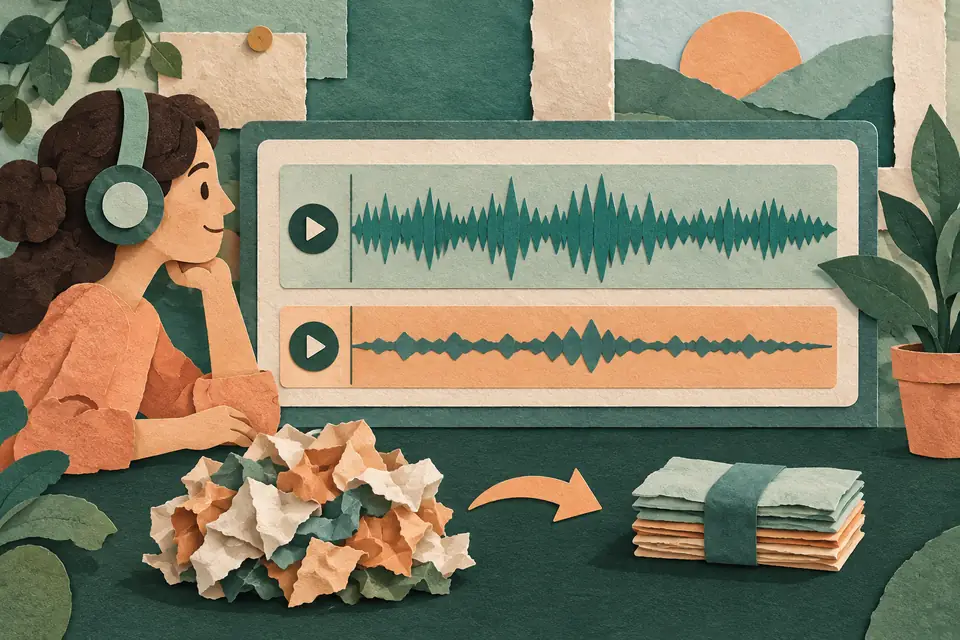
What does lossless actually preserve?
Lossless compression stores input digital audio data so it can be recovered. Lossy compression discards some information to reduce size. FLAC is an example of lossless compression, and MP3 is an example of lossy compression. The key phrase is input data: FLAC does not recreate information from the original recording that has already been discarded in an MP3.
Audacity's audio quality explanation helps distinguish format from perceived quality. A lossy file does not mean every listener can hear a difference in every situation. Equally, not hearing a difference does not make the same choice ideal for long-term archiving or repeated editing.
Draw the conversion path
Suppose you make an MP3 copy from your own PCM WAV recording. Converting that MP3 to FLAC preserves the decoded MP3 result. The file may grow, but it does not become identical to the first WAV. If you can locate the original, use it as the starting point for creating the format you need.
Encoding an MP3 into another lossy file can introduce further loss. A practical workflow therefore keeps ongoing edits in a lossless format or an editing project, then makes the final lossy copy for sharing. Lossless conversion may prevent future compression loss; it does not repair past loss.
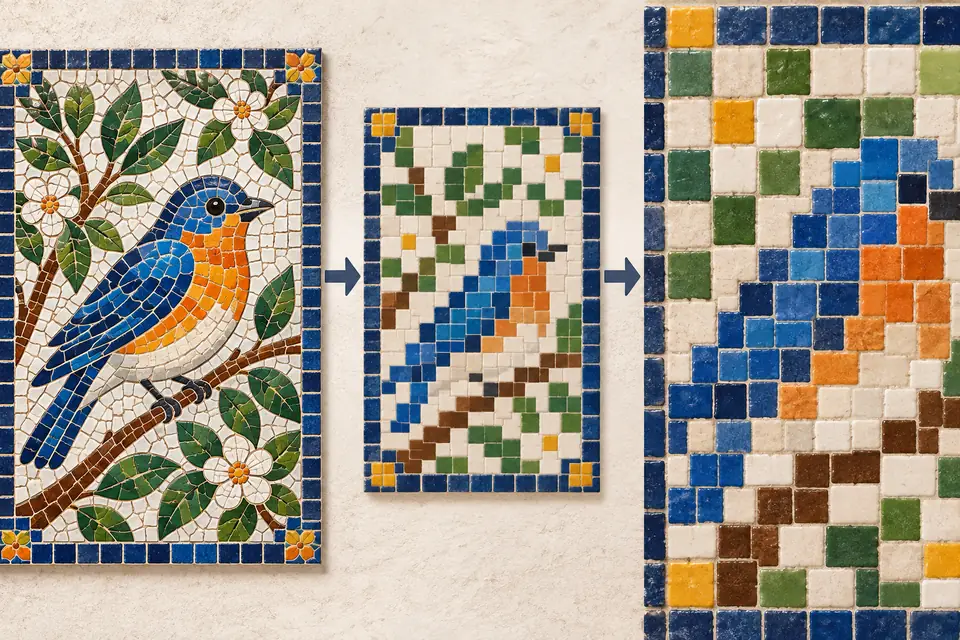
A size calculation makes the trade-off concrete
For an illustrative example, consider uncompressed PCM audio at 44,100 Hz, 16 bits, and two channels. One second contains 44,100 × 16 × 2 ÷ 8 = 176,400 bytes; three minutes contains approximately 31.75 MB. Here, one MB means one million bytes, and file headers and other overhead are excluded.
At a constant bitrate of 192 kbps, the audio data for those three minutes is approximately 4.32 MB. This calculation cannot tell you how pleasant the sound is, but it shows the scale of storage and transfer. FLAC size depends on the audio content and compression settings, so do not assume it will always be exactly half.
Separate originals, projects, and distribution files
Keep untouched recordings in an originals folder, editing state in a projects folder, and the files you actually publish in a distribution folder. Include dates and purposes in filenames while keeping the extension. If one interview produces a long archive and a short publishing copy, make the starting point recognisable.
Also distinguish an extension from a codec. A container can hold different kinds of audio, so its name may not establish whether the audio is lossy. Use the concepts in Audacity's digital audio fundamentals to check the actual export settings, play the finished file from beginning to end, and back it up alongside the original.
Original illustrations created to help explain this article.