Checking News About New AI Features: Reading Product, Plan, and Rollout Conditions in Official Release Notes
This article was translated from its source language with AI assistance. Please check technical terms and equations against the original.
You may read about a new AI feature but find no menu on your screen, or change settings after hearing about a new model and encounter a program failure. Even when an announcement is true, applicable products, plans, regions, and rollout stages can differ. “Announced,” “available to my account,” and “works correctly for my task” require separate checks.
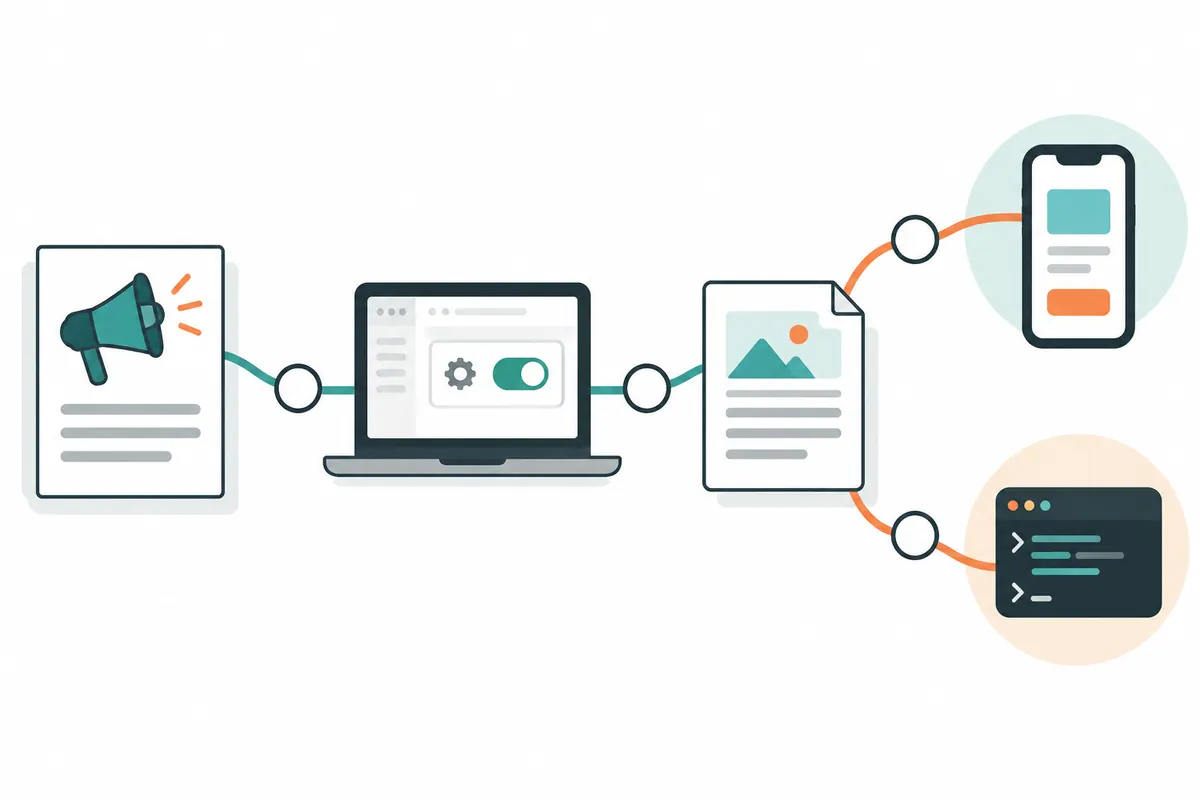
This article does not predict future updates. It organizes a procedure for checking feature news using official ChatGPT and Claude release notes as examples. Product names, prices, and support conditions change, so opening the original and recording the check date is essential. Illustrative checks are not actual account test results.
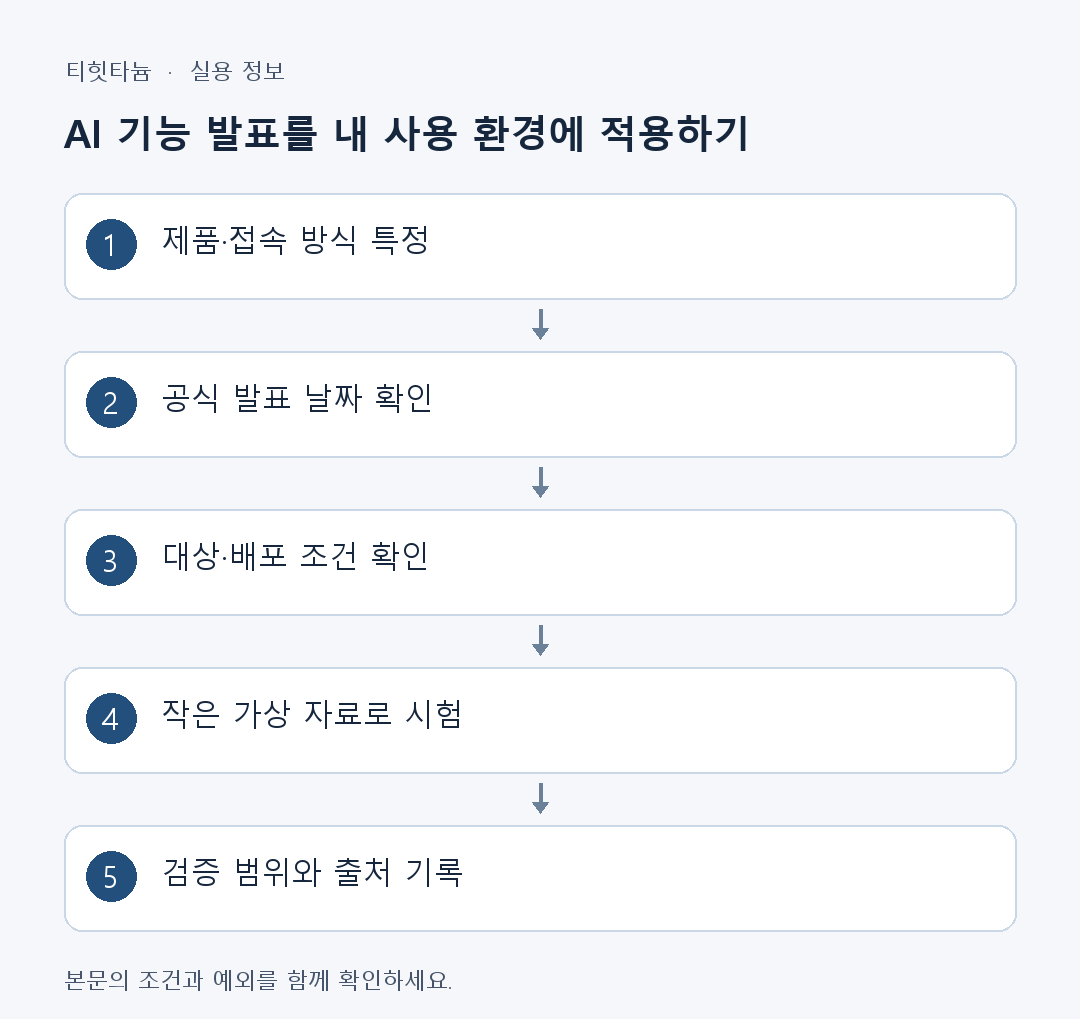
1. Identify the product mentioned in one sentence
One company can offer web apps, mobile apps, developer APIs, coding tools, and enterprise administration features. An API feature announcement does not mean the same button appeared in ordinary chat. First write “Which company's product changed, through which access method?” Without this sentence, combining different explanations can produce incorrect instructions.
Check the target in official release-note titles and entries. OpenAI's ChatGPT release notes and Claude Platform release notes cover different product scopes. Request fields, SDKs, and model identifiers in developer documentation concern API users; app users may need separate app guidance. It helps to check whether general news headlines omit this distinction.
Suppose a hypothetical headline says “New file feature available.” If the text explains developers sending files through an API, do not equate it with a mobile app's attachment menu. For reading documents on a phone, check mobile support; for development, check file formats, sizes, retention conditions, and API documentation.
2. Read dates and rollout scope in official release notes
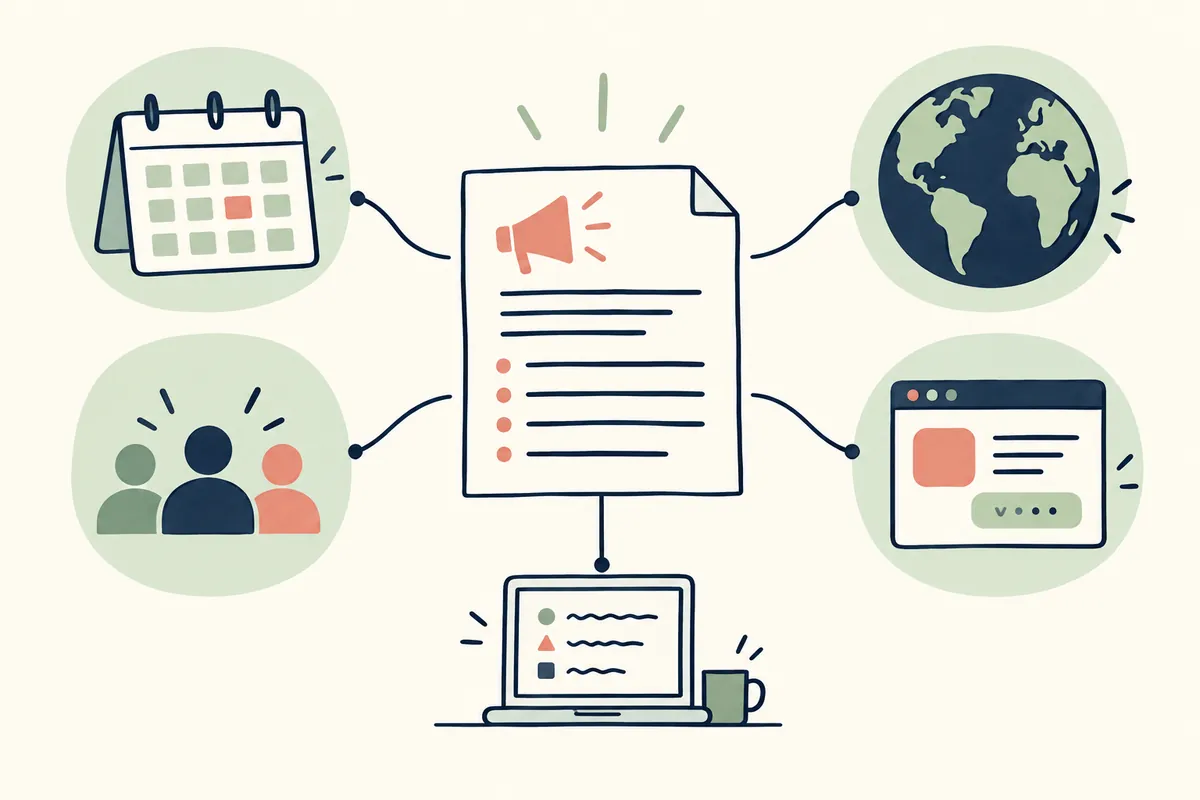
Record announcement and availability dates separately. Gradual rollout does not mean immediate visibility for every account. Convert stated plan, platform, region, and administrator conditions into checklist items. “Coming soon,” “preview,” “beta,” and “generally available” are different states for considering access and stability.
Do not stop at the newest entry at the top. Find the feature name and open related entries and detailed guidance. If later corrections exist, apply them alongside the first announcement. When links lead to help pages or earlier guidance, check the destination product and date too. Linked materials are not necessarily contemporaneous.
An illustrative note could say “Announcement: October [day], target: some web-app accounts, status: rolling out, my screen checked: not performed.” Do not mark availability without checking your screen. If guidance and actual screens differ, compare scope and rollout state before concluding that the whole service is broken.
| Announcement item | What to record | Next check |
| Product | App, API, or coding tool | Matches your access method |
| Dates | Announcement, availability, and end dates | Later corrections or schedule changes |
| Rollout state | General availability, beta, or staged rollout | Scope for accounts and regions |
| Usage conditions | Plan, administrator permission, and version | Current account conditions |
| Impact | Added feature, format change, or end of support | Changes needed for existing work |
| Verification scope | Original source, screen, or task test | Leave unchecked parts unverified |
3. App users should compare their screens and account conditions
Compare the official platform with the app you use. Check whether a web feature arrives on mobile simultaneously and whether an update is required. Instead of blindly reinstalling when a menu is missing, first inspect stated account, plan, organization, and region conditions. Do not invent restrictions absent from official guidance.
In browsers, first verify the correct account and whether you are in a personal or organizational workspace. If guidance says administrator settings affect the feature, you may need to check organizational permissions. Different menus from another person's screenshot do not establish an account fault.
Try short hypothetical material rather than important data. For document summarization, use simple shareable text and inspect output format and file access. Avoid actual customer data, passwords, and private business material as test input. A feature's existence does not make every input suitable or permitted.
4. Developers should check changes in a small task first
For APIs, record model identifier, request and response formats, SDK version, and support status. Display names may differ from API identifiers, so inspect official examples exactly. Distinguishing added features from changed fields helps define modifications. Mixing parts of current examples into older code may create incompatible formats.
Define identical input and expected output for a small test task. Beyond receiving a response, check required JSON fields, preserved error handling and time limits, and expected tool-call scope. This article did not run an actual program and does not claim a particular SDK combination worked. Verify applicability in your own environment.
Retain previous versions and settings to compare old and new configurations. If failure occurs, categorize the error as request format, authentication, usage limit, or service state and connect it with official error guidance. Checking a small needed scope before expanding helps locate causes more than changing every production task at once. Retain the ability to restore the earlier verified settings.
5. Check current pricing and limits rather than news summaries
Read pricing units and application methods for new models. Input, output, caching, batch, subscription, and extra usage can be different categories; do not compare one number alone. A service subscription does not imply API use is included in the same charge. Check current prices and billing screens for your usage method.
When budgeting, record official unit prices separately from expected usage and recalculate when assumptions change. A “cheaper” headline does not mean every task's total cost falls. Material length, output length, retries, and selected functions affect actual usage. This article does not repeat current prices as fixed figures or guarantee earnings.
Distinguish limits too. Maximum input per request, usage within a time window, total storage, and organizational budget are different restrictions. Identify which limit an error concerns for an appropriate response. Use official wait times or request-adjustment methods rather than seeking circumvention, and contact support if needed.
6. Sharing update news with clearer reliability
Write one sentence each on what changed, who can use it, when it starts, and what existing users should do. State whether your verification covered the original, screen, or actual task testing. If you did not inspect the screen, say “According to official guidance” and do not add unperformed test results.
Provide a direct help or release-note link containing the change instead of merely a company home page. Include date and feature name because later entries can lengthen the page. A screenshot with no traceable source can start investigation but is difficult to present as confirmed evidence. Mark content lacking an official announcement as awaiting verification.
Finally check whether the headline claims more than the body. Do not describe limited rollout as “available immediately to everyone” or beta as “complete automatic resolution.” Preserving official conditions helps readers know what to recheck later. New information needs accurate scope alongside prompt publication.
Example of recording changes
Keep “official notice check date, scope, whether my screen was checked, test-task result, and settings to restore” in personal records. Mark availability only after actually checking the feature; if no test ran, distinguish source verification from task validation.
Official sources and scope of verification
Sources checked: October 3, 2026. An informational guide written by AI after reviewing official materials. Hypothetical cases and calculation examples are not actual user records or experimental results. Screens, service conditions, and announcements can change.
Original illustrations created to help explain this article.
Original on Tistory ↗