Asking Claude Better Questions: Prompts That Define Purpose and Verify Sources
This article was translated from its source language with AI assistance. Please check technical terms and equations against the original.
Key takeaway: When asking Claude, include intended use, reading material, desired format, and how to handle unverified information. For long documents, find relevant evidence before summarizing, and distinguish facts from suggestions in the final answer. The examples and prompts are adaptable illustrations, not actual Claude execution or performance comparisons.
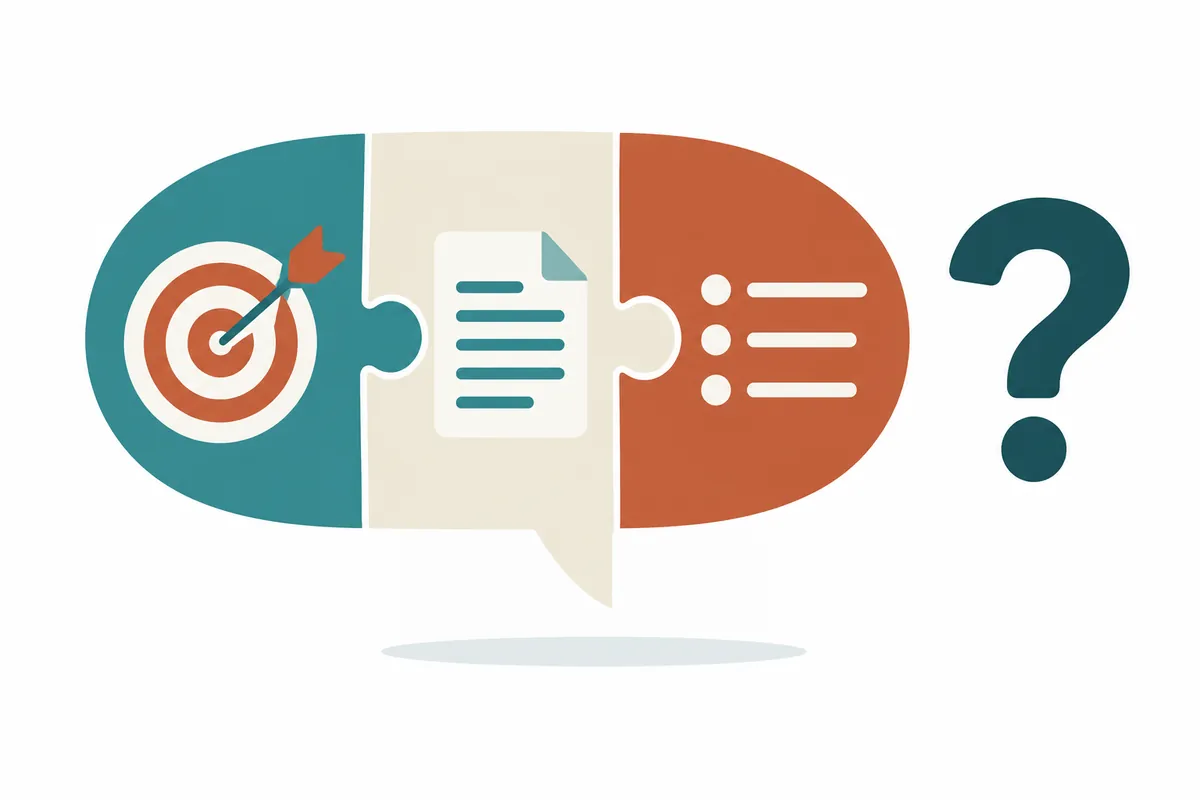
1. Define completion before writing the question
“Organize the report well” leaves completion unclear. Meeting preparation needs decisions and unresolved questions; personal study needs terms and comprehension exercises. Writing who reads the answer and what they should do afterward helps choose output format.
Anthropic'squestion-writing guidancerecommends clear requests, sufficient background, staged complex tasks, and follow-up feedback. Choose decision-relevant information instead of automatically lengthening context. Reader level, source scope, length, and constraints make review easier than unrelated personal history or conversations.
| Desired task | Information to state first | Completion criterion |
| Understand a notice | Your applicable target group and interests | Eligibility, deadlines, and required materials match the original |
| Compare two documents | Comparison purpose and matching criteria | Every difference identifies documents and evidence location |
| Find answers in long materials | Questions, document names, and versions | Answers pair with evidence and gaps remain |
| Rewrite text | Reader, preserved facts, and changes | Meaning preserved and reasons stated |
Replace “Compare two services” with “Compare file input and result-checking methods in the two guides I provide for someone starting document organization; exclude price and performance.” Choose roughly three comparison axes before finding material. Identify differences affecting decisions before filling every table cell.
2. A basic adaptable prompt
Replace bracketed sections with your situation. Not every question needs the same format: brief proofreading may need only purpose and preservation conditions, while current feature comparisons need sources and dates. Specify what to verify from which material instead of relying on “act like an expert.”
목적: [회의 준비 / 공부 메모 / 공개 안내 글]
독자: [처음 접하는 사람 / 담당 실무자]
내 상황: [운영 환경과 이미 확인한 사항]
사용할 자료: [문서 이름, 버전, 주소 또는 붙여 넣은 본문]
자료 범위: 제공 자료만 사용. 외부 지식은 추가하지 마.
작업:
1. 목적과 관련 있는 사실을 추출해 줘.
2. 사실마다 문서 이름과 절·쪽 번호 등 찾을 수 있는 위치를 적어 줘.
3. 자료 간 차이와 확인하지 못한 항목을 별도로 표시해 줘.
결과 형식: 핵심 내용 5개, 근거 표, 내가 확인할 질문 3개.
유지 조건: 숫자·날짜·대상·예외는 줄이더라도 뜻을 바꾸지 마.
모르는 정보: 추측으로 채우지 말고 '제공 자료에서 확인되지 않음'이라고 적어 줘.
예시가 필요하면 가상 사례라고 표시하고 자료의 사실과 구분해 줘.
Unverified in supplied material does not mean nonexistent in reality. Read “unverified” as not found within the input scope; check that item in official documentation if needed. Asking only for evidence supporting a desired conclusion can miss contrary conditions, so seek unfavorable conditions too in comparisons.
3. Choose supplied sources or web search according to purpose
Meeting decisions rely on provided minutes; current service support relies on official web documents. When combining them, divide scope explicitly: “Verify meeting decisions in document A and current features in official help.” Turning an old meeting plan into a currently launched feature can produce an incorrect conclusion from an accurate document.
Claude's web search guidancedescribes citations and source links. It explains enabling Web search through the chat's “+” menu and also states that the newer Claude screen searches as needed without a separate toggle. Organization administrators may affect availability. A missing button therefore calls for guidance matching your screen and account rather than an immediate fault diagnosis.
오늘 확인할 항목: [기능 이름과 사용 목적]
웹을 검색해 해당 서비스의 공식 도움말·공식 변경 안내를 우선 확인해 줘.
각 항목에 문서 제목, 주소, 내가 확인할 절 제목을 적어 줘.
현재 제공, 제공 예정, 특정 대상만 제공을 구분해 줘.
문서를 열지 못하면 제목이나 검색 결과만으로 본문을 읽었다고 말하지 마.
외부 설명밖에 찾지 못한 항목은 공식 근거 미확인으로 남겨 줘.
확인일은 [날짜]이며, 내 환경은 [운영체제·계정 조건]이야.
Requesting search differs from verifying results. Check whether actual documents appear and open important links yourself. Do not treat login-blocked or incompletely loaded texts as verified. If providing originals, include necessary passages and document names to clarify review scope.
4. Connect long document names with questions
Several long reports can cause similar sentences to be attributed to the wrong document. Use names and versions such as “A: Operations guide, revised September 2026,” not merely A/B, and retain section headings. Include table headings and footnotes when copying; isolated numbers lose monthly versus cumulative meaning.
Anthropic'sofficial long-context prompting guidancerecommends placing long materials before questions, distinguishing document content and source information, and finding relevant passages first. Here these principles use accessible names and section markers. Layout alone does not guarantee exhaustive reading, so reread evidence behind tables and conclusions.
[자료 A]
이름: [문서명]
버전·날짜: [표기된 날짜]
위치 정보: [절 제목 또는 쪽 번호]
본문: [질문과 관련된 본문, 표 제목, 각주]

[자료 B]
이름: [문서명]
버전·날짜: [표기된 날짜]
본문: [관련 본문]

[질문]
A와 B의 [대상 조건]이 어떻게 다른가?
먼저 조건을 판단하는 데 필요한 짧은 구절과 위치를 찾아 줘.
그 근거만 사용해서 차이를 설명해 줘.
두 문서가 서로 다른 대상을 설명하면 직접 우열 비교를 하지 마.
질문에 답할 근거가 없는 부분은 따로 표시해 줘.
For very long documents, start by locating relevant sections for each question rather than requesting an entire conclusion. Partial inputs cannot justify “no exceptions anywhere in the document.” Check contents, appendices, and footnotes before concluding. For revisions, realign versions instead of mixing old extracted evidence with new text.
5. Practice source comparison with a hypothetical original
The original and answer below are independently created hypothetical examples. They do not reproduce actual service conditions or Claude responses. Assume guide A states, “The trial is available to Windows team accounts permitted by administrators. No personal-account release schedule is set.”
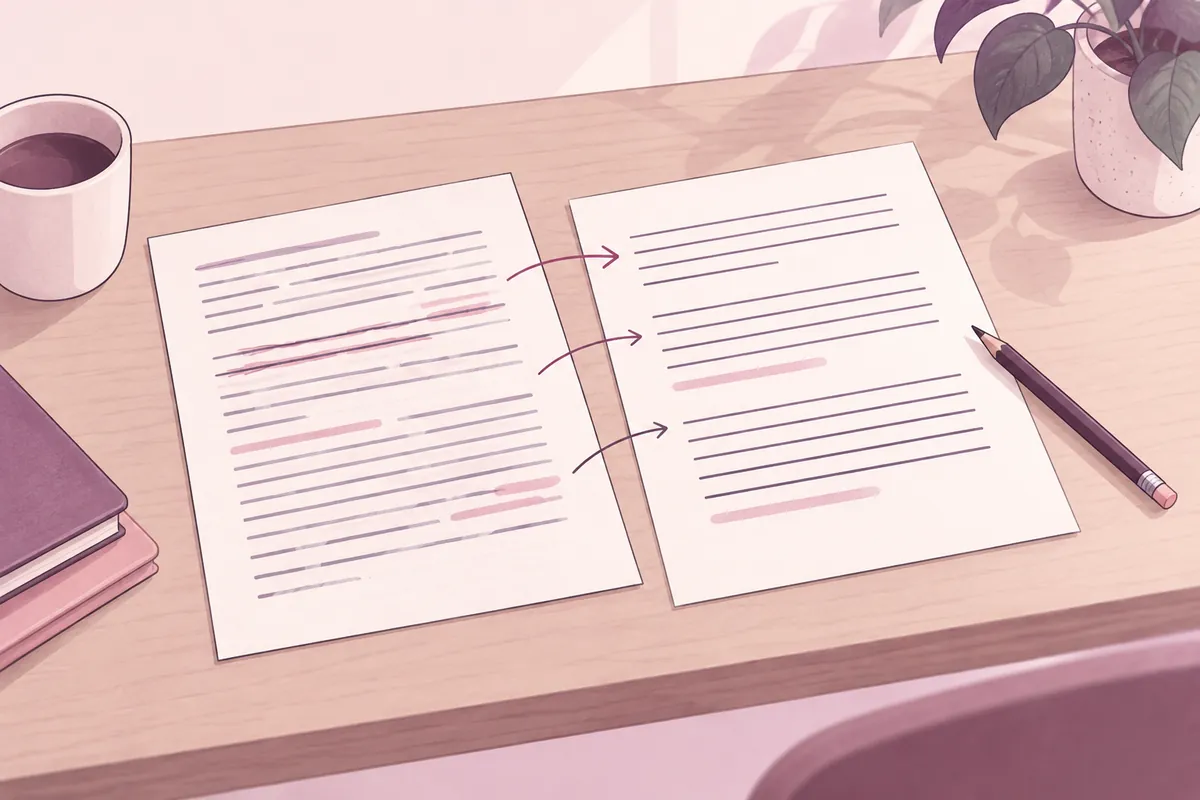
Problematic answer: “Every Windows user can use it, and personal accounts will receive it soon.” The first claim omits team and administrator conditions; the second invents a forecast. Linking to A does not provide supporting evidence for either claim.
Corrected answer: “Guide A verifies availability for Windows team accounts permitted by administrators. No personal-account schedule is set.” This removes universal-access confusion and directs the next step to permission checks. Replacing “soon” with another vague phrase does not remove an unsupported forecast.
| Check item | Original material to read | Information to retain |
| Page identity | Official source and document title | Which document was used |
| Applicability | Account, environment, and region | Restrictions relevant to your situation |
| Claim correspondence | Surrounding exceptions and footnotes | Correct claims broader than evidence |
| Timing | Revision, application, and planned status | Distinguish current from planned |
Anthropic's error-reduction guidanceadvises allowing “I don't know” and checking claims through passages and citations. Claim-to-evidence correspondence matters more than source count. When several sentences cite one document, check each sentence's actual supporting content separately.
6. Give problematic sentences and preservation conditions in revisions
“Wrong, try again” can change correct parts because scope is broad. Paste the problematic sentence, source location, and needed change. Distinguish wording edits from factual corrections. Treat newly introduced facts as added claims needing verification.
수정 대상: [답변의 문제 문장]
대조 근거: [문서명·절 제목·짧은 관련 본문]
문제: [조건 누락 / 단위 오류 / 근거 없는 추정]
수정: 원문에서 확인한 범위까지만 말해 줘.
유지: 나머지 확인된 사실과 현재 표의 열 구성은 유지해 줘.
출력: 수정 문장, 바뀐 이유, 아직 미확인인 항목.
문장을 매끄럽게 하면서 날짜나 제한 조건을 삭제하지 마.
새 정보를 추가해야 한다면 먼저 필요한 자료를 표시해 줘.
Compare before and after sentences to check restored conditions. For lengthy answers, number changed sentences. Recheck numbers and scope after style edits too: “can,” “recommended,” and “must” differ in strength. Do not make obligations optional or suggestions mandatory.
7. A small task to try today
- Choose a current notice and note its name and check date.
- Create only three questions and fill the prompt's purpose and source scope.
- Mark dates, numbers, and target conditions and locate each original passage.
- Correct one overly broad sentence with a specific revision prompt and compare again.
- Save verified answers separately from remaining questions and set a recheck time for changeable conditions.
Completion means finding evidence for all three answers, not lengthening the response. If sources are insufficient, preserving that insufficiency can finish the task. Continue from that question when new material arrives.
Frequently asked questions
Does assigning a role improve accuracy? Roles can set perspective or tone. Specify materials and errors to look for rather than relying on the name “reviewer.”
Do many links mean a verified answer? Link count is insufficient; old documents or another account's guidance can also be linked. Start with conditions determining user actions.
What if the answer is too short? Identify omissions rather than “more detail,” such as “Add two exceptions and one non-applicable case.” Mark examples absent from sources as hypothetical.
Does repeated agreement establish correctness? The same error can recur. Check evidence existence and applicable conditions rather than answer consistency.
Official sources and check date
- My prompt isn’t giving me a helpful answer
- Enable and use web search
- Prompting best practices
- Reduce hallucinations
Official documents checked: October 3, 2026. Screens and availability can change afterward. Prompts and hypothetical cases are practical proposals in this article.
Original illustrations created to help explain this article.
Original on Tistory ↗