Writing CLAUDE.md: How to Tell Claude Code Your Project Rules
This article was translated from its source language with AI assistance. Please check technical terms and equations against the original.
Key takeaway: Write recurring project rules in CLAUDE.md briefly and specifically. Use things you can actually check, such as work commands, editing precautions, and completion-report criteria. Select the rules you need instead of copying every document, and update the file when the project changes.

1. Choose What to Include in CLAUDE.md
The official documentation describes CLAUDE.md as a Markdown file containing persistent instructions for project or user work. You can check project-file locations and the scope in which they are read in the official memory documentation. CLAUDE.md in the project root can serve as a starting point.
Good candidates are things you repeat for every new task: for example, “preserve files the user has already edited,” “display project dates in Korean time,” or “use the glossary's wording for screen text.” These rules express intentions that are difficult to infer from code alone. Give details needed only temporarily for a single task in the conversation, and keep rules that continue to apply in the file.
2. Start with a Short Example
The following is an example for a fictional task-management web project. Change the commands and paths to match your actual repository. Pasting it as is does not create a validation environment or run tests.
# 프로젝트 규칙
## 목적
한국어 사용자를 위한 개인 할 일 관리 화면이다.

## 작업 방식
- 작업 시작 전 기존 변경 사항을 확인하고 보존한다.
- 요청한 기능과 관계없는 파일은 수정하지 않는다.
- 화면 문구는 docs/terms.md의 용어를 따른다.

## 검증
- package.json에서 실제 실행 가능한 검증 명령을 확인한다.
- 관련 검증을 실행하고 명령과 결과를 보고한다.
- 화면 동작 변경은 정상 입력과 빈 입력을 함께 확인한다.

## 완료 보고
- 변경 파일과 이유를 간단히 정리한다.
- 실행하지 않은 검증은 실행했다고 쓰지 않는다.
- 남은 문제와 확인하지 못한 조건을 명시한다.
The key is that each sentence leads to a checkable action. “Make it perfect” makes completion hard to judge, but “check whether guidance appears for empty input” provides something to compare against. If your project has no glossary, remove that rule or first prepare the actual document.
3. List Only Commands You Have Checked
Copying npm test or npm run build from another project's example may give you commands that do not actually exist. Check the commands in configuration files and project instructions, and record what each validates. If a quick syntax check and a full integration test serve different purposes, explain each purpose in a line.
For example, “after changing UI text, open the specified screen and check line wrapping” and “after changing calculation logic, check boundary cases” call for different reviews. Rather than repeating the same lengthy procedure for every change, specify how to choose the validation needed for that change. Check whether it actually ran and what happened in each task's report.
4. Distinguish Instructions from Permission Settings
“Do not open actual customer files” is an instruction expressing intent. If tool access must be technically restricted, handle permission settings separately. Anthropic's documentation explains that CLAUDE.md is not treated as an enforced setting, while tool permissions are managed through separate rules. For setup instructions, see the official permissions guide.
Also, do not put passwords or API keys in a CLAUDE.md published in a public repository. Explain the names of required values and how to find them, without pasting the actual secrets. “Environment variable X is required” differs from “record X's actual value.” Check who will receive the rules file, too.
5. Organize Rules as They Accumulate
First remove or correct outdated commands, duplicated wording, and conflicting rules. If both “use library A for new code” and “A is no longer used” appear, the required action is unclear. When adding a rule, make its reason and the tasks it applies to understandable to the reader.
To check whether the file is being applied, you can ask Claude to summarize the instructions relevant to the current task and their source paths, then compare them yourself. However, AI explaining a rule does not establish that every task follows it. Continue checking changed files and validation results after completion.
Use three simple questions for periodic review: “Is this command available in the current project?”, “Does it conflict with another rule?”, and “Can compliance be checked from the answer or changed result?” A sentence that cannot answer these questions is a candidate for clarification or relocation to an individual task description.
6. Distinguish File Rules from Conditions for Individual Conversations
Using a rules file as a record of every task can mix past and current requirements. Separate “agreements the project always needs” from “choices needed only for this request.” For example, put the button color for this screen in the task request, while a glossary all screens must follow can belong in persistent instructions.
| Content | Example location | Writing criteria |
| Recurring validation commands | CLAUDE.md | Commands that actually exist, and their purposes |
| Principle of preserving storage formats | CLAUDE.md | Identify the public format concerned |
| Steps to reproduce this error | Individual conversation | Current input and observed result |
| Final wording for this text | Individual conversation or the relevant document | Do not generalize to other features |
| Restrictions on secret access | Permission settings and instructions, separately | Distinguish technical blocking from behavioral guidance |
When adding a rule, ask, “Is this a recurring problem in this project?” Enforcing a long procedure for every task because you disliked one answer can make even small edits unnecessarily complicated. When a problem recurs, specifying the conditions under which its rule applies is easier to maintain.
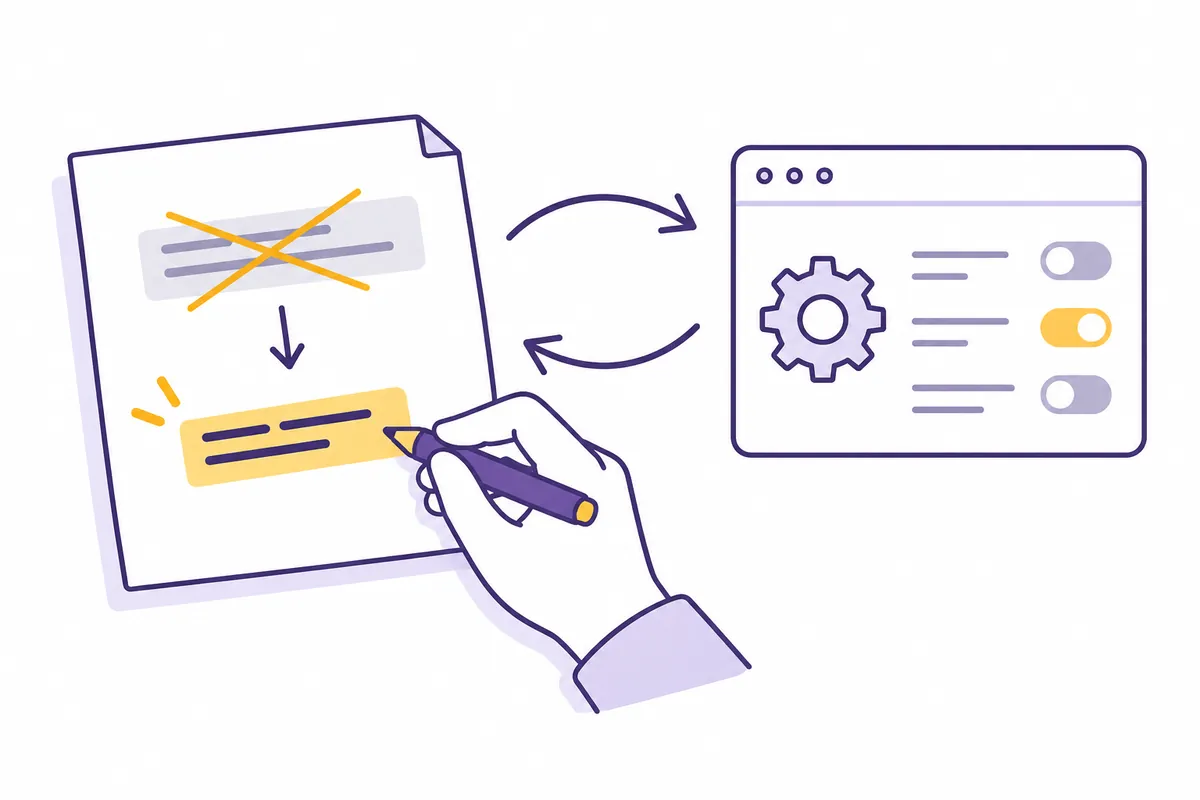
7. Understand Scope and Split Files
The current official memory documentation distinguishes user, project, and subdirectory instructions. CLAUDE.md files in the working directory and its parent paths are read at startup, while subdirectory instructions may be included as related files are read. Multiple instructions enter context together rather than simply replacing one file with another, so check for conflicts.
[가상 배치 예시]
my-project/
  CLAUDE.md                 공통 약속
  docs/
    CLAUDE.md               문서 표현과 출처 기록 규칙
  src/
    ui/
      CLAUDE.md             화면 문구와 표시 검토 규칙
This arrangement illustrates roles; it is not a mandatory official folder structure. A small project may need only one root file. If you split the files, keep agreements common to all tasks at the root and put only area-specific differences in subordinate files. Copying the same validation command into three files means updating all three when it changes.
Ask, “List the instruction paths currently applying and the rules relevant to this file,” to see whether the intended files are being read. If a file is missing, compare the working location and file arrangement before expanding its contents. Review separately whether the answer mentions instructions and whether the actual change follows them.
8. Turn Abstract Rules into Checkable Sentences
| Vague draft | Concrete rule for a fictional project |
| Make the UI neat | Show the specified guidance when there are zero search results |
| Test thoroughly | Validate zero, normal, and boundary inputs for the changed calculation and report the results |
| Do not break existing behavior | Preserve field names and data types in saved files |
| Create good documentation | Include the command's working directory and required preparation |
The sentences on the right describe requirements for a fictional project, so decide your own project's normal behavior before applying them. For example, displaying guidance for zero results is not the same correct answer for every app. The rules file records product decisions; it is not a place to let AI arbitrarily finalize them.
현재 CLAUDE.md를 검토해 주세요. 파일은 수정하지 마세요.
각 규칙에 대해 다음을 정리하세요.
- 적용할 작업의 종류
- 지켰는지 판단할 결과나 근거
- 코드나 설정과 충돌하는 부분
- 이번 작업만의 요구가 섞인 부분
모호한 규칙에는 구체화한 문장 초안을 제안하세요.
근거가 없는 실행 명령과 경로는 만들지 마세요.
9. Example of Resolving a Fictional Rule Conflict
Suppose fictional root instructions say “screen text must always be in English,” while UI instructions say “new screen text must be in Korean.” Instead of settling the team's decision merely because a rule appears in the nearer file, confirm which rule is intended for which task. Explicit scope reduces contradictions.
[수정 전 가상 지침]
루트: 화면 문구는 영어로 쓴다.
UI 폴더: 새 화면은 한국어로 쓴다.

[작성자가 제안한 정리 예시]
루트: 기존 화면 문구는 이번 작업에서 번역하지 않는다.
UI 폴더: 새 한국어 화면의 문구는 docs/terms.md를 따른다.
대상 화면 목록은 개별 작업 요청에서 지정한다.
This revision illustrates distinguishing existing screens from newly written screens. If the actual project decision is “switch all screens to Korean,” entirely different rules are needed. Confirm the product choice before organizing the instructions, and then translate that choice into rules.
When Reviewing a Draft Created with /init
The official documentation describes /init as a way to create initial instructions. In its generated draft, check that discovered commands really exist in the configuration, that the file structure has not been reproduced at excessive length, and that personal preferences unrelated to the project have not become shared rules. Automatic generation does not make it an approved team policy.
/init 초안에서 다음 부분을 다시 검토해 주세요.
1. 명령은 설정 파일의 근거 위치를 함께 적으세요.
2. 일반적인 설명과 이 프로젝트만의 주의점을 구분하세요.
3. 실행하지 않은 명령을 성공한 것으로 쓰지 마세요.
4. 서로 다른 폴더 지침이 충돌하면 목록으로 보여 주세요.
5. 제안은 먼저 검토 가능한 초안으로 제시하세요.
After a task that changes commands or storage formats, check the related instructions too. If the explanation of changed code remains inconsistent with those instructions, a later task may reuse the wrong assumption. Alignment among current code, team decisions, and validation procedures matters more than the number of rules.
Frequently Asked Questions and Troubleshooting
Can it be generated automatically? The official documentation explains how to create a starter file with /init. Check the generated content against actual commands and team rules too. Is longer better? The goal is to keep necessary instructions clear. What if rules seem to be ignored? Check the file location, scope, and contradictory instructions, then compare the actual violations specifically.
Official Sources and Date Checked
Official documentation checked: October 3, 2026. Screens and availability conditions may change afterward.
Original illustrations created to help explain this article.
Original on Tistory ↗