Summarizing Long PDFs with Claude: Checking Page Evidence and Numbers
This article was translated from its source language with AI assistance. Please check technical terms and equations against the original.
Key takeaway: When providing a long PDF to Claude, try checking the contents, extracting evidence for each question, comparing it with the source, and then producing a final summary instead of immediately asking “Summarize everything.” Reducing the summary's length and preserving important conditions are different tasks. The procedure and examples below are proposed to help with document review.
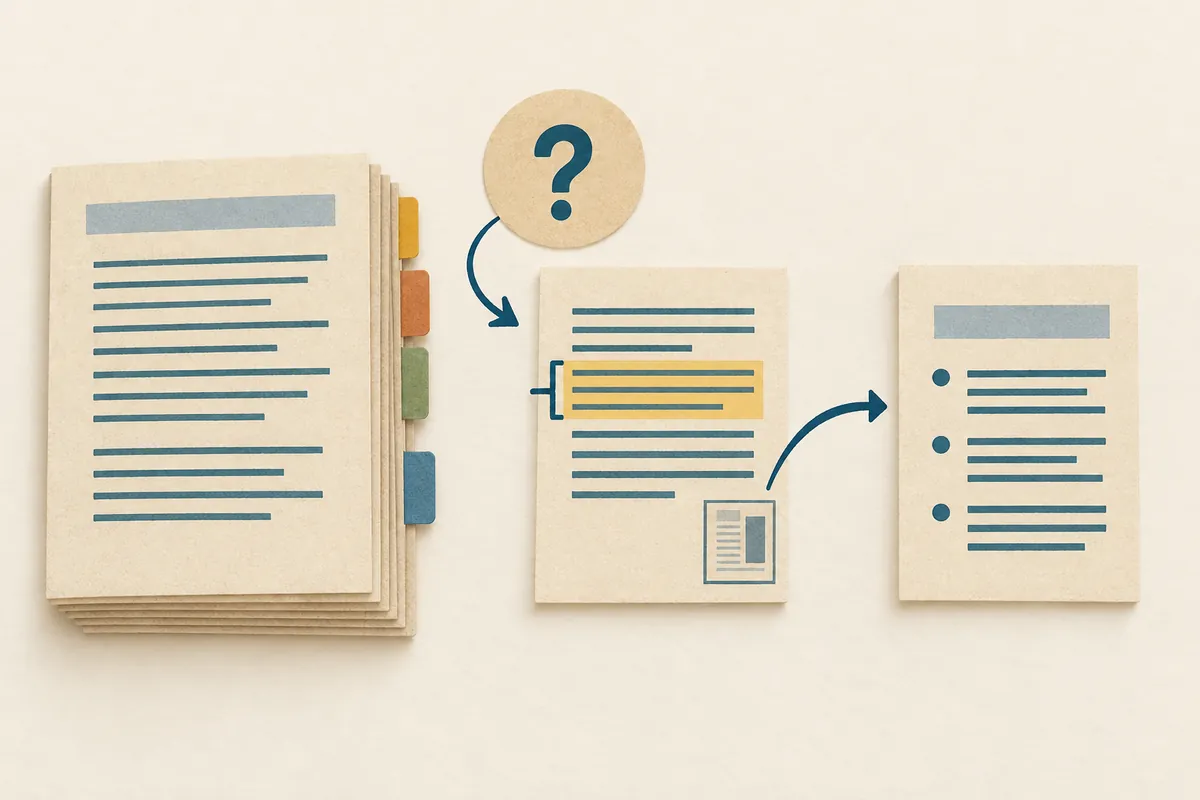
1. Check Document Condition and Page Numbers First
Open the PDF and check whether text is selectable, tables and graphs are clear, and appendices and footnotes are included. Record the title, publisher, date, and document version. A revised and an older edition with the same title may contain different conditions. Check the cover or revision history rather than determining the version from its filename alone.
Claude's PDF processing conditions appear in the official upload guide. According to the guidance checked on October 3, 2026, PDFs of up to 100 pages are analyzed for text and visual elements; those of 101–1,000 pages receive text-only processing without visual analysis. PDFs exceeding 1,000 pages cannot be uploaded. Ordinary conversations and project files have different file-size limits, and extracted content length may impose further limits. Check both the guidance shown in your account and current official conditions. The guide recommends specifying pages by their order in the PDF viewer rather than printed page numbers. For long documents whose graphs are essential, prepare the necessary sections separately while preserving their correspondence to original pages.
2. Request a Document Map Before a Full Summary
Use the first question to establish structure rather than conclusions: “List chapter titles and starting pages, where the conclusion is, and locations of major tables and appendices. Mark sections you could not read.” Comparing several titles and pages in the answer with the actual PDF makes an initially mistaken interpretation easier to detect.
이 PDF를 검토할 계획입니다.
먼저 문서 제목·발행일·장별 제목·PDF 뷰어 기준 페이지를 정리하세요.
표와 그래프는 위치만 목록으로 보여 주세요.
자료에서 찾지 못한 정보는 '확인되지 않음'으로 적으세요.
아직 결론 요약이나 외부 지식 보충은 하지 마세요.
A document map is a guide for finding and reading important sections, not a finished summary replacing the text. Record differences between contents-page numbering and PDF viewer pages. Use the same basis in subsequent questions so evidence remains findable.
3. Pair Claims with Evidence for Each Question
For example, to determine “who may apply” from fictional work guidelines, ask separately about eligibility, exclusions, required materials, and the period. These give clearer source-checking targets than a broad question such as “Is this program good?” Request brief evidence excerpts and pages, with interpretation in a separate column, to make the result easier to read.
| Item to check | What to find in the source | Review precautions |
| Eligible applicants | Eligibility definition and exclusions | Compare conditions in the main text and appendix |
| Period | Start date and deadline | Check for change notices |
| Numbers | Value, unit, and reference date | Distinguish ratios from actual counts |
The table is a fictional review framework, not actual application requirements. If the sentence is absent from the AI's cited evidence page, request “Find this sentence's actual evidence again, and exclude it from the summary if you cannot find it,” then check the source yourself.
4. Review Numbers and Tables Separately from the Summary
Numeric errors are easy to miss when embedded in prose. Before the final summary, ask “Collect all numbers used in the answer and list their values, units, source locations, and whether they were calculated.” Distinguish values appearing in tables from values calculated by AI. Also retain the calculation's input values.
For a fictional table with 80 cases last year and 100 this year, the increase is 20 cases, or 25% relative to last year. These are directly calculated illustrative values. “An increase of 20” alone does not distinguish count from percentage, so check denominators and units in actual documents too. Enlarge the original when a graph omits axes or has units in small print.
5. Rewrite the Final Summary Using Verified Statements
Request the summary after checking evidence: “Write a five-sentence summary using only reviewed claims, including one sentence about exceptions. Distinguish the document's explanation from your interpretation.” Even a short conclusion can change practical meaning if eligibility, periods, or exclusions are omitted.
Anthropic explains in its official guidance that plausible but incorrect responses can occur and quoted source text must be checked. Do not stop at “evidence was attached”; read whether the actual evidence supports the summary.
6. Design the Question Scope Before Splitting a Long PDF
Splitting a file reduces the material to process, but may separate definitions in early chapters from exceptions in later ones. First write the questions you need, then group the relevant text, tables, and footnotes together. Connections between evidence matter more than achieving a particular page count.
| What you want to know | Material to prepare together | Problem if omitted |
| Who is eligible | Eligibility definition and exclusions | Missing exceptions and summarizing everyone as eligible |
| What the performance figures are | Results tables and measurement methods | Confusing denominators and measurement periods |
| How to follow the procedure | Steps in the text and list of required materials | Omitting materials to submit |
| What differs from last year | Two versions of the same indicator and revision explanation | Mistaking an indicator-definition change for growth |
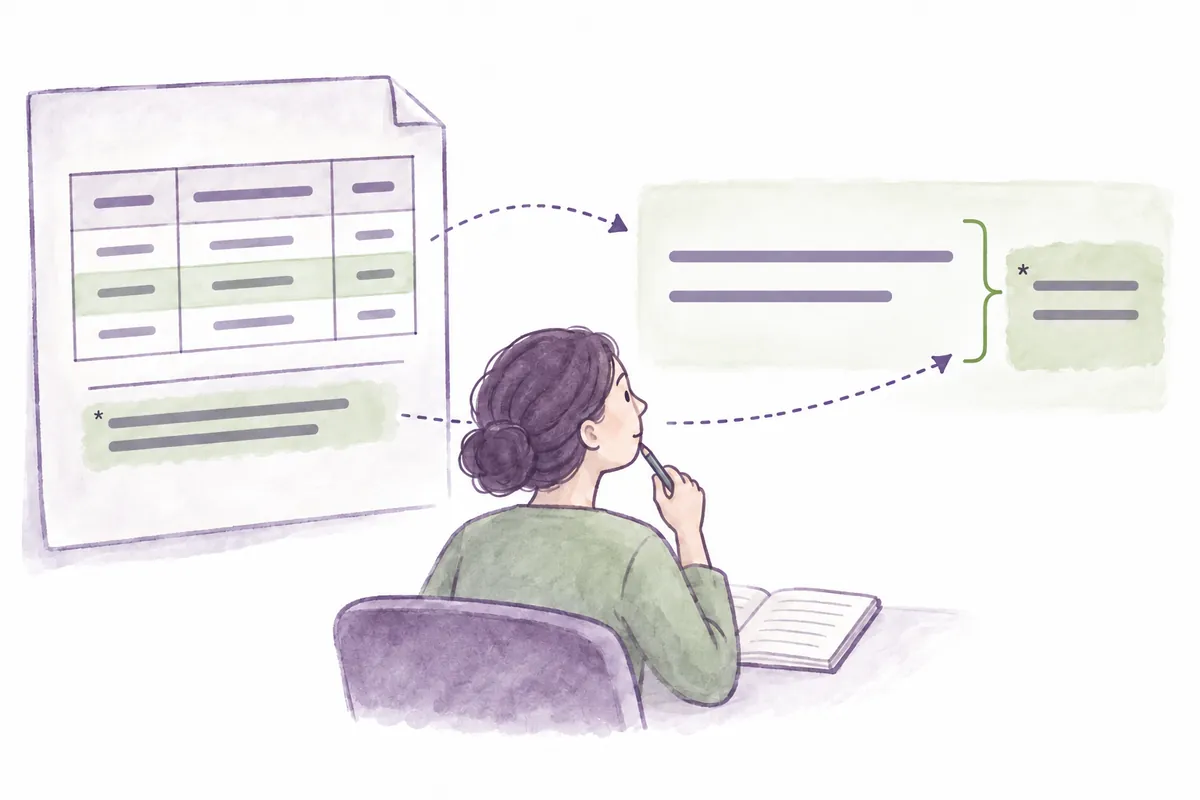
If you split files, record both original and new page ranges. Keeping correspondence such as “page 1 of report_original21-40.pdf is original viewer page 21” lets you find evidence again. If the cover and contents were saved separately, also note whether those pages were excluded from the body range.
[제공 자료 메모 예시]
원본: 가상 운영 보고서.pdf
파일 A: 원본 PDF 뷰어 1~10페이지
파일 B: 원본 PDF 뷰어 21~40페이지
파일 B의 새 1페이지 = 원본 PDF 뷰어 21페이지
이번 검토 범위: 문의 접수 건수와 분류 기준
제외 범위: 만족도 설문과 예산
주의: 표 아래 각주도 함께 검토
The document and ranges in this note are fictional examples. For actual material, open the copied PDF yourself and check the first and last pages before writing the numbers. Do not trust the range in a cut file's name and skip checking its contents.
7. Extract Evidence First from a Fictional Report
The following is an excerpt from a short fictional report. It is not an actual institution's performance or official statistics. It was written to explain how a summary can go wrong.
[가상 원문, PDF 뷰어 6페이지]
2025년 4분기 온라인 문의는 240건, 2026년 1분기는 300건이었다.
전화 문의는 이 표에 포함하지 않았다.
각 분기의 문의 분류는 접수일 기준이며, 같은 사람의 재문의도 별도 건수로 센다.
2026년 1분기부터 자동 분류 기능을 시범 적용했다.
문의 증가의 원인을 분석하는 조사는 수행하지 않았다.
위 자료에서 문의 건수를 검토해 주세요.
먼저 값 / 기간 / 집계 대상 / 제외 대상 / 원문 위치를 추출하세요.
그다음 전 분기 대비 증가량과 증가율을 계산하세요.
계산값은 원문 수치와 구분하고 입력값과 식을 적으세요.
자동 분류 기능과 문의 증가 사이의 인과관계를 단정하지 마세요.
자료가 설명하지 않은 내용은 별도 미확인 목록에 넣으세요.| Item | Source text or directly calculated example | Type |
| Online inquiries | 240 cases → 300 cases | Numbers in the fictional source |
| Increase | 300−240=60 cases | Author's calculation |
| Growth rate | 60÷240×100=25% | Author's calculation |
| Cause of increase | No investigation was conducted | Limitation stated in the source |
Changing “online inquiries” to “all inquiries” removes the exclusion of telephone inquiries. Omitting “repeat inquiries counted separately” may cause readers to mistake case counts for user counts. Accurate summaries must preserve what was counted as well as the numbers.
8. Requests and Examples for Correcting a Bad Summary
Suppose a fictional incorrect summary says “Introducing automatic classification increased total users by 25%.” It adds three things absent from the source: causation, total coverage, and user counts. First identify which claims must be withdrawn instead of only making minor wording changes.
현재 요약의 '도입으로', '전체', '이용자'는 원문과 다릅니다.
수치를 유지하기 전에 집계 대상과 지표를 먼저 바로잡으세요.
자동 분류가 원인이라는 설명은 제거하세요.
온라인 문의 건수의 기간별 차이와 전화 제외 조건을 포함하세요.
변경한 주장 / 바꾼 이유 / 근거 위치를 먼저 적고,
그 다음 공유용 요약 두 문장을 작성하세요.
The author's revised example is: “In the fictional report, online inquiries increased from 240 cases in Q4 2025 to 300 in Q1 2026, an increase of 60 cases or 25% over the preceding quarter. Telephone inquiries were excluded, repeat inquiries were counted separately, and the reason for the increase was not investigated.” This sentence uses the fictional source and direct calculations above; it does not quote an actual AI response.
When checking pages, open the number written beside the summary and read the text, table title, and footnotes together. Look for cases where table values are from a different quarter despite apparently matching text. If values appear only in a graph, follow visual-processing conditions for that section, and have a person compare the original image's axes and legend too.
9. Useful Information to Retain When Sharing a Summary
검토 결과를 아래 형식으로 정리해 주세요.
- 문서: 제목, 버전, 발행일, 내가 확인한 날짜
- 범위: 원본 PDF 뷰어 기준 페이지와 검토한 장
- 요약: 확인한 핵심 사실 세 가지
- 수치: 원문값과 계산값, 단위, 계산식
- 제한: 제외 대상과 해석하지 않은 항목
- 다음 확인: 원문에서 근거를 찾지 못한 질문
자료 전체를 검토하지 않았으면 '전체 검토 완료'라고 쓰지 마세요.
This format helps distinguish a partial summary answering specific questions from one intended to replace the entire document. Without reading the budget chapter, you cannot assess operational performance and budget efficiency together. Stating the review scope tells readers what else they need to read.
Common Obstacles with PDF Material
- Misaligned page evidence: “Distinguish original page numbers from split-file numbers, and relabel them using the correspondence table.”
- Missing table numbers: “Extract the table title, rows, columns, and units separately, and compare only values used in the summary.”
- Blurry scanned text: Prepare a readable original or separate text, and request that difficult-to-read values not be filled with guesses.
- Overly broad summary: “This time, cover only eligibility definitions and application procedures; exclude effectiveness assessment and external comparisons.”
Frequently Asked Questions and Troubleshooting
What if there are too many pages? Select needed chapters first and review them separately, while recording cut ranges and correspondence to original pages. What if a table is missing from the summary? Specify that page separately and check the values and units in the source. Can I share the summary with others? Include the document version, checked scope, and unreviewed items to help recipients assess it.
Official Sources and Date Checked
Official documentation checked: October 3, 2026. Screens and availability conditions may change afterward.
Original illustrations created to help explain this article.
Original on Tistory ↗