Using Claude Projects: Practical Ways to Organize Materials and Instructions
This article was translated from its source language with AI assistance. Please check technical terms and equations against the original.
Key takeaway: Claude Projects is useful for collecting materials and instructions on one topic and using them in related conversations. Clearly identifying reference materials and distinguishing outdated files from current ones comes before adding many files. The filenames and questions in this article are examples created to explain material management.
1. Define How to Divide Projects
According to the official guide, materials uploaded to project knowledge are used as context across that project's conversations. Project instructions can also apply to related conversations. However, do not assume everything in an individual conversation immediately becomes reference material for another. For details, check the official Projects guide.
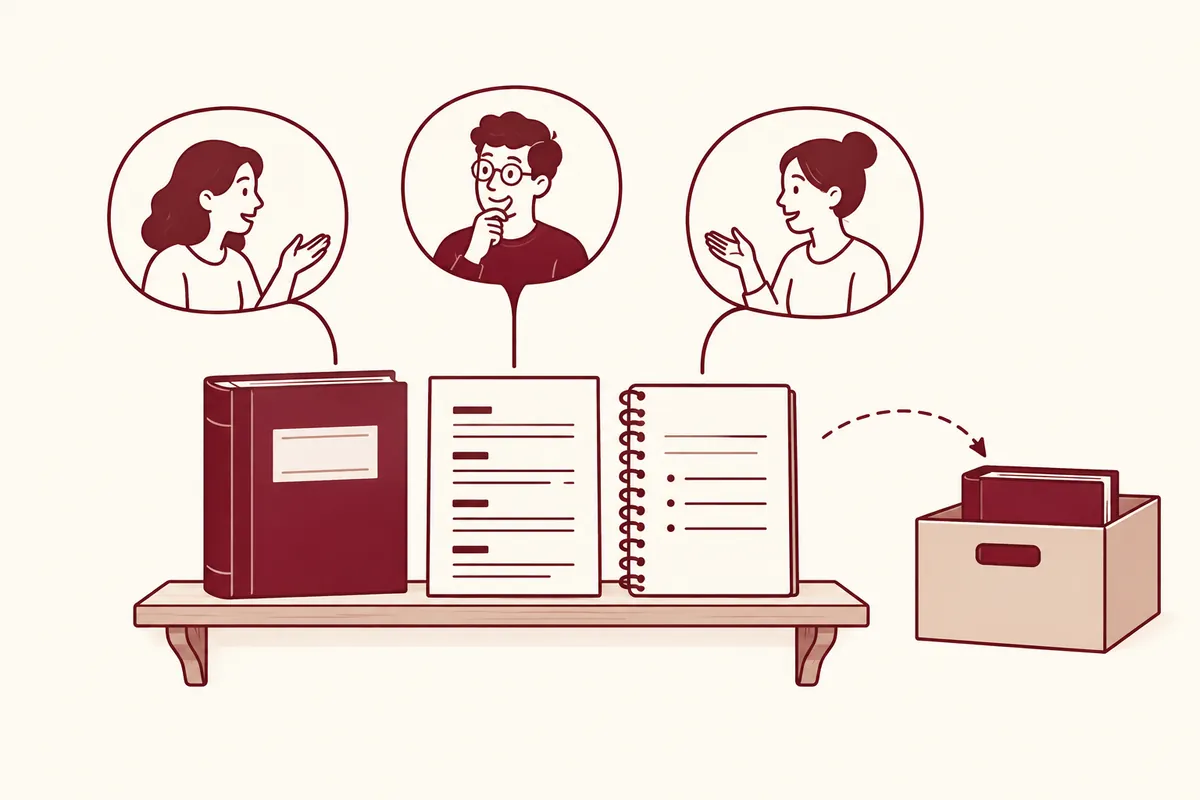
Instead of a broad project such as “all work,” divide projects into units that repeatedly use the same materials and tone, such as “Windows articles for beginners,” “team announcements,” or “organizing product descriptions.” Different topics can stay together if reference documents and review methods match, but separation is easier to manage when audiences or rules frequently conflict.
2. Make a Materials List Before Uploading
Make file contents and reference dates apparent in their names. “installation_guide_2026-10-01.pdf,” “glossary_reviewed.txt,” and “writing_rules_current.md” are easier to distinguish than three files called “material.pdf.” Explain in the list whether the date is publication or your saving date. A recent date alone does not make the content an official standard.
| Material | Purpose | Management note |
| glossary_reviewed.txt | Consistent terminology | Include only reviewed terms |
| installation_guide_current.pdf | Check installation procedure | Record original URL and date checked |
| reader_questions_anonymous.txt | Choose article topics | Remove names and account information |
This table is a list for human review, not a recommended folder structure. Recording source URLs, document titles, usage scope, and previous versions to discard makes original sources easier to find when reviewing AI answers. Mark poorly scanned files or missing pages before uploading.
3. Write Project Instructions as Assessable Sentences
Instead of “write a good article,” state rules whose compliance can be judged from the answer. Use instructions for editing methods and audience level, and individual conversations for changing topics or dates. This division is easier to understand.
대상 독자: AI 도구를 처음 쓰는 한국어 사용자.
문체: 짧은 문장과 일상적인 표현을 사용한다.
자료: 제공한 문서에서 확인된 사실과 제안 예시를 구분한다.
검토: 기능·조건·날짜 주장에는 확인할 원문 위치를 붙인다.
금지: 없는 사용 후기, 실행 결과, 수치, 고객 사례를 만들지 않는다.
불명확한 내용: '자료에서 확인되지 않음'으로 표시한다.
These instructions illustrate a writing direction. They are not settings guaranteeing accuracy, so people must review file currency and evidence for results. Check for contradictions too. If both “always be brief” and “explain every step in detail” appear, adjust priorities: detail the steps readers need, but keep background brief.
4. Check Source Retrieval in the First Question
Instead of immediately requesting a finished article, ask for a list of reference materials: “Find documents for the installation guide and show a table of titles, reference dates, target operating systems, and unverified items.” First compare whether the answer contains documents actually uploaded and whether dates come from those documents.
Proceed when the materials match, and correct mistakes before generating a new article. Asking the final answer to distinguish documents used from suggestions may reduce review effort. This is a proposed organization procedure, not a measured improvement in processing speed or accuracy.
5. Review Previous Answers When Changing Materials
When official documentation changes, do more than add a new file: check whether an older version remains the reference. Clarify “A is the current reference and B is for background,” or remove unnecessary files. Recheck file conditions and processing methods in the official upload guide.
Keep a list of changeable elements in existing articles, such as installation commands, support conditions, and button names. Comparing it when updating sources helps decide which articles to recheck. Collecting materials in a project and having current blog articles are separate things to verify.
6. Choose Ordinary Conversation, Project Knowledge, or Instructions
When choosing where to put materials, first ask, “Will the next conversation use this source under the same standard?” Material for a one-time sentence edit need not be managed like a glossary reused across articles. Treating project knowledge as shared material and instructions as work methods clarifies their roles.
| Content to add | Suggested location | Specific reason |
| Announcement to refine only today | Material in an individual conversation | Not shared evidence for the next article |
| Reviewed glossary for multiple articles | Project knowledge | Repeated reference for terminology |
| Audience level and style | Project instructions | Defines how to answer |
| This article's length and topic | Individual question | Requests that change between tasks |
| Operating principles established in an earlier conversation | Incorporate into reference documents after review | Distinguish summarized memory from original evidence |
Check project memory and project knowledge separately. Using them does not mean entire conversations are shared verbatim like original documents. Organizing essential reference dates, approved expressions, and finalized decisions into human-reviewed materials makes evidence for later answers easier to find.
7. Preparing a Fictional Technical Blog Project
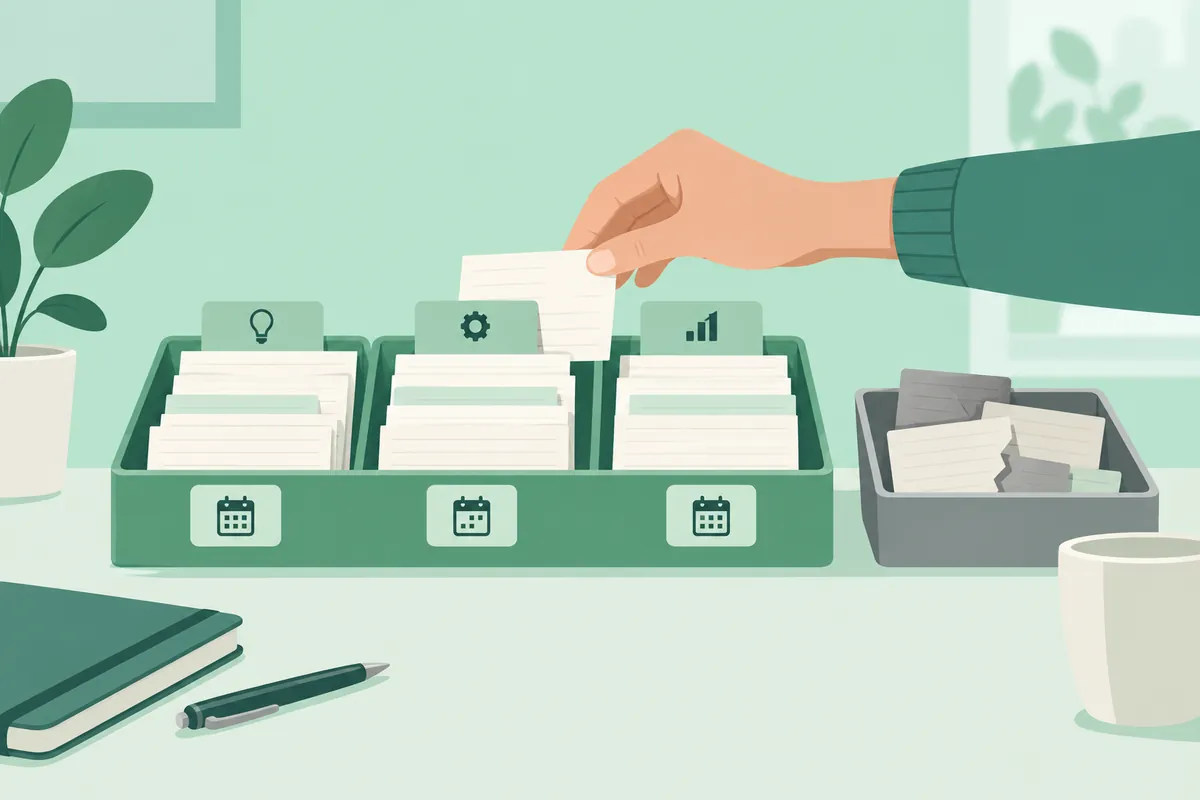
The following is a fictional project for writing beginner technical articles, not internal company material or actual operating records. Short reference documents were created to illustrate what to include.
[독자와 편집 기준.md]
독자: Windows에서 파일과 폴더를 다룰 수 있는 초보자.
목표: 기능 소개 뒤에 자료 준비와 실행 후 확인을 설명한다.
표기: PowerShell은 영문 그대로 적는다.
예시: 실제 경험이 아니면 가상 예시라고 표시한다.
가격·이용 조건: 공식 원문과 확인일이 있어야 사실로 쓴다.

[자료 목록.txt]
S1: 공식 설치 안내 / 제목 / 원문 URL / 확인일
S2: 공식 파일 업로드 안내 / 제목 / 원문 URL / 확인일
S3: 독자 질문 모음 / 익명화 완료 / 외부 공개 범위 확인
Document IDs S1 and S2 are names assigned by a person in this example, not special Claude commands or automatic tracking features. Connecting filenames with source IDs when managing divided material lets questions specify “S1's installation conditions.” An ID alone conveys no content unless the corresponding material is provided.
- Read reference documents for personal information and secrets.
- Compare URLs and saved document titles in the source list.
- Add reference materials to project knowledge and write work instructions separately.
- In the first conversation, ask which materials are actually readable and which files are missing.
- Compare filenames and reference dates in the answer with the materials list before starting the article.
Keep “date checked” and “publication date” separate in the list. This helps avoid describing an old guide saved today as newly published. When guidance is revised, decide whether to overwrite the filename or retain a new version, and specify the previous version's reference purpose.
8. Resolve Conflicting Materials
Suppose fictional file A says “receive announcement inquiries by email” and file B says “receive new inquiries through the bulletin board.” Before asking AI to “choose the latest automatically,” compare effective dates and document approval status. A later-dated draft does not necessarily override an established final document.
자료 A와 B의 문의 경로가 서로 다릅니다.
파일을 수정하지 말고 아래 표를 먼저 작성하세요.
- 파일명 / 문서 상태 / 적용 시작일 / 해당 원문 위치
- 일치하는 규칙 / 충돌하는 규칙
원문에 상태나 날짜가 없으면 '미확인'으로 표시하세요.
임의로 우선순위를 만들지 말고 내가 결정해야 할 질문을 남기세요.
내가 현재 기준을 선택한 뒤에만 공지 초안을 작성하세요.| Review item | Content found in fictional materials | Next action |
| A's status | Marked as finalized | Confirm actual applicability |
| B's status | Marked as draft | Do not use as fact before approval |
| B's effective date | Absent from the source | Responsible person decides schedule |
This table is an author-created decision example, not an actual conflict found in a project. After establishing the principle, incorporate “Current inquiries follow A; B is reference material pending approval” into the reference document and request that subsequent conversations refer to it too.
9. A Sequence of Questions from Source Review to Article Draft
[1단계: 자료 확인]
이번 글은 파일 업로드 방법 안내입니다.
프로젝트 지식에서 관련 자료를 찾고,
문서 제목 / 확인일 / 지원 조건 / 원문 위치를 정리하세요.
가격과 모델 비교는 이번 범위에서 제외하세요.

[2단계: 설명 설계]
확인한 자료만으로 초보자가 따라 할 순서를 제안하세요.
자료 준비, 기능 선택, 결과 검토, 문제 해결로 나누세요.
공식 사실과 작성자가 제안하는 예시는 표시를 달리하세요.

[3단계: 초안 작성]
내가 검토한 순서를 바탕으로 글을 작성하세요.
아직 확인하지 못한 조건은 본문에서 단정하지 마세요.
새로 추가한 사실이 있다면 그 근거를 별도 목록으로 보여 주세요.
The stages are not intended to make the same work happen three times. They preserve intermediate decisions so a long manuscript need not be rewritten entirely if sources or audience level are wrong. If source selection and structure are already settled, you can combine them in one question.
Follow-Up Requests for Material-Management Problems
- Outdated material used: “The previous installation guide is for background. I have specified the current reference file; rewrite only the installation section using that file's conditions.”
- Unclear source: “After each fact, identify the filename and source subheading used. Move statements you cannot locate into the unverified section.”
- Instructions mistaken for content: “Example sentences in editing instructions are not product facts. Use only source material as evidence for feature descriptions.”
Reviewing finished articles with their materials lists provides a starting point for the next update. You can distinguish a glossary-only revision from a rewrite needed because installation conditions changed.
Frequently Asked Questions and Troubleshooting
Does it remember statements from other conversations? Do not treat project knowledge and individual conversation contents as identical; organize reusable decisions into reference material. With project memory enabled, summaries of conversations within that project may be used, but this is separate from project knowledge, which uses uploaded originals as common material. What if an answer contains something absent from the source? Request the file used and evidence paragraph, then open and compare them yourself. Does the project name convey its purpose? Writing the purpose and response rules directly in instructions or questions is clearer.
Official Sources and Date Checked
Official documentation checked: October 3, 2026. Screens and availability conditions may change afterward.
Original illustrations created to help explain this article.
Original on Tistory ↗