Requesting Codex Code Reviews: Bug-Finding Prompts and Validation Checks
This article was translated from its source language with AI assistance. Please check technical terms and equations against the original.
Summary: A good code-review request specifies which changes to compare and which problems to seek. A finding alone does not confirm a bug, so check evidence and reproduction conditions together.
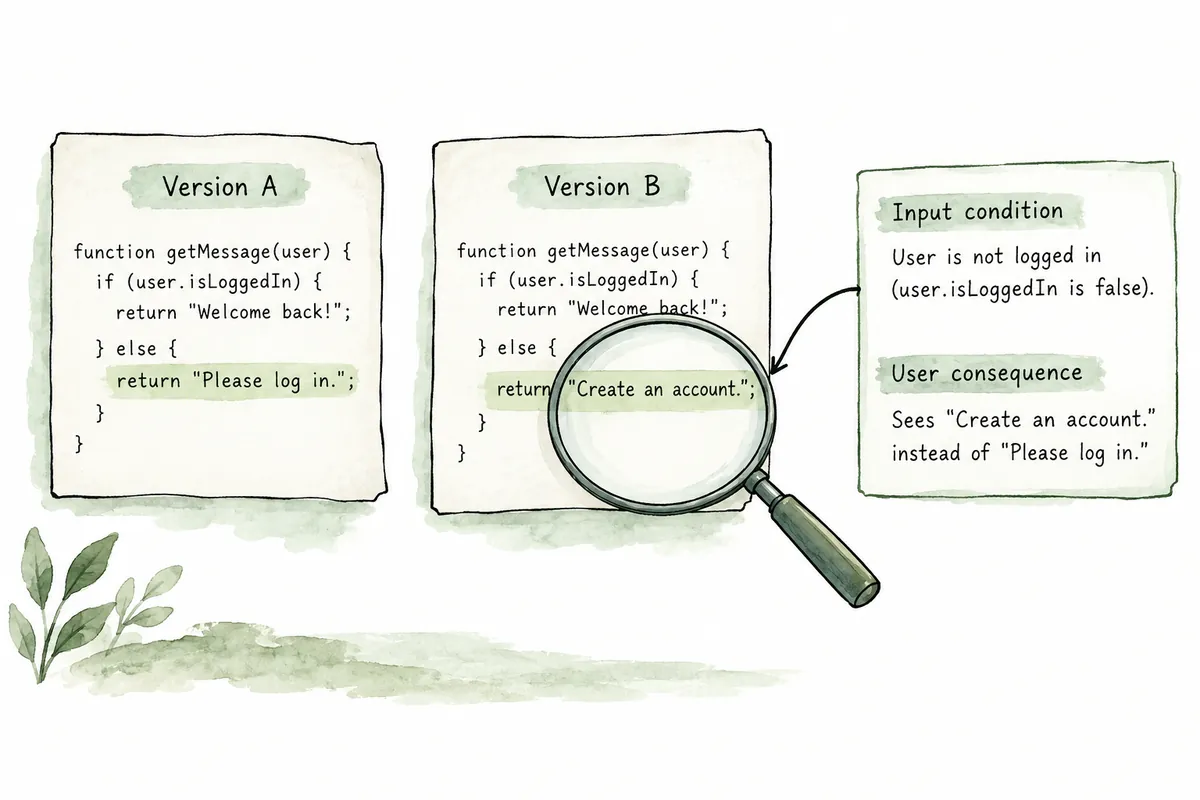
1. Add a Comparison Target to “Review This”
Specify whether review means reading one file, examining uncommitted changes, or comparing a baseline branch with current changes. Different scopes include different code and criteria. Afterward, check the result for the actual comparison scope used.
OpenAI's official code-review documentation distinguishes /review for Git checkout changes from the Code Review workflow for pull requests. It describes local /review as a review that reports prioritized findings without changing working files. Check specific choices in your app, CLI, or IDE.
2. Ask About Actual Behavior Before Style
Reviewing every indentation choice and variable name can bury important defects among minor preferences. For fictional shopping-cart changes, define behavioral review targets such as “Is the item removed at quantity zero?” or “Could checkout proceed using an outdated price?”
Also distinguish preexisting problems from those introduced by this change. Finding a problem near edited lines does not establish that the edit caused it. Request triggering conditions, code evidence, user impact, and its relationship to the change to make assessment easier.
3. A Review Prompt You Can Adapt Immediately
현재 브랜치의 장바구니 변경을 지정한 기준 브랜치와 비교해 주세요.
이번 변경으로 생길 수 있는 동작 오류와 회귀를 우선 검토해 주세요.
특히 수량 0, 중복 클릭, 응답 실패 상황을 살펴봐 주세요.
이 요청에서는 코드를 수정하거나 PR 댓글을 게시하지 마세요.
각 지적에 파일 위치, 발생 조건, 근거, 예상 영향을 포함해 주세요.
확인된 사실과 추가 검증이 필요한 가능성을 구분해 주세요.
검토 범위와 직접 확인하지 못한 부분도 알려 주세요.
Specify the actual repository's baseline branch. Do not copy main from an example without knowing whether it is used. If unfamiliar with the repository, first ask for available branches and current changes before defining scope. This is a request template, not a review conducted in a particular project.
4. Turn a Finding into a Verifiable Task
For a finding such as “duplicate clicks may add a product twice,” first ask under what conditions it occurs. Check whether the button is already disabled, the server handles duplicate requests, and what timing reproduction requires. Distinguish speculation without surrounding code from a specific execution path.
중복 추가 지적의 재현 조건을 확인해 주세요.
관련 호출부와 중복 방지 처리가 있는지 살펴보고
현재 코드에서 가능한 경로와 아직 확인하지 못한 조건을 설명해 주세요.
결함이 확인되면 최소 수정안과 필요한 검증을 제안해 주세요.
Review and editing have different goals. Confirming the problem before delegating its correction reduces unnecessary changes. If some findings rest on incorrect assumptions, include that fact in follow-up requests to prevent recurring speculation.
5. Post-Review Checklist
- Comparison scope: Check that the intended branch or change set was reviewed.
- Code evidence: Check that the current file location matches the finding.
- Reproduction conditions: Distinguish valid and erroneous inputs and check actual possibility.
- Validation results: Separate executed tests from still-unverified behavior.
- Current state: If code changed after review, check whether earlier findings still apply.
Recheck locations and evidence before sharing PR comments too. Official documentation distinguishes conversation-based review from posting comments or approving and merging. Drafting findings first reduces the chance of conveying unverified possibilities as confirmed defects.
6. Read Change Scope Before Using /review
Reading repository status before local review reduces incorrect targeting. The following Git commands inspect current changes and branches. If listed files include someone else's ongoing changes, decide whether they belong in scope. Not every visible change was made by Codex.
git status --short
git diff --stat
git diff --cached --stat
git branch --list
Official CLI documentation describes /review choices for a baseline branch, uncommitted changes, a specific commit, or custom review criteria. Uncommitted-change review includes staged, unstaged, and untracked files. Do not assume staged files are omitted or new files excluded. Read the scope in your interface and retain the chosen scope in the result.
| Desired target | Selection criterion | Particular caution |
| Current work in progress | Uncommitted changes | Whether other workers' changes are included |
| Entire feature branch | Compare against the actual baseline branch | Is the baseline current and intended? |
| One group of changes | Specific commit | Is context from surrounding commits also needed? |
| Investigate a specific risk | Specify related paths and review criteria | Are conclusions made without examining callers? |
If the baseline branch is unknown, read the repository's branches and team workflow rather than guessing its name. Decide the target before executing /review. Checking scope before findings helps explain unexpectedly many or few issues.
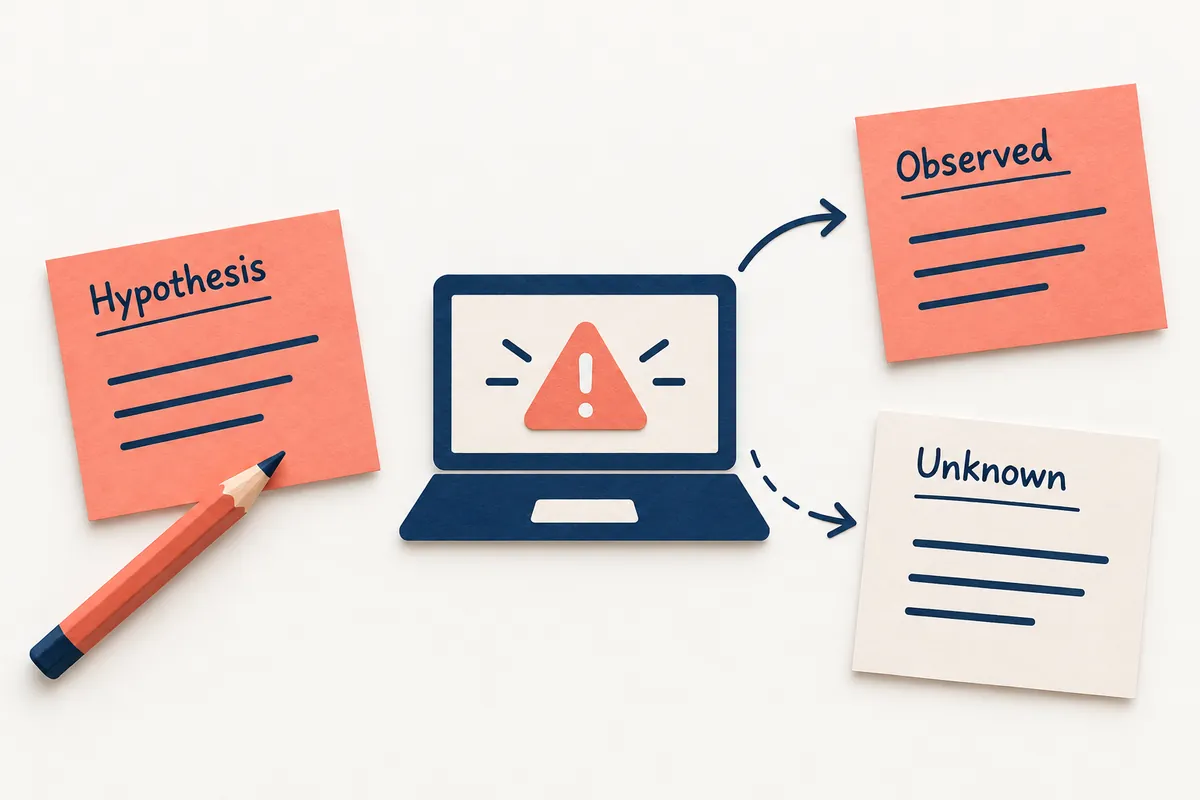
7. Review a Zero-Quantity Error in Fictional Code
The following fictional code is for review practice. Assume the cart policy is “remove an item at quantity zero.” It is not actual executed project code or a discovered defect. Conclusions change with product quantity policy, so read it with requirements.
function normalizeItem(input) {
  return {
    productId: input.productId,
    quantity: input.quantity || 1
  };
}
In this example, || can replace zero with a default of one. Reading code establishes that conversion, but concluding that an actual cart is saved incorrectly requires checking when the function is called. If zero-quantity requests use a dedicated deletion path and never enter this function, user deletion may be unaffected. This distinction separates speculation from defects.
가정한 요구사항: 수량 0 요청은 항목을 삭제합니다.
normalizeItem의 기본값 처리와 실제 호출 경로를 함께 검토하세요.
0이 1로 바뀌는 경로가 삭제 요청에서 도달 가능한지 확인하세요.
다른 계층에서 0을 처리한다면 해당 근거를 제시하세요.
도달 여부를 확인할 수 없다면 결함으로 확정하지 말고 필요한 자료를 적으세요.
You can define the expected finding format beforehand. Instead of “the default operator is bad,” state a condition: “On a path where a zero-quantity deletion request enters this function, normalization to one may leave the item present.” A correction must distinguish zero, absence, negatives, and normal positive quantities. Replacing || alone does not implement the complete quantity policy.
8. Separate Facts, Assumptions, and Validation Plans
Review statements have different evidence levels. “This function changes zero to one” interprets example code behavior; “deletion requests enter it” confirms a calling path. “The user's product remains” concerns the complete product result and requires storage and response paths too. Separating levels reveals where additional evidence is needed.
| Item | Content of a good report |
| Triggering condition | A zero-quantity request passes through the normalization function |
| Code evidence | Relevant file, function, and calling path |
| Expected behavior | Deletion as defined by current requirements |
| Verification method | Check stored results or response after a zero request |
| Remaining conditions | Whether deletion occurs in another layer, and similar conditions |
리뷰 지적을 다음 항목으로 다시 정리해 주세요.
발생 입력, 기대 동작, 코드 근거, 사용자 영향, 이번 변경과의 관계.
직접 실행한 재현이 있으면 명령과 결과를 적으세요.
실행하지 않았다면 코드 해석과 검증 계획으로 표시하세요.
호출부나 요구사항이 부족한 지적은 필요한 자료를 구체적으로 남기세요.
Prioritize by impact. Problems blocking normal orders or storing incorrect data deserve attention before variable-name preferences. However, dramatic impact wording does not confirm a severe defect. Examine reproducibility, actual usage paths, and affected inputs together. If a small refactor produces speculation about a whole production outage, request the connecting evidence again.
If a finding is wrong, go beyond “already handled” and record the paths and checks refuting the assumption. For example, connect code and tests showing that deletion requests are handled separately without calling this function. Improve requirements or calling-structure documentation to prevent the same misunderstanding next time.
9. Continue Through Post-Fix Review and PR Sharing
Once a defect is confirmed, edit only the necessary parts and run related checks. For quantities, check missing values and normal positives as well as zero to reveal default-change side effects. Recheck product policy before aligning test expectations with current code. After editing, check whether previous review locations and explanations still match current files.
확인된 수량 0 결함을 최소 범위로 수정해 주세요.
값 누락·0·정상 양수 입력의 기존 정책을 구분해 주세요.
관련 테스트를 실행하고 변경된 동작과 보존한 동작을 보고하세요.
수정 후 동일 경로를 다시 검토해 새 문제나 빠진 조건을 찾아 주세요.
아직 확인하지 못한 통합 동작은 별도로 표시하세요.
Before sharing on a PR, draft around verified facts rather than copying findings unchanged. Good comments briefly connect triggering input, expected result, why current code differs, and validation to perform. Do not call unexecuted reproduction “confirmed.” Adapt the following template to the degree of verification.
수량 0 요청이 이 정규화 경로를 거치면 기본값 1로 바뀔 수 있습니다.
현재 요구사항은 0에서 삭제하는 동작이므로 호출 경로를 확인해 주세요.
[검증한 근거 또는 아직 필요한 검증]을 기준으로
0과 값 누락을 구분하는 처리 및 관련 사례 추가를 제안합니다.
Official Code Review guidance separates conversational review from actual comment posting and review submission. Read the draft, verify file locations against the latest diff, and then share. If correction commits arrived after review, reread changed scope rather than treating past results as final. Understanding actual changes and resolving verifiable defects matters more than finding counts.
10. Frequently Asked Questions
Does no finding mean the code is safe? It means no issue was found in the reviewed scope, not that behavior in every environment and input was proven.
Can Codex review replace human review? Use it to understand changes and find missed cases, while ensuring someone familiar with service requirements and operating context can make the final decision.
Is review needed even if tests pass? Tests check written cases. Review asks different questions about omitted cases and mismatches between change intent and code. For important changes, read both results together.
Official Sources and Date Checked: OpenAI official documentation: Code review. Checked October 3, 2026. Check current environment and permissions before using commands and features.
Original illustrations created to help explain this article.
Original on Tistory ↗