Writing AGENTS.md: Tell Codex Your Project Rules
This article was translated from its source language with AI assistance. Please check technical terms and equations against the original.
Summary: AGENTS.md records recurring project work rules. Keep installation commands, validation methods, and change boundaries concise, and maintain alignment with current code.
1. When You Need AGENTS.md
If every Codex task repeats “this repository uses a package manager other than npm” or “do not edit generated files directly,” a project instructions file is useful. Think of AGENTS.md as a document managing these work agreements alongside the project.
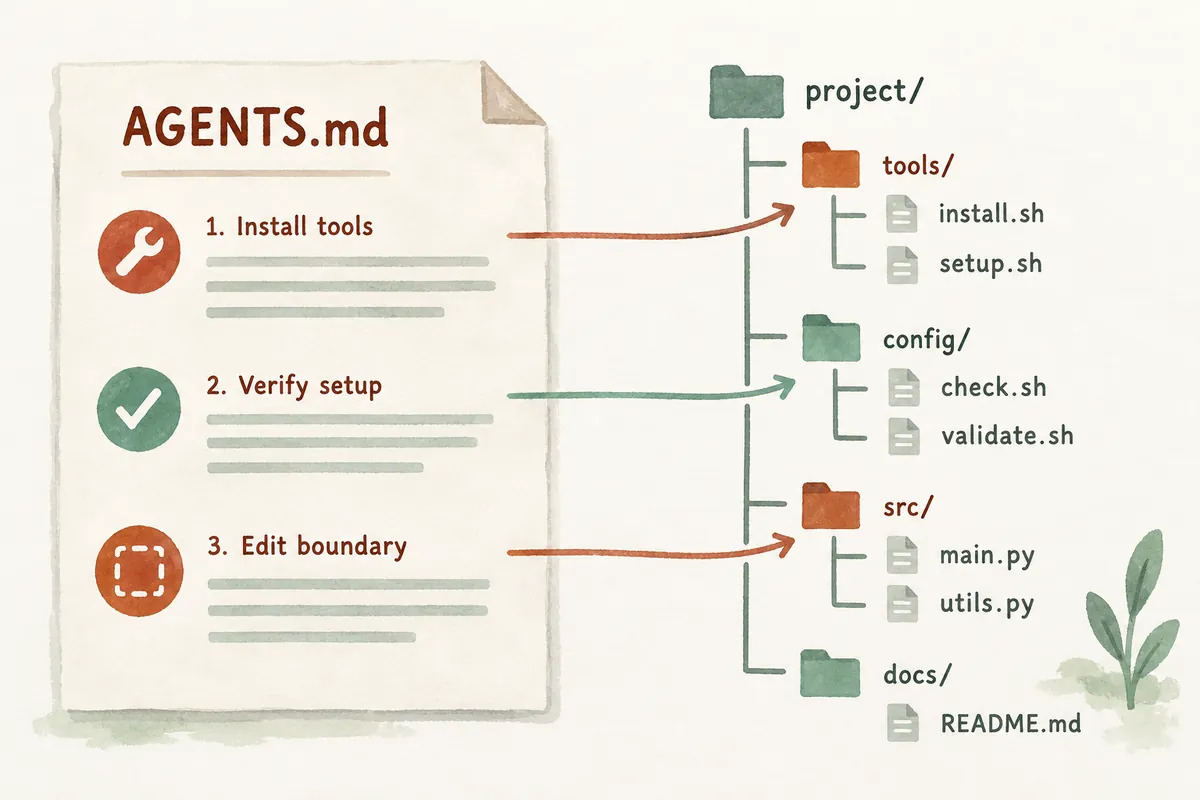
OpenAI's official documentation explains that Codex reads AGENTS.md instructions at task startup and combines global and project instructions. This article's examples are drafts for a fictional repository. Avoid using their commands unchanged without checking them in your actual project.
2. Start with a Short File at the Repository Root
Base the first file on what a teammate needs when entering the repository. Identify source folders, execution commands, and checks after editing. Unused commands or long-outdated descriptions can send work in the wrong direction.
# 프로젝트 작업 규칙

## 구조
- 화면 코드는 src/ui, 데이터 처리 코드는 src/data에 있습니다.
- generated 폴더의 산출물은 직접 편집하지 마세요.

## 변경 기준
- 기존 공개 함수의 입력과 반환 형식을 유지하세요.
- 요청과 관계없는 파일은 수정하지 마세요.
- 다른 작업자의 변경을 덮어쓰지 마세요.

## 검증
- package.json에서 현재 테스트 명령을 확인해 실행하세요.
- 실행 명령, 결과, 실행하지 못한 이유를 구분해 보고하세요.
If commands are known, replace “check and execute” with the actual command. Otherwise, ask for discovery in project configuration rather than establishing an arbitrary npm test rule. Rules should be executable guidance, not impressive declarations.
3. Split Subfolder Rules Only When Needed
Official documentation says instructions are gathered along the path from project root to current working directory, with closer-directory instructions applied later. Each directory uses discovery priority for AGENTS.override.md, AGENTS.md, and similar files. With multiple files, the actual starting location matters.
A small repository may need only one root file. If frontend and server validation differ, consider separate area instructions. Copying common rules into each subordinate file makes divergence likely. Shared agreements at root and only essential area differences below are easier to manage.
4. Check Which Instructions Apply After Writing
Do not stop at creating the file; check the rules read in a new task. The following request example inspects contents while restricting execution, helping find document errors before delegating actual work.
현재 작업 디렉터리에 적용되는 AGENTS.md 지침을 요약해 주세요.
적용 파일의 경로와 검증 명령을 알려 주세요.
서로 충돌하거나 실행할 수 없는 지침이 있으면 설명해 주세요.
이 요청에서는 파일을 수정하거나 설치하지 마세요.
If intended files are absent from the response, first check working directory and filenames. If changes seem unapplied, check a new session. Official documentation says instruction assembly occurs at execution startup, so checking again is clearer than guessing when an existing session picks up new contents.
5. Commonly Failing Rules and How to Fix Them
- Abstract rules such as “always highest quality”: Replace with checkable conditions such as preserving public APIs and validation commands.
- Nonexistent test commands: Align with current configuration or explain where to find them.
- Long procedures forced on every task: Distinguish mandatory and conditional stages.
- Contradictory files: Organize common rules and clearly state subordinate-area exceptions.
Do not put passwords or tokens in instructions. For shared repositories, name necessary environment variables and where to check settings instead of secrets. Reviewing instruction diffs like code diffs makes outdated commands and unnecessary exceptions easier to find.
6. Write for a Fictional Repository with Actual Commands
The following JavaScript-based fictional project illustrates concrete instruction writing, not actual execution. Assume README and package.json were read to locate development-server and validation commands. Its fictional scripts contain dev, test, and lint, so those names can appear in instructions. Copying nonexistent names into a real repository instead obstructs execution.
{
  "scripts": {
    "dev": "vite",
    "test": "vitest run",
    "lint": "eslint src"
  }
}
Do not overwrite project configuration with this scripts example. For different tools, record their existing commands. Determine the package manager from lockfiles and README, and retain required conditions if tests depend on services or environment variables. “Where to run which command and what must be ready” helps workers more than “run tests.”
# AGENTS.md

## 프로젝트 구조
- src/ui: 사용자 화면, src/data: 데이터 처리
- tests: 기능 검증, public: 정적 파일
- dist는 생성 산출물이므로 소스를 먼저 수정합니다.

## 실행과 검증
- 저장소 루트에서 npm run dev로 개발 서버를 실행합니다.
- 동작을 바꾸면 관련 사례를 npm test로 확인합니다.
- JavaScript 소스를 바꾸면 npm run lint도 확인합니다.
- 실행에 필요한 조건이 없으면 실패 원인을 보고합니다.
  테스트를 건너뛰고 통과했다고 표현하지 않습니다.

## 변경 기준
- 저장된 데이터 형식은 이번 요청에 포함될 때만 변경합니다.
- 기존 사용자의 정상 입력 동작을 유지합니다.
- 다른 작업자의 변경과 생성 산출물을 덮어쓰지 않습니다.

## 보고 형식
- 변경한 동작과 파일, 실제 실행한 검증, 남은 확인을 설명합니다.
This makes the normal workflow visible first. Developers can find their next command more easily than in a document consisting mainly of prohibitions. Adjust whether every step is required for text-only edits without validation according to project criteria. Rules aim to reduce recurring confusion, not multiply procedures.
7. What Belongs at Root Versus Subfolders?
Consider a repository with both frontend and server. The arrangement below illustrates path-specific instructions. Root holds shared agreements such as preserving data formats and reporting; the server folder holds server-specific conditions. Keeping common scope readable in one place is easier to maintain than copying the same rule into three files.
project/
  AGENTS.md
  frontend/
    AGENTS.md
  services/
    api/
      AGENTS.override.md
Official discovery follows the path from root to current working directory. Starting at root does not mean every subordinate instruction is combined automatically. A task starting in api should inspect instructions along that path; when delegating multiple areas from root, explicitly request necessary subordinate instructions. Verify applicability through actual session paths and contents.
If AGENTS.override.md and AGENTS.md share a folder, do not expect both to merge automatically. Official priority checks override first and uses at most one instruction file per directory. Record a temporary exception's purpose and removal time to avoid unintentionally preventing the original from being read. Persistent exceptions should become ordinary instructions.
# services/api/AGENTS.override.md

## API 영역의 추가 기준
- 저장소 루트의 공통 변경 기준을 유지합니다.
- API 검증은 이 영역의 README에 적힌 절차를 따릅니다.
- 데이터베이스가 필요한 검증은 연결 대상과 준비 상태를 먼저 확인합니다.
- 테스트용 데이터 변경과 운영 데이터 변경을 구분합니다.
- 데이터 형식 변경은 영향과 이전 버전 호환 여부를 보고합니다.
8. Investigate Paths First When Instructions Are Misread
If rules appear unapplied, check the actual file and starting location before strengthening wording. Hidden Windows extensions may make AGENTS.md.txt appear as AGENTS.md. Show extensions in Explorer or query names below to confirm. These commands illustrate reading filenames and current location.
Get-Location
Get-ChildItem -Name AGENTS*
Get-Content -LiteralPath .\AGENTS.md- Check that the current directory is the intended project. Move to the correct project if it is another copy.
- Check the exact filename and nonempty contents. Correct a wrong extension in the editor.
- Look for override files in the same path or parent scope to identify unexpected rules' origins.
- Ask a new session to summarize applied file paths and commands. Do not infer new-file application solely from old-session answers.
Also check whether global and project rules were mixed. A global instruction requiring npm test in every repository may be wrong for Python. Personal preferences such as Korean explanations or distinguishing executed from unexecuted checks can be global, while project-specific commands naturally belong in repository instructions. If Codex home is configured separately, editing the default location may affect a different configuration.
9. A Revision Checklist for Removing Outdated Rules
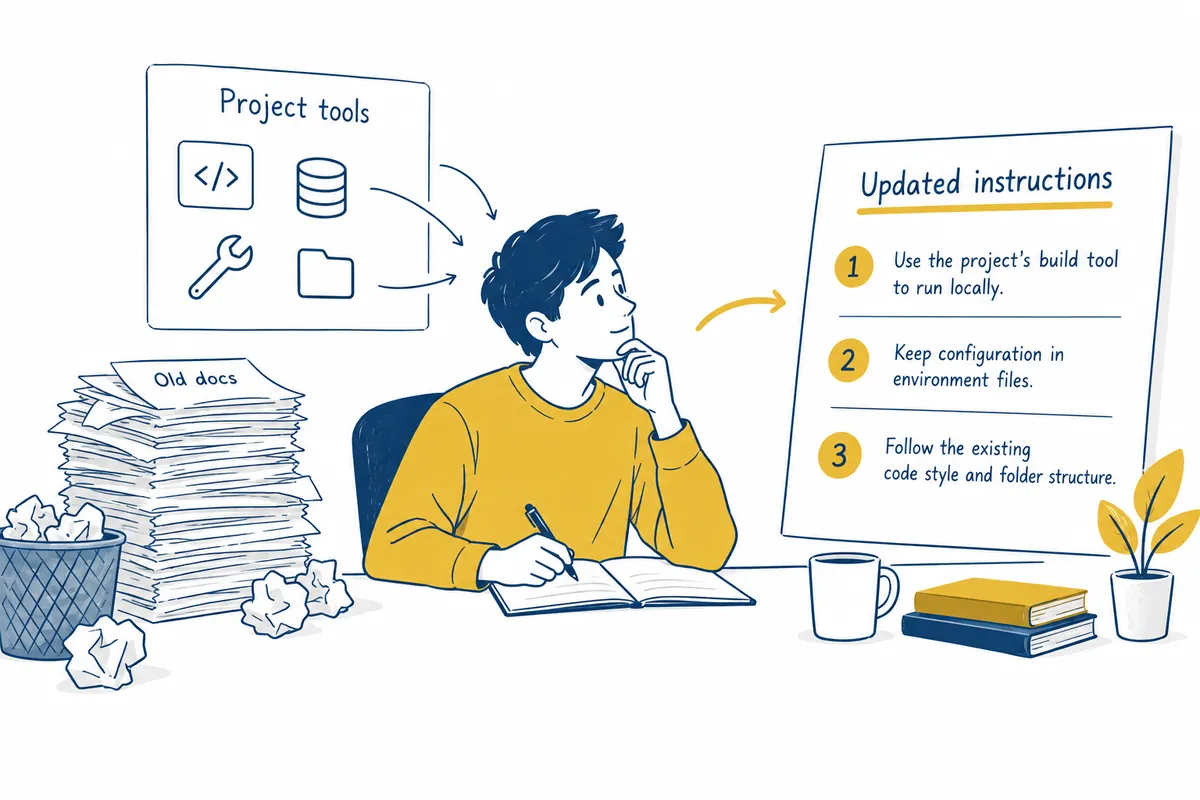
Update instructions as the project changes. If test tools or source folders change, revise related commands and paths too. Leaving workarounds for old commands only in conversation repeats the problem in later tasks. The prompt below can first compare documents against current configuration.
AGENTS.md의 경로와 실행 명령을 현재 저장소와 비교해 주세요.
존재하지 않는 파일·스크립트·생성 경로를 찾아 주세요.
항목별로 현재 근거 파일과 수정 제안을 표로 정리해 주세요.
새 규칙을 임의로 늘리지 말고 오래된 규칙의 갱신부터 제안하세요.
이 단계에서는 문서를 수정하거나 의존성을 설치하지 마세요.
Distinguish three kinds of review outcomes. Replacing a removed command corrects an actual error; proposing a new tool is a separate choice. Changing “always all tests” to related tests plus required checks adjusts work criteria. Separating these reduces expansion of a routine update into tool replacement or major restructuring.
- Do paths and commands exist in the current repository?
- Are conditional tasks separated from tasks always required?
- Were temporary feature requirements accidentally retained as permanent rules?
- Is the next action clear after failure or inability to execute?
- Are environment-variable names and preparation methods given instead of secrets?
A good AGENTS.md lets a new worker begin normal work after reading one file. Record frequently mistaken project choices and actual procedures rather than collecting lengthy coding rules. If recurring complex workflows become necessary, consider a separate skill or reference document instead of putting everything in root instructions.
10. Frequently Asked Questions
Are AGENTS.md and README the same? README commonly introduces the project to people; AGENTS.md organizes instructions agents need while working. Refer to required documents rather than duplicating lengthy explanations in both.
Are more rules better? Rules must be applicable and necessary for the current project. Reduce duplicates and contradictions.
Do instructions change execution permissions? Work-method guidance and actual permissions settings are separate. Stating permission in a file does not automatically expand tool-access boundaries.
Official Sources and Date Checked: OpenAI official documentation: Custom instructions with AGENTS.md. Checked October 3, 2026. Adapt example paths and commands to your project.
Original illustrations created to help explain this article.
Original on Tistory ↗