What Is Codex? From Its Relationship with ChatGPT to Your First Coding Task
This article was translated from its source language with AI assistance. Please check technical terms and equations against the original.
Summary: Codex is an OpenAI tool suited to working with code and development tools. Start by delegating one small feature and checking changed files and execution results.
1. How Are Codex and ChatGPT Related?
OpenAI's official guidance distinguishes Chat for questions and conversation, ChatGPT Work for producing artifacts, and Codex for developer tools and technical details. “ChatGPT only explains while Codex alone acts” therefore oversimplifies current products. Their features may overlap; the screen, files, and tools connected to your task matter.
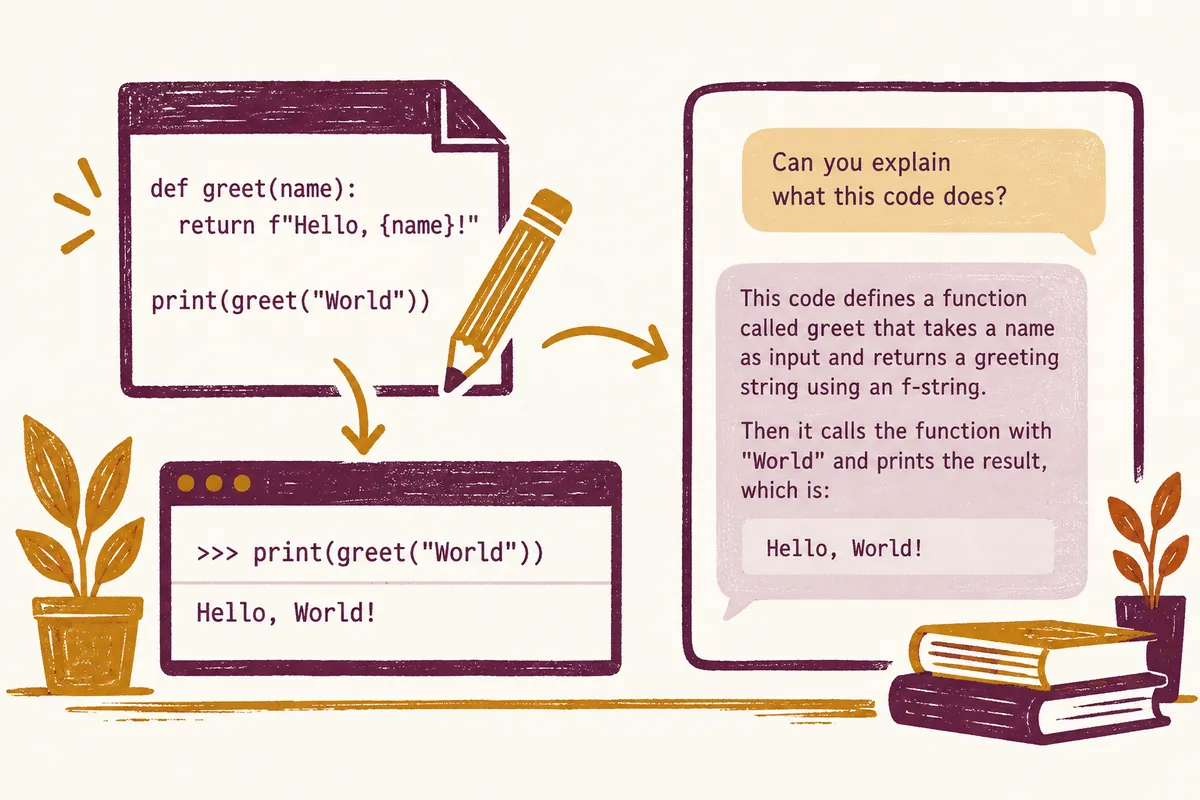
A short conversation may suffice to explain a regular expression. Fixing email-validation errors in your project requires source files, reproduction input, and correct-behavior criteria. A development environment for reading code and comparing edits is useful for the latter. Describe the task's endpoint before choosing a product name.
2. Distinguish Code Answers from Code Work
A code answer is an explanation or example to copy. Code work changes actual files in your repository. The Codex CLI documentation describes inspecting files, editing, and executing commands in a terminal. Actual execution scope depends on the connected environment and permissions.
Without this distinction, “fixed” can be confusing when your files remain unchanged. For explanation only, request no file edits; for actual editing, give the project path and desired result. A code block alone does not establish file saving or test execution.
3. Start with One Small Problem
The following request example targets a fictional task app. Adapt paths and behavior for actual projects. Observable screen results matter more than elaborately long prompts.
할 일 앱에서 빈 문자열을 저장하면 빈 항목이 생깁니다.
공백만 입력한 경우에도 새 항목을 만들지 않도록 수정해 주세요.
관련 파일은 src/tasks 폴더에 있습니다.
기존 저장 형식과 정상 항목 추가 동작은 유지해 주세요.
프로젝트에 있는 관련 테스트를 실행하고,
수정 파일, 실행 명령, 결과, 확인하지 못한 부분을 알려 주세요.
It includes the problem, related location, preserved behavior, and checking criteria. Scope is clearer than in “improve the whole app.” Begin with directly comparable outcomes such as one input error or guidance message rather than replacing the entire login system.
4. Three Things to Check in the Result
First, see whether changed files relate to the requested issue. Second, check that executed commands and output show actual validation. Third, read remaining limitations. Distinguish suggestions for tests that could not run from commands actually executed and passed.
For blocking empty input, check empty strings, whitespace, and normal sentences separately. An error message may appear while data is already saved. Request criteria checking both display and storage. Judge fixes by before-and-after behavior and execution evidence rather than the answer's confidence.
5. Common First-Use Failures and Solutions
- Wrong file edited: Specify the current project and related paths again, inspect the wrong change, and define intended scope.
- Only an explanation received: Clarify whether actual file edits or only a patch proposal are wanted.
- No test results: Request separate reporting of execution status and reasons for failure or nonexecution.
- Changes grew too large: Reduce this task to one completion criterion and leave incidental improvements for separate work.
One request need not delegate everything. First learning project structure, then requesting a small change in the understood area is a good start too. Identify your own edited files and others' ongoing work beforehand to reduce unnecessary overwrites.
6. Choose a Starting Method for Your Situation
You need not install every development tool first. For studying a code fragment without changing files, request conversational explanation. For editing an already-running project, choose an environment connecting its working folder. Terminal users can naturally start the CLI from the project. Editor or desktop users should first learn how to inspect the open project and changes.
| Desired result | Material to provide first | Completion criterion |
| Understand code | Function and sample calls | Can explain the path from input to return value |
| Fix a small error | Project, reproduction input, valid-behavior criteria | Resolve problem inputs while preserving valid ones |
| Review changes | Comparison changes and requirements | Issue locations, conditions, and impacts supplied |
| Add a feature | Existing screens, storage rules, completion examples | Validate the feature and existing behavior together |
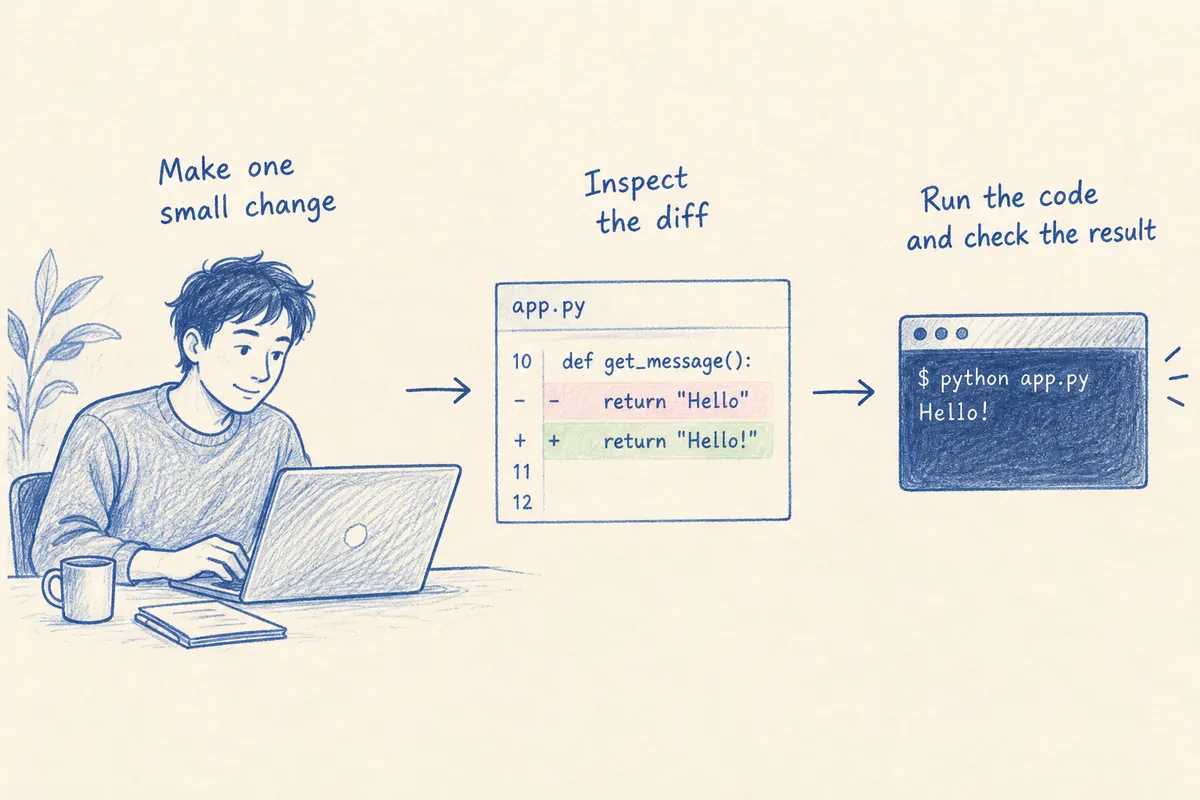
Comparing only “which tool is smarter” easily omits necessary material. A CLI started outside the project may inspect the wrong folder, while a conversation with connected files and tools may create outputs. Consider requested work, accessible files, and validation tools together. Start from environments actually available in your account rather than fixing a price or model name first.
7. Exploration Requests When First Opening a Project
Suppose you receive fictional tasks-demo. Before delegating installation and full editing together without knowing commands, read README and configuration to understand structure. The following PowerShell checks illustrate folder location and Git changes. Replace the project path yourself; git status does not apply outside a Git repository.
Set-Location "C:\Projects\tasks-demo"
Get-Location
Get-ChildItem
 git status --short
If visible files differ from expectations, correct the folder first. If Git shows existing edits, identify whether they are yours. For JavaScript projects with package.json, read scripts and lockfiles to identify tools; for other languages, follow their configuration and README. Existing project instructions reduce errors more than choosing a package manager arbitrarily from a filename.
이 프로젝트의 구조를 먼저 설명해 주세요.
README와 현재 설정에서 실행·검증 명령을 찾아 주세요.
할 일 추가 기능의 입력 화면, 저장 함수, 테스트 위치를 연결해 주세요.
이번 단계에서는 파일 수정이나 의존성 설치를 하지 마세요.
직접 읽은 파일과 아직 확인하지 못한 부분을 구분해 주세요.
Good exploration does not end at “this is a frontend project.” It identifies where input enters, which function stores it, and where relevant checks occur, supporting the next editing request. If files cannot be found, ask for searched locations and missing material instead of fabricated definitive paths.
8. A Small Case of Fully Fixing Empty Items
Make the task app's completion criteria more precise. “Block empty input” may mean displaying a message or rejecting data in the storage function. Interface restrictions alone may allow empty values through other callers, so request investigation of the actual creation path. Choose validation layers according to existing project structure.
| Input case | Assumed requirement |
| Empty string | Not saved; explain the reason to the user |
| Three spaces | Apply the same policy as empty input |
| Normal sentence | Save one item in the existing way |
| Sentence with surrounding whitespace | Decide preservation or removal separately |
| Existing stored data | Do not arbitrarily delete it in this fix |
The last two conditions are especially important. Blocking whitespace-only input does not require automatically trimming all normal sentences. Cleaning old empty items is separate from validating new input. Limiting the goal to “block new item creation without changing existing data” reduces unnecessary transformations.
빈 입력 방지 수정에서 저장 호출 경로까지 확인해 주세요.
빈 문자열·공백만 있는 값·정상 문장을 각각 구분해 검증해 주세요.
앞뒤 공백이 있는 정상 문장의 저장 정책은 현재 동작을 유지하세요.
기존 저장 데이터를 정리하거나 저장 형식을 바꾸지 마세요.
화면 메시지와 실제 저장 차단이 각각 어디에서 처리되는지 설명해 주세요.
9. Decide Whether to Accept an Answer
Read evidence before “completed.” If changed files include only the input screen and no storage-path explanation, ask whether other paths call the storage function. “Tests passed” without the command and working folder leaves scope unclear. If the screen could not be opened, ask to distinguish code validation from user-interface checks.
완료 보고를 다음 순서로 정리해 주세요.
1. 요청 조건별로 변경한 파일과 동작
2. 실제 실행한 명령, 작업 폴더, 통과·실패 결과
3. 빈 입력과 정상 입력을 확인한 근거
4. 직접 실행하지 못한 확인과 그 이유
5. 제가 화면에서 따라 할 수 있는 짧은 확인 절차
For “unit tests passed but the browser was not run,” the next step is entering empty and valid values onscreen and inspecting storage results. For “tests could not run because tools were unavailable,” prepare the environment and rerun the same command. Treating nonexecution as failure, or plausible code as success, misguides the next decision.
Expand scope gradually after the first task. Once empty-input handling is verified, delegate another feature such as duplicate-item guidance or search conditions. Retaining problem inputs, preserved behavior, diffs, and validation evidence for each task makes later errors easier to trace. This is a practical habit to gain from your first Codex task.
10. Frequently Asked Questions
Can I use it without knowing how to code? Natural-language requests are possible, but result criteria are needed. State expected outputs for inputs and request explanations of changes you do not understand.
Can I deploy Codex-generated code immediately? Decide after checking changed behavior and project validation. Local operation and actual service-environment operation are separate checks.
Which model is best? This article does not rank models or compare prices. Available models and limits depend on account and timing, so current official guidance and your own screen are the accurate references.
Official Sources and Date Checked: OpenAI official documentation: Use ChatGPT · OpenAI official documentation: Codex CLI. Checked October 3, 2026. Adapt example paths and commands to your project.
Original illustrations created to help explain this article.
Original on Tistory ↗