The PARA Method: Organizing Your Notes
This article was translated from its source language with AI assistance. Please check technical terms and equations against the original.
The PARA Method
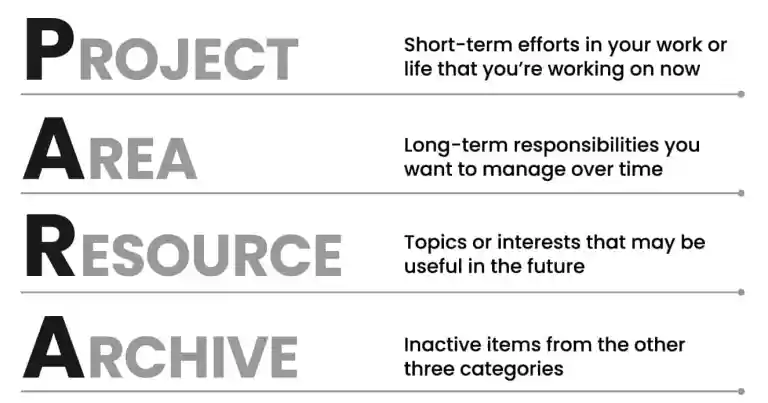
Developed by Tiago Forte, this personal knowledge-management system effectively classifies and organizes information by purpose. P.A.R.A. consists of four categories.
1. Projects
Tasks to complete within a particular deadline. Examples:
- Writing a paper
- Preparing to move
- Building a website
2. Areas
Fields requiring ongoing attention and management. Examples:
- Health
- Finances
- Learning
- Relationships
3. Resources
Information and materials collected on specific topics. Examples:
- Programming
- Design
- Cooking
- Travel
4. Archives
Inactive projects and materials. Examples:
- Completed projects
- Past travel information

Advantages of PARA
- Better access: Find needed information quickly.
- Greater productivity: Bring relevant information together to improve concentration.
- Less stress: Systematic organization reduces information overload.
- More creativity: Connections between ideas yield new insights.
Example: A University Graduation Thesis
Projects
- Thesis writing:
- Select a topic
- Research and analyze materials
- Create an outline
- Write a draft
- Incorporate professor feedback
- Submit the final version
Areas
- Learning:
- Study relevant subject knowledge
- Learn academic writing
- Find and use scholarly information
- Time management:
- Manage the thesis schedule
- Strategies for efficient time use
- Health:
- Manage stress
- Maintain health through regular exercise and sleep
Resources
- Academic writing: Guidelines, reference formatting, and plagiarism prevention
- Subject knowledge: Related papers, specialist books, and lecture materials
- Scholarly searching: Database use and paper-search tips
Archives
- Previous-semester work: Completed assignments, reports, and presentations
- Past learning materials: Earlier textbooks and notes
Usage Tips
- Digital tools: Build PARA with apps such as Notion, Obsidian, and Evernote.
- Regular review: Periodically review categories and delete or archive unnecessary information.
- Flexible application: Adjust the system to personal situations and goals.
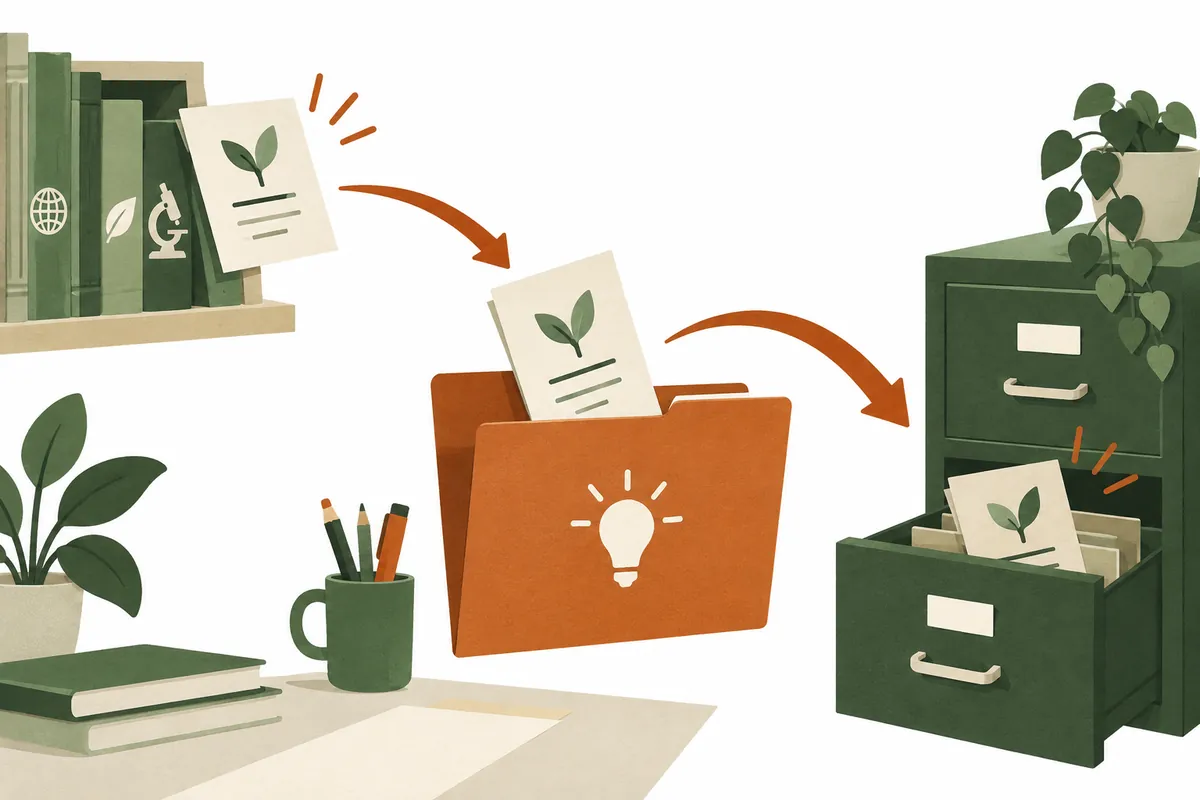
Original illustrations created to help explain this article.
Original on Tistory ↗