Naming Document Versions: The Rule Against Creating Multiple Final Versions
This article was translated from its source language with AI assistance. Please check technical terms and equations against the original.
Put the files in order
Choose the newest date first. For the same date, choose v02 before v01.
File Order Guessing Game
Select four fictional meeting documents starting from the most recent date. If the dates are the same, select v02 before v01. This is not a game where you open or organize actual files.

This rule applies only to this example using YYYY-MM-DD and a two-digit version number. A document is not considered final and approved simply because the date is recent.
If 'Report Final', 'Report Final 2', and 'Report Real Final' exist together in the folder, it is difficult to determine which content was approved even when selecting the most recent file. The fact that a file was saved late is different from the fact that the content has been approved. Document version management is a set of rules that separates the order of changes from the status, rather than simply using long filenames. This article proposes example rules applicable to both individual work and small-scale collaboration, and explains the roles of cloud version history and file names.
1. Separately consider the document's identity, version, and status.
The identity of a document is what kind of task it belongs to and what document it is. The version indicates the order in which the content was changed, and the status indicates whether it is a draft, under review, or approved. The file modification time is the time it was saved. If these four elements are replaced by a single word, 'Final,' the different information gets mixed up. It is easier to manage if the name contains concise identifying information, while the reasons for changes and approval records are stored in a separate history.
U.S. National Archives and Records AdministrationNARA File Name Guidepresents principles for consistent organization, meaningful naming, and the placement of dates and versions. The rules in this article are examples of applying those principles to personal document work. This does not mean that the technical guidelines for U.S. government records are mandatory for all Korean personal files. If you have company document management regulations or a collaboration system, you must first check those rules and align them with your personal rules.
2. Start by establishing a one-line naming convention.
The explanatory name isYYYYMMDD_문서명_vNNN_상태.확장자You can create it as . In this example, the date is set to the 'business date the document targets'. It is also possible to include the last save date, but you should not mix the two meanings. Use a short word to identify the task for the document name, a three-digit number for the version, and the status starts with one of the three: draft, review, or approved.
20261010_report_v001_draft.docx
20261010_report_v002_review.docx
20261010_report_v003_approved.docx
The name above is a hypothetical example of a report file. Just because you named it v003 as "Approved" does not mean that someone actually approved it. You must manage names to match approval records. Since extensions are linked to the actual file format used by the program, they should not be arbitrarily changed while organizing names. To convert DOCX to PDF, you must create the actual format using the program's export function.
| component | Example Rule | Reasons to reduce confusion |
| Date | Business Standard Date YYYYMMDD | Do not mix work dates and save dates |
| Document Name | Consistent identifiers such as report | found files of the same document together |
| version | v001, v002, v003 | Reads in order by matching the digits of the number |
| status | draft, review, approved | Separate content change order and approval status |
| extension | Actual format .docx, .pdf | Distinguishes between renaming and format conversion |
3. Determine which changes to upgrade the version for.
In this example, the version number is incremented by one whenever a change is made to convey new content to others. For instance, if you add items to a table and modify the descriptions in the v001 draft and request a review, it becomes v002. You do not necessarily need to increment the work version just because you opened, closed, or saved a file. Conversely, if numbers or conclusions have changed, it can be a significant change even if the character count is small. The criterion is whether the recipient can distinguish it as new content, rather than the magnitude of the change.
While there may be minor modifications that do not require an increment in the version number, you must agree on the criteria. For instance, you could decide to refine typos in personal drafts prior to sharing within the same version, while making changes after a review request results in a new version. This rule is not a universal standard but a choice tailored to the task. Deciding first whether it is acceptable to overwrite with the same name when content has been changed can reduce confusion after sharing.
Major and minor numbers are not strictly necessary. If you start with complex numbers like v1.2.3 without detailed rules, the criteria for incrementing may vary from person to person. For small-scale projects, uploading sequentially starting from v001 and keeping a change history may be sufficient. Expand the meaning of the numbers only when the project grows and separate rules become required. The numbers themselves do not represent quality scores or approval rankings.
4. Link the review status and approval status to the actual record.
You can define 'draft' as being in progress, 'review' as a status where a review has been requested, and 'approved' as a status where the established approval process has been completed. The important thing is that the definitions align with the actual work. Just because a reviewer has left comments does not mean the file is approved, and if the content is modified after approval, you must determine whether a re-review is required. If you modify an approved file while keeping the name 'approved,' the recipient may misunderstand the scope of the approval.
The flow for explanation is 'Draft v001 → Request v002 for review → Approval v003 after incorporating feedback'. In practice, if v002 was approved exactly as is, it is also possible to simply change the status of the name and leave a record indicating that the content is the same. Whichever method you choose, please distinguish between content changes and status changes. If methods that strictly increment the version and methods that only update the status are mixed, it becomes difficult to understand the meaning of the numbers.
In the approval record, you can record the target version, the person or procedure that verified it, the date, and any remaining conditions. For personal documents, you should write the actual status, such as "Pre-submission Inspection Completed." Do not unilaterally label company documents as "approved" without receiving approval. The name serves as an indicator of the status; evidence verifying that the status was actually established must be recorded in the history or collaboration system.
5. Leaving a change history line by line is helpful enough.
Record the 'Version, Date, Changes, and Status' on the first page of the file or in a separate list. For example, writing 'v002, 2026-10-10, Added condition column to comparison table, Review requested' allows you to see why the number changed. It is better to note which parts have changed in meaning rather than 'Multiple modifications.' You do not need to copy every sentence difference into the history, but do not omit changes to conclusions or key figures.
If multiple people have submitted review comments, check the reference file version first. When applying comments from v001 to v003, examine whether they have already been reflected or if they conflict with new content. Simply 'Paste All into Newest File' may reintroduce old expressions or revert table conditions. Change history can also be used to track which comments were reflected in which versions.
If the contents of multiple files differ, a winner is not determined immediately based on the revision time. The history of each file is compared with the actual differences, necessary changes are merged into a single reference copy, and then saved as a new version. Please keep a copy before reviewing. Once a reference copy is established, consolidate the current working location into one place and store older files in a separate location to reduce the likelihood of them being selected together in search results.
6. Cloud version history complements naming conventions
Microsoftguides you through the feature of checking version history and restoring previous versions of files stored in OneDrive and SharePoint. You can view previous entries by opening Version History from the file's menu or right-click menu on the web. For school or work accounts, the administrator may have disabled this feature, and the actual scope of available history must be verified based on your environment. The same history is not automatically generated for all local files.
When restoring, first verify the target file and version contents. According to official guidelines, the selected previous version becomes the current version, and the existing current version remains as an earlier entry in the history. If you are collaborating, you must share the fact that you are reverting to a base version, as others may be viewing the current content. If you need to preserve significant changes, you may consider making a separate copy of the current content before restoring.
The internal cloud version and the business version of a file name may not share the same numbering system. Even if the program creates records multiple times during automatic saving, a request for business review may have been made only once. Conversely, copying a file with a new name may differ from the method of continuing the history of the previous file. Assign roles such as using internal records for recovery and change tracking, and business version names for sharing and approval distinctions.
7. Link the distribution and edited versions to the same version.
If you have exported an approved DOCX to PDF, you can match the date, version, and status of the name. Virtual20261010_report_v003_approved.docxand20261010_report_v003_approved.pdfmanages to point to the same approval content. However, having the same name is not proof that the actual content is the same. You must create a PDF and check for items necessary for distribution, such as missing pages, truncation of tables, fonts, and links.
If the content of the DOCX changes again after the PDF is created, the PDF must also be regenerated from the new reference version. If you send an old PDF with the same name, the link between the edited and distributed versions is broken. You can record the exported reference version in the history and gather the files to be sent in a separate distribution location. The purpose of the version name is to help humans quickly verify this link.
When sharing, include the document name, version, and status rather than just writing "Final file attached." You can provide specific instructions, such as, "Sending the approved PDF of Report v003. The previous v002 review version is not for use." Even when using a sharing link, verify which reference version the link points to. Distinguishing whether the link points to a working file whose content is constantly changing or a fixed file for submission clarifies the recipient's expectations.
8. Checklist that doesn't make the rules too complicated
- Have you decided on a single meaning for the file date?
- Do you use the same identifier in the same document?
- Did you match the number of digits in the version number?
- Did you distinguish between content changes and review/approval status?
- Does it leave a new reference version for changes after sharing?
- Is the reason for the change and the scope of approval in the history?
- Is the edited version linked to the standard PDF version?
- Have you verified the cloud restore target and the current working copy?
If you try to put all the information into the file name from the start, it becomes difficult to read and maintain. Put short identifying information in the name, and detailed reasons and approval records in the history. Just one line of rule and four columns for the history can help you avoid situations where you have to append 'TrueFinal' multiple times. What matters is not a long name, but consistency that allows the team and your future self to choose the same standard version.
Official Source and Writing Standards
- NARA: Basic Principles for Naming Files
- NARA: Guide to Consistent File Naming
- Microsoft: Restore previous versions of OneDrive files
Data Verification Date: 2026-10-10. This explanation was generated by AI based on actual official data. Calculations, codes, and verification examples marked separately are for illustrative purposes only and are not the results of direct testing or actual measurements of the user environment. We will re-verify whether there have been any changes to the functions and data on the publication date.
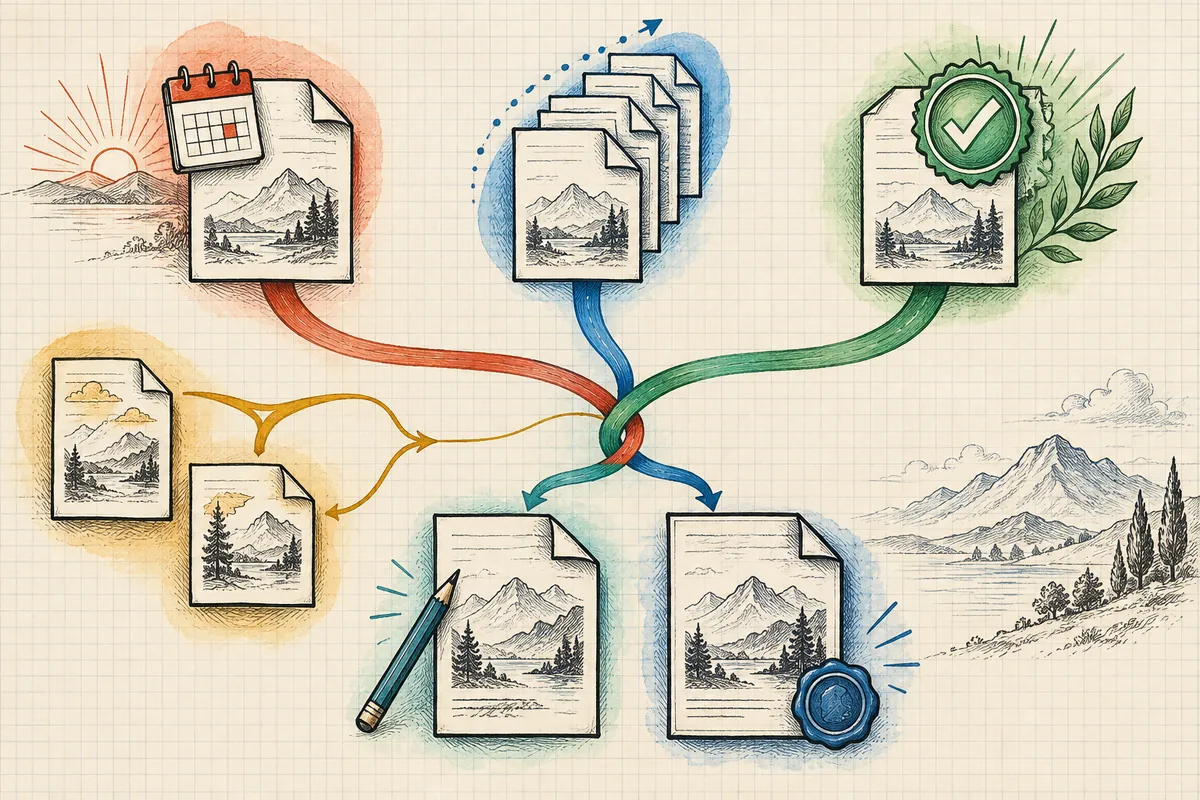
Original illustrations created to help explain this article.
Original on Tistory ↗