Claude When You Need to Have a Conversation: Reducing Material Mixing and Goal Changes
This article was translated from its source language with AI assistance. Please check technical terms and equations against the original.
When conversing with Claude, you find yourself organizing meeting minutes, drafting reports, and even reviewing schedules for other projects all within a single chat. While convenient at first, reviewing the results becomes difficult when the reference dates and targets of the materials get mixed up. The criterion for creating a new chat is not how long the message has become, but whether the purpose and basis of the response are maintained. In this article, I will explain how to distinguish between continuing the same conversation and splitting it into a new one based on actual work questions, and how to transfer only the necessary context.
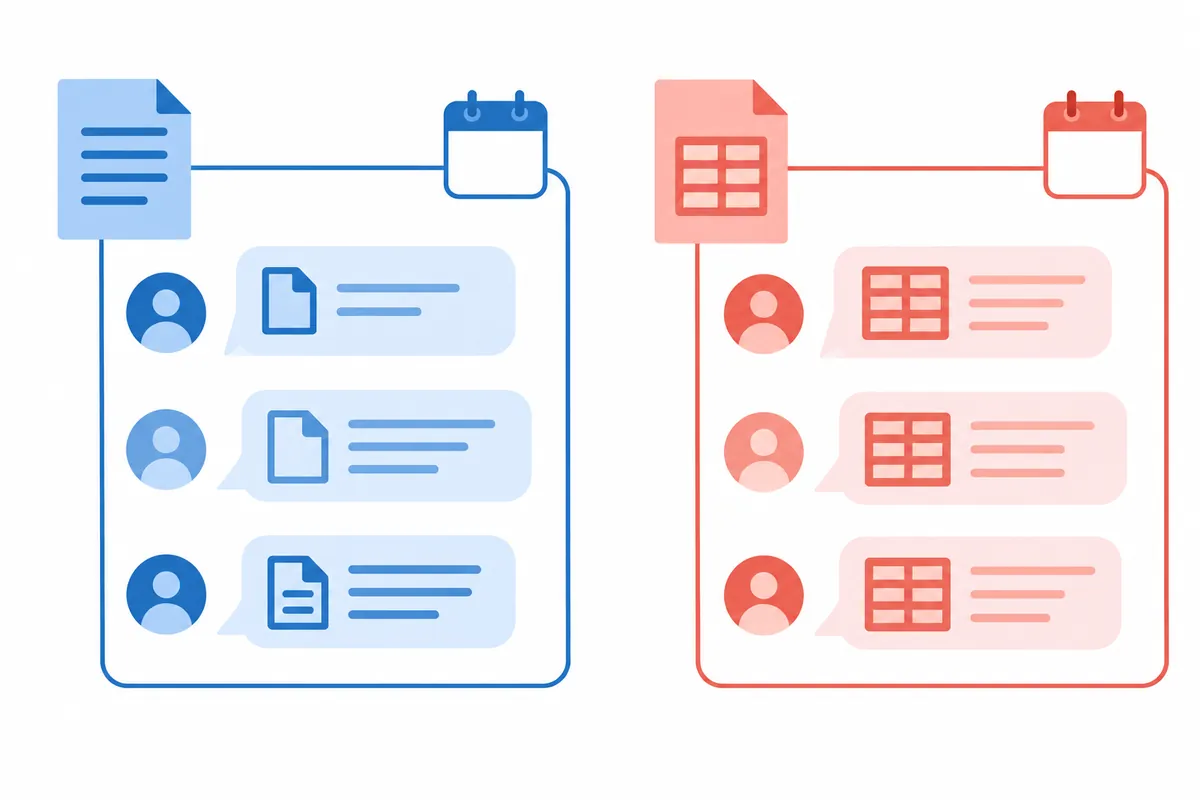
Cases where it is good to continue the same conversation
When refining the same document to suit the same purpose, it is more natural to continue the previous discussion. For example, when determining the title of an explanatory guide, rephrasing the language to make it easier to understand, and finally reviewing the spelling, the target audience and the original material are the same. Explaining the target audience again in every new conversation could actually cause the criteria to be overlooked. In this case, clearly state the scope of the change, such as, "Keep the content and dates, and just make the language easier to understand." This makes it clear what is changing, even if you are continuing from a previous request.
Even if you discover a minor error during your work, you can correct it directly within the current conversation. Insert the correct criteria, such as, “The number of attendees written earlier is 10, not 12. Please compare the other numbers with the original text.” Simply writing “It’s wrong” makes it unclear which criteria should be applied. Since the corrected criteria may appear multiple times in the same conversation, it is easier to review if you organize the facts to be applied in a table before creating the final result.
Cases where it is better to start a new conversation
When the target document or business purpose changes, you can consider criteria for division. When moving from Project A's schedule to Project B's schedule, the same word "release date" can refer to different dates. When transitioning from a meeting minutes summary to a job application, the audience, writing style, and fact-checking standards also change. Since a new chat cannot be assumed to automatically remember all previous content, you must re-specify the necessary materials; however, this helps reduce the problem of different facts being mixed into the same response.
Conversely, sharing a chat does not make confidential information safe or automatically ensure the accuracy of the responses. The criteria for determining whether to send materials and the factual review of the results are separate matters. Include only the minimum information necessary for the purpose in a new conversation, and replace actual names or identification numbers with descriptive values if they are not required. Copying and pasting all sentences from a previous conversation may diminish the effectiveness of creating a new one. When transferring materials, it is important to first distinguish between currently valid facts and discarded drafts.
| situation | Selection Criteria | Content to include in the request |
| Modifying the wording of the notice, such as | Continue the same conversation | Maintaining the content and the writing style to be changed this time |
| Organizing other project schedules | Review separation into new conversation | Project name and reference date |
| Original number correction | Specify criteria in the current conversation | Correct figures and basis location |
| Rewritten for New Readers | Select whether to reuse previous draft | Reader level and facts to maintain |
| Extract only shareable results | Organize new materials based on the reviewed content | Confirmed Facts and Unconfirmed Items |
Organize the contexts to be moved into five points
When starting a new conversation, list the purpose, target audience, materials to be used, confirmed conditions, and items that have not yet been verified. These five points are not mandatory input fields for a specific product, but rather a method of organizing explanations. For example, you could write: “Write a guide for a new employee tool. Target audiences using it for the first time. Rely solely on the attached installation guide. Do not change the account creation method or supported versions. Indicate administrator permission conditions that have not yet been verified separately.”
Be careful not to transfer suggestions from previous conversations as confirmed facts. What the AI suggests as “this configuration would be good” is different from what the team actually decided. If October 20 was reviewed as a candidate in the explanatory schedule but has not yet been approved, write “October 20 is a proposal date and not confirmed” in the conditions of the new conversation. Leaving unconfirmed items blank is a useful way to reveal that data is insufficient. Do not fill in uncertain information for the sake of a visually appealing sentence.
Attach a name and reference date to each data
When using similar documents together, name them as Document A and Document B and note the creation dates. The most recent date does not automatically take precedence, as A might be an approved regulation while B is a draft revision. You must also specify the status of the documents so that you can determine which information to apply in the event of a conflict. I also ask Claude to “show me the original locations and differences in a table, rather than arbitrarily selecting one of the parts where the two documents differ.” A step to read the differences is necessary before allowing him to make the actual decision on my behalf.
When splitting long materials into multiple pieces, please indicate the order of the pieces and the total scope. You can specify the role of each section, such as “Part 1: Background, Part 2: Procedure, Part 3: Exceptions.” If you send only a portion, please request that the entire document not be presented as having been reviewed. Indicating the scope, such as “Based on pages 2–4 provided,” is also important for reusing the response later. Splitting materials helps to accurately reveal the specific sections of the document actually read.
Try changing the explanation prompt
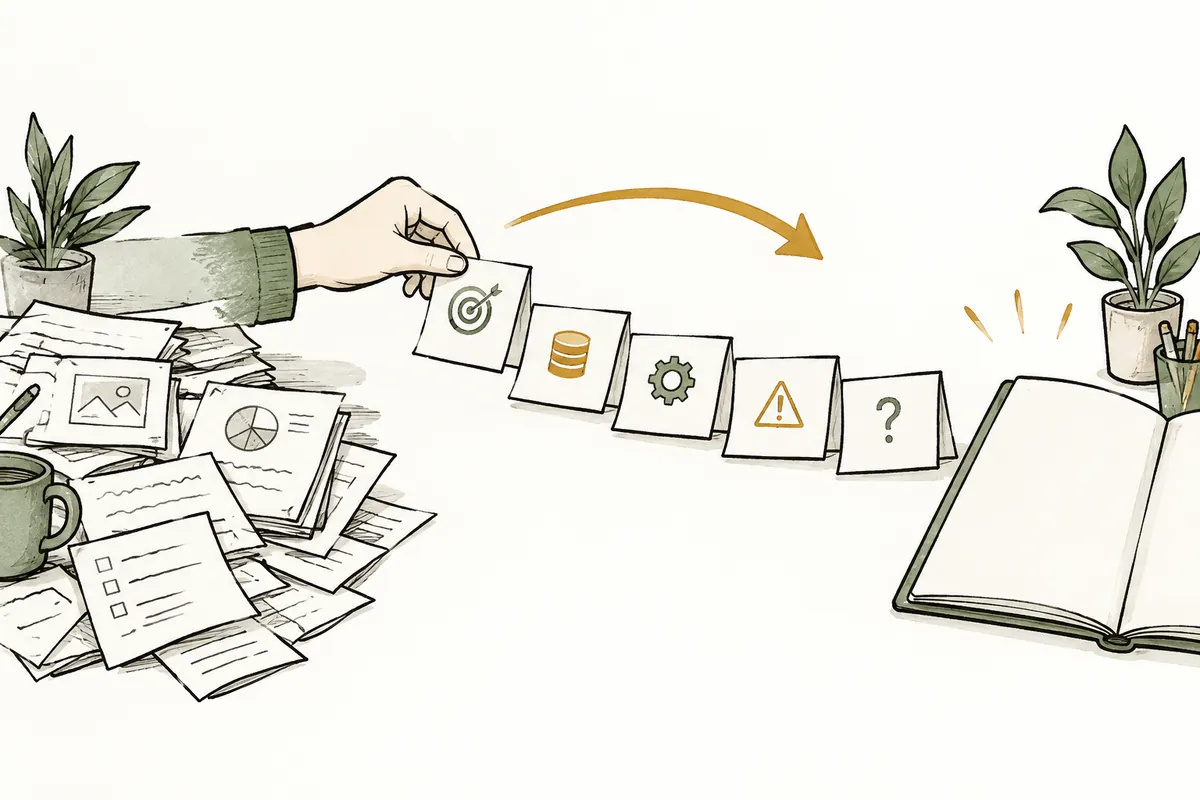
The following is an example for a hypothetical employee guide. “The purpose of this conversation is to create a guide for a new employee to understand the document submission procedure. Document A is the approved procedure, and Document B is a draft with revised wording. Please base the facts on A and use the sentences in B only as a reference for wording. Organize the submission deadline, recipient, and required attachments into a table, and then write an easy-to-understand guide. If the two documents conflict, record them in the summary table and do not resolve them arbitrarily. For content not found in the provided documents, please mark it as ‘Needs Verification.’”
The key to this request is the role of each document. If all attachments are treated with equal authority, the pre-approval draft can effectively become the standard. Additionally, creating a table first makes it easier to review for omissions in deadlines or attachment conditions. If the result is long, specify the scope by stating, "Keep the procedural explanations intact and reduce repetitive background sentences." Simply requesting a shorter version can result in the omission of even mandatory requirements. When requesting revisions, it is best to list both the information to be preserved and the wording to be changed.
Results to review after the conversation
In the first response of a new conversation, verify that the material name and date have been used correctly. If the name or number of a previous project appears, determine if it is based on the current material. If there is no basis, remove the relevant sentence and request that items requiring verification be left separately. Do not determine which is correct based solely on the fact that the previous and new results differ. Distinguish in order whether the original text has changed, the purpose has changed, or it is a simple difference in expression.
When sharing the completed results, do not send all the content remaining in the conversation as is. Select only the results actually verified and the necessary supporting evidence. The filename may include the purpose of the material and the review date, and the body indicates whether there are any unverified items. If this step is omitted, a draft from a newly separated conversation may be delivered as if it were the final decision. Since the generation of AI responses and the approval and distribution of business documents are separate stages, only the steps actually performed are recorded as completed.
Common mistakes that occur when having a conversation
The most common mistake is including only the previous conclusion in a new conversation and omitting the original text that led to it. Even if the conclusion is incorrect, it is easy to inherit that error without any materials to compare it to. Even if the entire original text is not needed, please leave the relevant conditions or the location of the source. The second mistake is failing to distinguish between discarded and approved drafts. Even if the file name contains "Final," it is difficult to know which materials to apply without explaining the approval status.
The third point is dividing all tasks into excessively small chats. If you create a new chat every time you correct a sentence, you have to repeatedly enter conditions, and the results may end up with different writing styles. It is easier to manage if you continue small corrections that maintain the same audience and factual standards within a single conversation, and separate them at the point where the purpose or data set changes. Since product features and file access scopes may vary depending on the account or settings, please check the actual files used in the response rather than assuming that specific materials are visible.
Frequently Asked Questions
Does the answer become more accurate if we have a conversation?Separation itself does not guarantee accuracy. You must clarify the role and current purpose of each material and perform a comparison with the original text. If the content can be organized sufficiently accurately within a single conversation, there is no need to separate it. However, consider separation if the results are mixed with information from other projects or if the goals have changed multiple times.
Can I copy the previous answer to a new conversation?You can move the necessary parts after marking the facts reviewed and unconfirmed assumptions. Do not treat copied responses as being on the same level as original evidence. Providing the source location or official materials makes it easier to verify. Before sending personal information or internal organizational materials, check the necessary scope and the organization's usage standards.
Which should I use, chat or project?If multiple conversations repeatedly use the same materials and guidelines, you can check the product's project guide. However, even when using project features, you must verify which materials serve as the basis for this response. The classification of this post into Purpose, Materials, Confirmed Conditions, and Unconfirmed Items is a document organization method that can be used without specific functions.
Official Data and Writing Standards
This is an informational manuscript created using AI. The official documentation was verified on October 3, 2026, and the examples below are for illustrative purposes only. They do not represent actual performance results or measured values from personal projects. Please reconfirm updated product information before publication.
Original illustrations created to help explain this article.
Original on Tistory ↗