Logs to keep when continuing Codex work: Change files and verification status
This article was translated from its source language with AI assistance. Please check technical terms and equations against the original.
If you close a window while working with the Codex or reopen the same project a few days later, you must first verify where you left off. Starting with just the phrase “Continue with what you were doing” makes it easy to re-examine errors already resolved or accept unverified changes as complete. What is needed to resume work is not to copy entire long conversations, but a short, accurate record that links the current file state with remaining judgments. This article explains a handover method that can be used without relying on a specific account's conversation preservation feature.
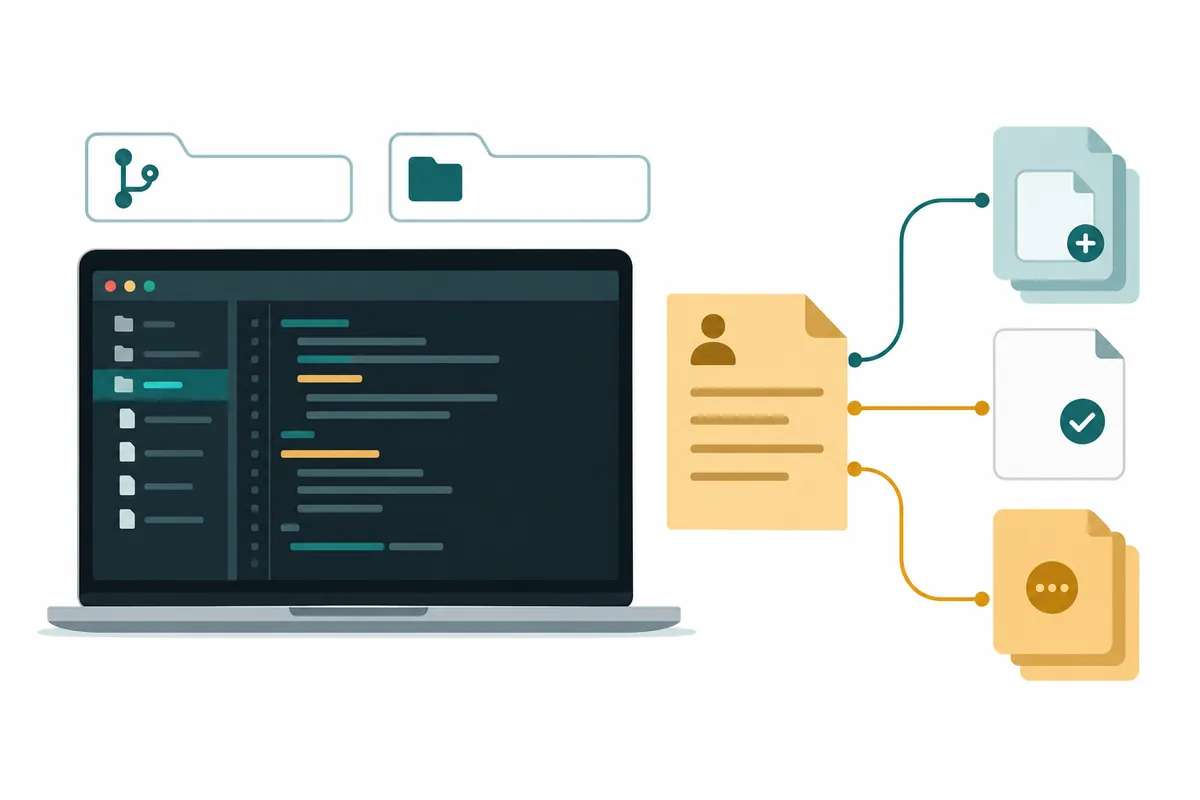
Choose the target to continue with first
Even if the project name is the same, you cannot use previous results as is if the current folder, Git branch, or installed dependencies are different. For example, in an explanatory project, if you fixed a save error on the settings screen yesterday but opened a feature development folder in a different branch today, you must first check if the previous modifications exist in the files. In the resume history, record the project's local path, the branch used, and the last checked changes. If the path has changed, specify that it should read based on the new path, and do not force it to search for the past path.
Write the purpose of the work in a single sentence as well. “Resolving settings saving issues” is too broad. If you write “Modify so that saved values are retained even after refreshing after changing notification options,” the success conditions become visible. If the same conversation included discussions on style changes or deployment, select a specific purpose to continue with. Changing the purpose is different from a past error recurring. The first step is to ensure that the Codex, having read the previous records, shares the same understanding of which problem needs to be resolved.
Record modified files and verification separately
Do not combine “Code modification complete” and “User action verification complete” on a single line. Even if you modified the file, you may not have been able to see the screen because the test did not run or the server did not start. Such a state is not a failure, but a state where verification remains. In the log, separate the modified file, the purpose of the change, the inspection command executed, the inspection result, and the screen behavior directly verified. For inspection commands, recording the working folder and conditions together makes them easier to reproduce rather than just the name.
In the illustrative example, let's assume that src/settings.ts is responsible for the logic to save input values, and src/settings.test.ts is responsible for the validation of reading values after a refresh. Just because both files have been modified does not mean the save will always succeed. Failures may occur due to a disconnected network or insufficient permissions. In the log, specify the scope, such as “Successful save cases passed the check, failure response messages not yet checked.” A statement that does not extend previous success to a full functional guarantee establishes an accurate starting point for the next task.
| Log Entry | Good record example | Reason for using it in the next task |
| Purpose | Modified notification settings to persist after refreshing | Reduced need to redefine completion conditions |
| Change File | Save function and corresponding regression test file | You can read the current state starting from the code related to |
| Inspection range | Only successful save cases passed, failure responses unverified | Finding the remaining conditions without exaggerating the success |
| Remaining work | Check user guidance when connection fails | Prioritize processing unverified parts |
| Pharmaceuticals | Retain response format and existing option names | Reduces changes affecting other functions |
Materials to read next and materials to skip
Continue. The documentation is not a place to copy the entire project documentation. Prioritize the material that will change your next decision. In error logs, messages directly related to the time of occurrence are important; in documentation, the configuration items currently in use; and in code, the modified functions and call points. A lengthy explanation of an approach that has already been deprecated can make it sound like a viable option. Only leave a single line explaining the reason for deprecation, such as “This method conflicts with existing APIs, so it is not used,” when necessary to avoid making the same mistake again.
Sensitive data must be minimized to ensure the accuracy of the handover. Instead of pasting raw logs containing login tokens or actual customer names, replace them with descriptive values that preserve the type of error. Note that the value has been changed. If there are issues specific to the actual data, explain the form or length at which they occur and break them down into the minimum possible cases. Leaving the necessary context means organizing data so that relevant information can be found, rather than simply sending a large amount of data.
Resumption requests start with verification
The request below is an example that you can copy and replace with your own file name and conditions. It does not substitute for commands executed in an actual project or completed inspection results. “Read the record first and compare it with the current file. If it differs from the previous record, report the difference based on the current file. Then, continue by modifying only the remaining failure response handling. Maintain the normal save path and response format, and if relevant inspections can be executed, save the execution results as well.”
The important expression here is comparison with the current file. Since the history is a snapshot at the time of creation, there may be modifications made by humans in the interim. Just because changes remain does not mean you should conclude that the previous history is incorrect or that you need to revert everything. Ask the Codex to read the purpose of the current changes and reflect them in the new work. To continue without overwriting previous work, it is more practical to check what role the current code plays rather than who created it.
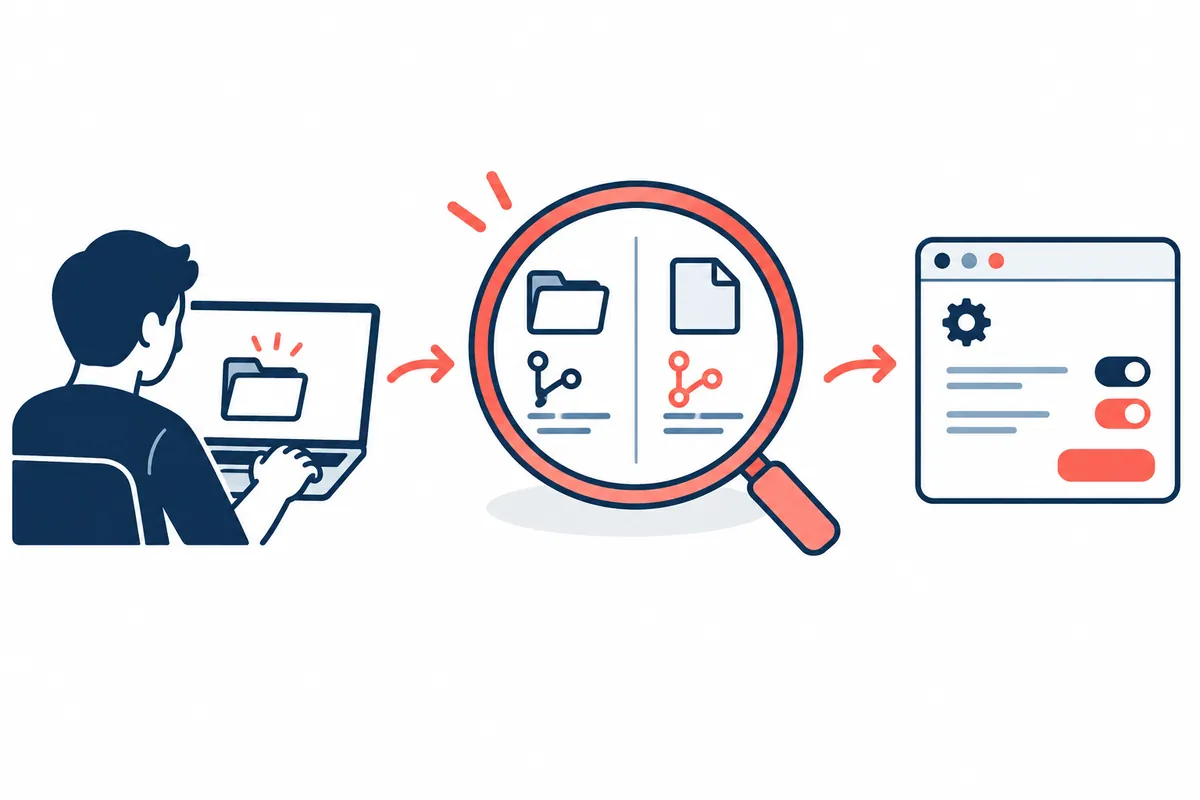
Structure of the explanatory continuation document
File names should be chosen in a way that is easy for the team to find. For example, in handoff-notes.md, you can divide the headings into task date, goal, current status, change file, verification, remaining work, and constraints to watch out for. These names are examples for explanation purposes and not special files required by law. Do not assume that a product will read them automatically; specify the exact file in the resumption request. Since the repository's rule documents and task progress logs serve different purposes, do not continue to accumulate one-time error logs in permanent rules.
After recording, verify that others can select the next action based solely on that document. A statement like “Ensure no success indicator is left when a save request fails, and verify the behavior of the retry button” is better than “The next task is to improve error handling.” However, do not overly rigidize the implementation method. Leave room to find a simpler method within the current code, while clearly stating the results to observe and the conditions to maintain.
When the record and current state conflict
Although the documentation states that the check passed, it may fail if executed today. In such cases, the record is cleared, and it is not written again that it passed. The fact that the check date and environment are different is noted, and the cause of failure is identified by categorizing it into dependencies, environment, and code changes. A command failing to execute because it is not installed is different from a code check failing. Instead of looking only at the last line of the actual output, you must read at which stage execution stopped to accurately select the next action.
If the result of the last action—saving to a server or deploying—is unclear, read the status before repeating the same action. Creating a local file and reflecting it to an external system are different states. For example, creating a document does not mean it has been published to a website, nor does sending a request confirm the save result. In the continuation document, separate "File Preparation," "Attempting to Save," and "Checking Actual Result" to prevent duplicate work. This distinction is helpful not only for coding but also for uploading data or repetitive tasks.
Frequently Asked Questions
If previous conversations remain, is a record not needed?Even if the conversation is readable, the current file may have changed, and long conversations include discarded plans. Short, recent records serve to indicate what basis to continue from. Since conversation preservation or context processing methods vary by product, please check the official guidelines, and verify the facts of the operation through files and inspection results.
How long should I write the record?You can write it according to the number of files and your remaining judgment. A few paragraphs are sufficient for simple errors, but if multiple modules have changed, a relationship table may be necessary. What matters more than length is whether the next operator can find the reproduction conditions and verification scope. Keeping the actual full log text in a separate file and linking the necessary parts makes the document easier to read.
If the intermediate result seems incorrect, do I need to start from the beginning?First, compare the current code with the goal and identify the scope of the errors. It may be more appropriate to add insufficient verification or fix small, incorrect changes rather than discarding all available changes. Once you decide what to keep, write the scope of that in the resume request. Even when stopping work, leaving the four elements—the goal, actual changes, verified results, and remaining conditions—can reduce the likelihood of repeating the same investigation when continuing.
At the end of the log, try leaving the time of creation and one thing to check next. For example, if you write “Local check completed as of 3 PM, next check connection failure screen,” it is difficult to mistake an old record for a recent result. After the next task is finished, change the completed items to the past tense and rewrite only the items that remain.
Official Data and Writing Standards
This is an informational manuscript created using AI. The official documentation was verified on October 3, 2026, and the examples below are structured for illustrative purposes. They do not represent actual performance results or measured values from personal projects. Please reconfirm updated product information before publication.
Original illustrations created to help explain this article.
Original on Tistory ↗