Before Downloading Public Data: Terms of Use and Update Frequency
This article was translated from its source language with AI assistance. Please check technical terms and equations against the original.
Key point: Before obtaining public data, read the permitted uses, the actual reference date, update frequency, and field definitions together. Free downloading and the conditions for redistribution or commercial use are separate issues; a recent modification date alone does not mean the data represent current conditions.
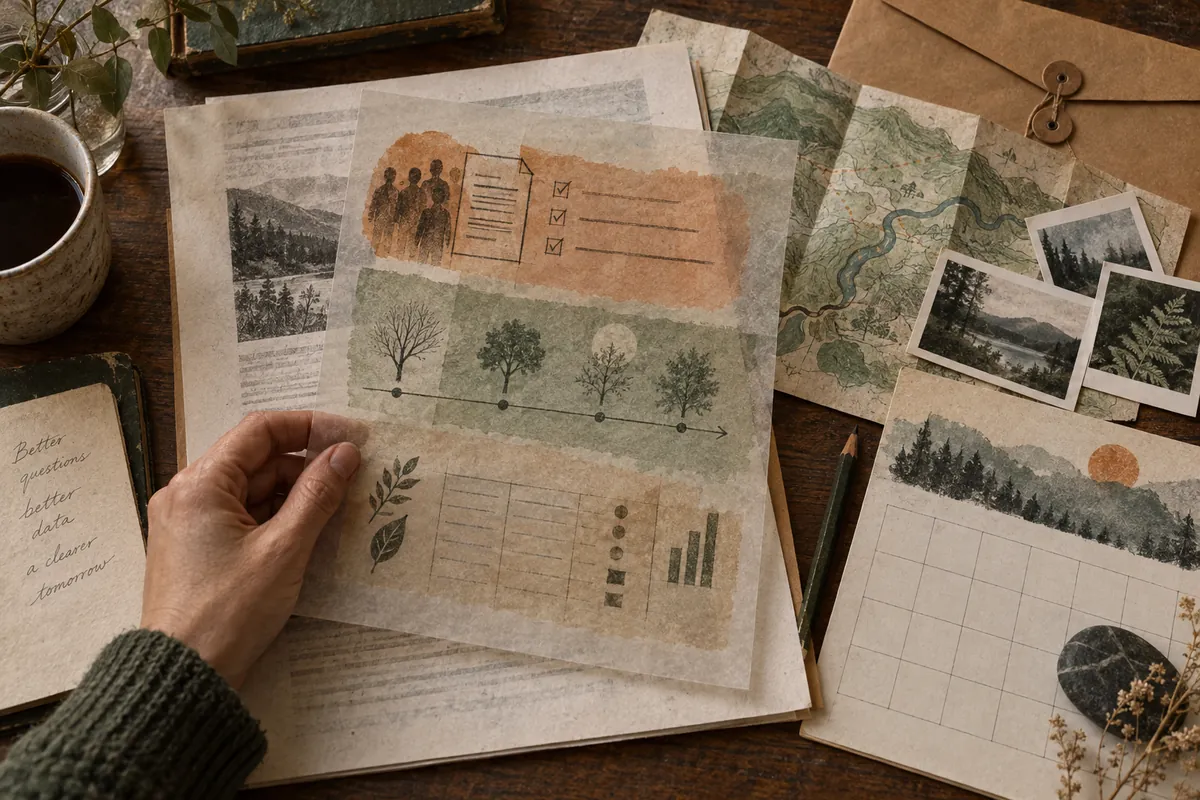
The process at a glance
This is an explanatory illustration, not an actual screen or task result.
1. Define the question, region, period, and units needed
2. Check permission and copyright conditions for each dataset
3. Distinguish reference date, modification date, and update frequency
4. Check field definitions, blanks, codes, and file format
5. Record the original and source, then determine how to use it
Define your question before the download button
Being able to obtain data differs from those data answering your question. First state whether you want facility counts by region, changes over time, or contact information for individual institutions. Defining the region, period, fields, and units reduces the chance of downloading similarly titled datasets and discovering later that they do not fit.
This article explains the sequence for checking dataset detail pages on the Public Data Portal and guidance on KOGL license types. It does not report downloading actual files, examining their rows, or counting current institutions. The analytical procedures and hypothetical numbers are illustrative. Recheck each listing's conditions and original data when actually using it.
Free access and the scope of permission are separate
Even when a file is listed as free, check conditions concerning attribution, commercial use, modifications, and redistribution. Locate the terms and license on the detail page and read the linked guidance. Also examine the rights relationship between the supplying institution and copyrighted material, and which files the conditions cover.
For example, if a listing links numerical data, an explanatory document, and photographs, check whether their terms are identical. A broad permission on one portal dataset does not extend the same terms to photographs or logos in other listings. If you cannot establish that your planned use is permitted, consult the institution's guidance to determine its scope.
| Key distinctions between KOGL types | Attribution requirement | Main commercial-use and modification conditions |
| Type 0 | No attribution requirement | Commercial and noncommercial use and modification permitted |
| Type 1 | Attribute the source | Commercial and noncommercial use and modification permitted |
| Type 2 | Attribute the source | Noncommercial use; modification permitted |
| Type 3 | Attribute the source | Commercial and noncommercial use; modification prohibited |
| Type 4 | Attribute the source | Noncommercial use; modification prohibited |
Compare the type table with the actual dataset's designation
The table distinguishes basic types in the official KOGL guidance as of the verification date. KOGL also provides additional types and conditions, so do not treat this table as a complete list of every permission type. Read and apply the actual designation, detailed conditions, and guidance concerning moral rights. Arbitrarily choosing a lower-numbered type is not checking the terms of use.
If planning use in a monetized blog or paid service, examine commercial-use and modification conditions in relation to that purpose. This general table does not establish the legality of every specific use. Recording the conditions you read and your planned use makes any necessary inquiries concrete. Check applicable conditions before redrawing an illustration or editing data as well.
Distinguish the data reference date from the page modification date
The data reference date helps establish the point in time represented; the page modification date helps interpret the publication and revision record. A recent modification does not mean every field was newly surveyed on that date. Even if a filename includes a date, read the reference-date field and the institution's explanation together.
For period-based data, determine whether it describes one day's state or a monthly or annual total. The same year can refer to different survey and publication periods. If two datasets describe different periods, align their scope or state the difference before making a simple change table. Do not fill absent reference dates with guesses.
| Date or status field | Meaning to read | Interpretation to avoid |
| Registration date | When the dataset was registered | Date when every field was surveyed |
| Modification date | Record of revisions to the page or data | Guarantee of the current real-time state |
| Data reference date | Actual point in time represented | Identical to the date the file was obtained |
| Update frequency | Interval specified by the provider | Guaranteed automatic updates at an exact time |
| Next scheduled registration date | Planned next registration time | Proof that a new file already exists |
Do not infer today's operation from annually updated data
The portal detail page for the checked example, Seongnam City's medical-institution status, specifies annual updates and provides a separate data reference-date field. This illustrates why the data's time scope matters. This article did not download the file or check individual institutions' current operations; it does not infer today's availability of treatment merely from being listed.
Questions needing current confirmation, such as visiting a location or checking actual operation, should use the institution's latest guidance and direct verification channels together. This checking principle can also apply to other annual facility lists. If the update interval or scheduled date has passed, inspect actual portal files and institutional guidance to establish whether new data exist.
Do not turn blanks into zero or “no institution”

The same example explains that uncollected fields are left blank. A blank telephone number or address therefore cannot arbitrarily be interpreted as zero or a closed institution. Establish what missingness means from each dataset's explanation and field definitions; do not import a rule about blanks meaning zero from another dataset.
If a hypothetical table has 18 populated rows and 2 blank rows, the proportion with confirmed values is 18÷20×100=90%. This describes hypothetical completeness only, not actual public-data accuracy or institutions' operating rate. Filling the two blanks with zero changes the interpretation of the original data, so record the reason for doing so.
Read units and code meanings in field definitions
Check field names, descriptions, data types, units, and code guidance on the detail page. Numeric-looking regional codes and identifiers may not be quantities for arithmetic. Removing leading zeros from telephone numbers and codes can alter identifiers, so decide their import formats in the tool used to open the table.
Where quantities have units, do not add identical numbers expressed in different units. First determine whether the values count facilities or users, and whether rows represent individual records or aggregates. Starting with a graph before deciding what to count or sum can yield an attractive but incorrect comparison. Connect data definitions to the graph's title and explanation.
Distinguish file format from the method of accessing data
The example portal page provides separate file-data and Open API information. The checked guidance states that file data can be downloaded without login, while API use requires registration and an application for use. This describes that guidance's scope; it does not guarantee identical access for every dataset. Read the provision method and conditions on the actual detail page.
Downloading a file and querying an API periodically require different management. For files, record which original was retained and which version was analyzed. For APIs, separately review support guidance and request conditions. This article neither creates an API key nor submits an application, and does not estimate current request limits or prices.
Preserve the original, then import a small portion first
When using an actual file, keeping the original separate from an analysis copy is useful. Recording the source address, filename, retrieval time, reference date, and terms helps trace table values later. Distinguish a downloaded file from one whose contents were successfully imported.
Initially inspect a few rows, field names, representative characters, dates, and codes to verify that the format was read as intended. If text is garbled or delimiters misalign, check the documentation and import settings, and record the correction reason. Do not overwrite the original immediately and lose the ability to distinguish import errors from the actual file.
Check duplicates and missingness according to the analytical question
If one institution has multiple addresses or service entries, row count is not necessarily institution count. Define the counting unit and inspect identifiers and structure. Deleting every repeated name can erase different institutions or records from different periods, so duplicate decisions need evidence.
Even finding two identically named rows among a hypothetical 20 does not establish that there are 19 actual entities. Check addresses, identifiers, periods, and field relationships. These hypothetical row counts are not counts from the actual example file, and are not presented as statistics invented without reading the provider's data.
Check definition changes when comparing next month's data
Time-change tables require consistent classifications, geographic coverage, and aggregation units. Even identical field names may have revised definitions; check the institution's explanation. Immediately interpreting more missing values or changed scope as an increase or decrease in the actual phenomenon can overlook collection differences.
If a hypothetical dataset covers the entire city one month and only some districts the next, its total row-count difference is not a change within the same coverage. Restrict comparison to comparable scope or state that coverage differs. This is not a claim that actual future data have appeared; do not mark unpublished data as already analyzed.
Retain the source and processing scope in shared materials
Shared tables or figures should include attribution meeting the applicable conditions, the data reference time, and the processing actually performed. For example, specify whether a region was selected or blanks excluded so readers understand the criteria. Do not describe an analysis-processed table as the provider's untouched original; explain its relationship to that original.
A completion record can include the question, permission scope, reference date and update frequency, field definitions, import checks, missing-value and duplicate handling, and source and processing scope. Do not mark utilization complete if conditions are unclear or the original cannot be read properly. Turning public data into useful information depends more on these checking records than on the number of downloaded files.
Official sources and verification scope
- Public Data Portal — Fields, updates, and usage conditions for Seongnam City's medical-institution status
- KOGL — Terms by license type and detailed guidance
Official documents checked: 2026-10-07. Recheck on publication: actual permissions, KOGL types and additional conditions for each dataset; reference, modification, and scheduled dates; file availability, update frequency, and field definitions. Do not infer current individual-institution operation from status datasets.
AI writing assistance. The hypothetical examples, figures, and commands in this article are illustrative, not results of actual execution or testing. Check the environment and results when performing actual work.
Original illustrations created to help explain this article.
Original on Tistory ↗