When Secrets Enter a Git Repository: Deletion Versus Key Revocation
This article was translated from its source language with AI assistance. Please check technical terms and equations against the original.
Key point: Deleting a secret from a repository does not automatically revoke the access granted by its issued key. First invalidate the exposed credential through its issuer and update services using it, then determine history-cleanup scope with collaborators.
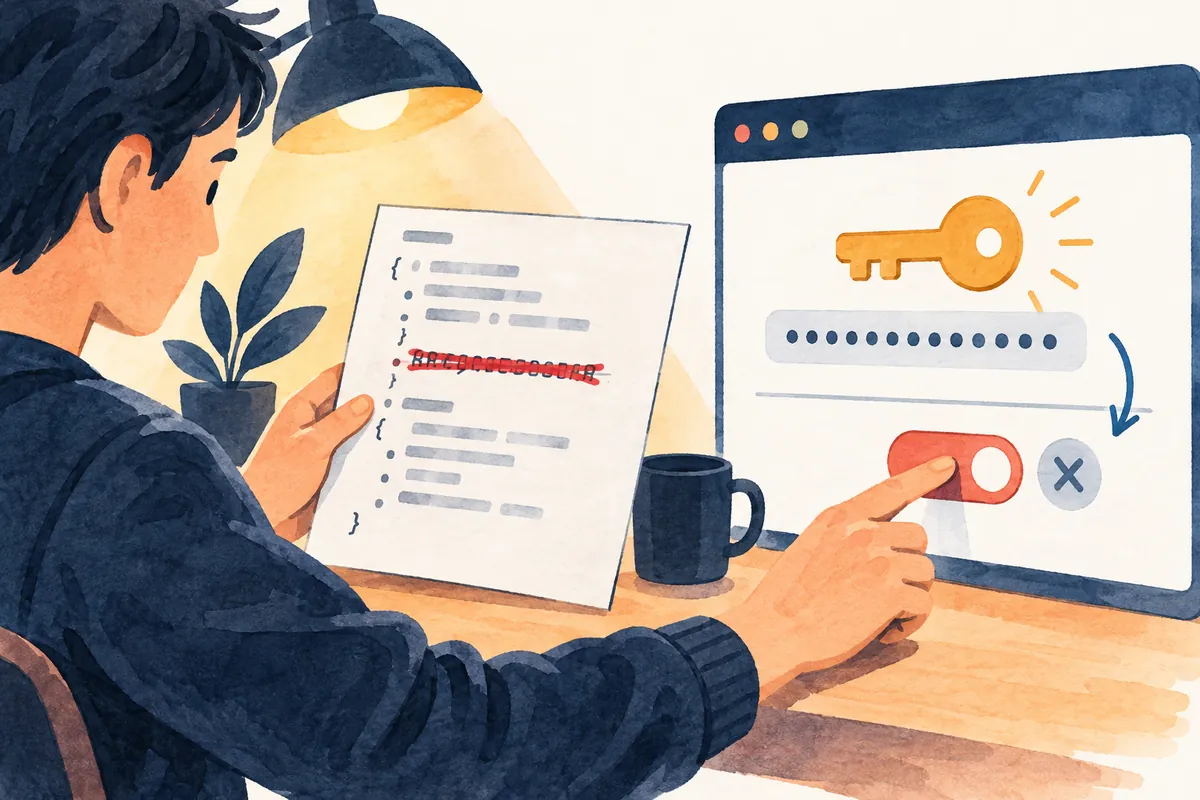
The process at a glance
This is an explanatory illustration, not an actual screen or task result.
1. Identify secret type, issuer, and owner
2. Invalidate the exposed credential through its issuer
3. Update services using it and verify normal operation
4. Determine repository-history cleanup scope with collaborators
5. Review logs, alerts, and prevention records
Deleting a file and revoking access are different operations
Removing an API key from a configuration file and making a new commit can hide the string from the current file. It does not mean that the issuing service's key was revoked. Distinguish where file contents are stored from where actual access permissions are managed to determine the next task. GitHub also advises revoking or replacing exposed secrets first.
This article proposes response records and a judgment sequence after discovering secrets in a repository. It is not a report of reading actual account keys or repositories or handling an incident. Examples contain no real tokens; they explain actions for responsible personnel to compare against issuer guidance and organizational procedures. General principles are not presented as universal button names across providers.
| Action | What changes | What this alone does not establish |
| Delete the value from the current file | Latest file contents | Removal from earlier commits and clones |
| Revoke the key through its issuer | Usability of that credential | Complete removal of repository strings |
| Issue a new key and update services | Credentials used by normal services | Completed revocation of the exposed old key |
| Clean repository history | Contents and identifiers of the processed history | Whether other people's clones were also cleaned |
| Close a security alert | Alert-management status | Completed revocation or incident investigation |
Record identifying information instead of the secret itself
A discovery record should contain repository name, file path, commit-identifying information, discovery time and timezone, secret type, issuer, and responsible person. Do not copy the complete secret into public explanations or help requests. If you need to distinguish keys, use names or identifiers supplied by the issuer and avoid unnecessarily multiplying the original value across documents.
If several similar strings exist, distinguish production and development use, issuing services, and permission scopes. An unidentified key can remain recorded as unknown. Do not assume everything in the same file is one key, or that a short-looking string is for testing. Set the audience and necessary scope even for records shared to identify the owner.
Confirm the first response through the issuer
Check the issuing service's management screen and official guidance for cancellation or replacement of exposed credentials. Creating a new key and invalidating the old key are separate checks. Read whether both can remain valid and what replacement actually does; record the resulting status and time.
If replacement risks disrupting normal services, coordinate impacts with service owners. Do not disguise a decision to keep an exposed key for convenience as resolution through file deletion. Assign responsibility for urgent response and service recovery together, while recognizing that this example sequence does not replace an operational environment's incident procedure.
List usage locations before applying the new credential
List deployments, automations, server settings, and development environments using the key. Check which setting names actual environments read, so inserting a differently named key does not create the illusion that other services were updated. Record normal-operation checks separately for each service and leave unchecked items unverified.
Suppose hypothetical services A and B use the same old key. Applying a new key to A and confirming its normal requests does not establish that B changed. Record B's owner, setting location, and verification action separately. This list is an illustrative worksheet for preventing omissions, not a result of actual server access.
| Hypothetical response record | Evidence to check | Next action if absent |
| Old key K-old | Issuer's invalidation status and time | Recheck with the key owner and issuer |
| Service A settings | New-key application record and normal operation | Inspect A's actual configuration location |
| Service B settings | Owner and update/verification records | Keep B unverified |
| Repository history | Reviewed paths, references, and collaborators | Determine cleanup plan and impact scope |
| Security alert | Actions, log review, and closure reason | Do not replace technical actions with alert closure |
Review response scope for private repositories too
GitHub advises treating a secret committed to a repository as exposed. A private repository does not eliminate the need to examine access records and clones. Distinguishing visibility from the people, automations, and storage locations that actually had access helps discuss investigation scope.
Do not assume one provider's validity-checking feature tests every kind of key. GitHub documents that some checking and reporting features are limited to GitHub tokens. For another service's key, follow that issuer's procedure. Absence of a checking feature does not mean an invalid key, and pasting the value into external sites for testing is not a general solution.

Review collaboration impacts before cleaning history
Before deciding whether to remove exposed strings from past history, record the purpose and consequences. GitHub explains that rewriting history changes commit hashes, affects signatures, and risks losing collaborators' work or reintroducing old history. Do not treat it like simply deleting a value from a current file.
This article does not provide force-push commands or commands changing every reference to copy and execute. Repository administrators and collaborators should agree on targets, work stoppages, affected work, and verification before reviewing official procedures. Do not plan on automatically cleaning other users' clones and forks yourself.
Record cleaned and remaining scope together
Divide potential secret locations—current files, past commits, other branches, review requests, and clones—into investigation fields. The key is not to expand one location's result into complete removal everywhere. For locations outside your authority, retain an item requesting necessary action and results from the owner.
For example, if an administrator cleans the reviewed central-repository scope but receives confirmation from only one of two collaborators, the state is central confirmation with some clones unverified. Matching a head count alone does not prove every copy disappeared. This hypothetical case explains recording, not an actual incident or collaborator response.
Read logs for both usage evidence and verification limits
GitHub advises checking security logs for unauthorized activity depending on the provider. First establish the available period, recorded request types, and key-identification method. Record suspicious request times and actors, with evidence distinguishing normal deployments and authorized tests. Empty logs alone do not establish absence of an incident.
If log retention is limited or older records are inaccessible, state those limits in the investigation. Judge actual damage using checked evidence and organizational findings. This article invents no usage or access figures, nor presents exposure and verification periods as calculated facts without actual records.
Compare technical actions before closing alerts
Closing a secret-scanning alert is alert management. GitHub explains that removing a token from a repository does not automatically close its alert. When actions are complete, record the appropriate closure reason and evidence. Conversely, a closed alert does not prove key revocation.
Response records are easier to read when issuer-side permission changes, each service update, necessary history cleanup, and log reviews are linked separately. This also distinguishes a person's completion note from the times in actual evidence. Product changes can alter alert-screen fields, so recheck them on publication.
Prevention begins with pre-commit checks
GitHub recommends keeping secrets out of code, using environment variables or secret-management services, and reviewing changes before committing. Document where the actual project receives values, and put no real credentials in example settings. Checking examples copied by new colleagues also helps prevent recurrence.
Configuring a file to remain untracked differs from cleaning existing history. Adding scanning tools cannot guarantee detection of every secret type. Record both automated results and the changes reviewed by people; define how to stop and whom to notify when checks fail.
Do not restore an old key when a service fails after replacement
If a service reports authentication errors, inspect the new key's permissions, usage locations, setting names, and target environment. Reactivating the exposed key to hide the problem is incompatible with completed response. Use issuer recovery guidance and responsible procedures to confirm required permissions; distinguish interrupted services from those not yet verified.
Organize outcomes as discovery, confirmed invalidation, verified normal services, history-cleanup scope, and remaining investigation items. The purpose is to leave evidence for the next responsible person without marking unperformed tasks complete. The record should reveal missing work and owners without requiring the actual key.
Official sources and verification scope
- GitHub — Removing sensitive repository data and history-rewrite impacts
- GitHub — Resolving secret-scanning alerts
Official documents checked: 2026-10-07. Recheck on publication: issuer revocation/replacement behavior, GitHub alert scope and menus, history-cleanup impacts, and support policies. Actual account, key, and log states require separate verification.
AI writing assistance. The hypothetical examples, figures, and commands in this article are illustrative, not results of actual execution or testing. Check the environment and results when performing actual work.
Original illustrations created to help explain this article.
Original on Tistory ↗