Reading Git Diff: Distinguishing Changed Lines from Context
This article was translated from its source language with AI assistance. Please check technical terms and equations against the original.
Git diff shows differences between two states rather than redisplaying entire files. Following red and green lines alone can reveal intent while missing comparison targets and surrounding relationships. Establish what is compared, then read by file, change block, and behavior.
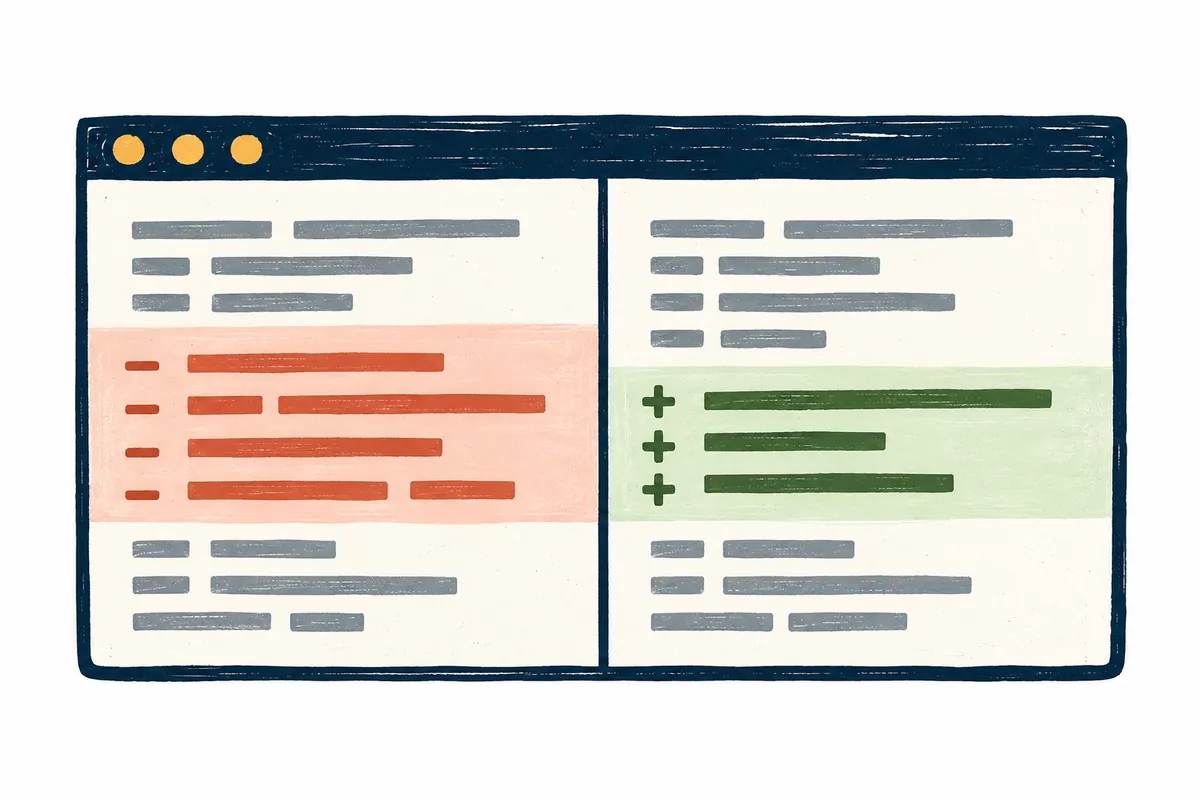
Commands and outputs are illustrative, not executions or edits in your repository. The explanation uses Git's ordinary patch format; tools, settings, and merges can alter displays. Few changed lines do not establish small impact or completed verification.
Reading meaningful changes in Git diff
1 → Check comparison targets and work state
2 → Read file headers and change types
3 → Distinguish change-block ranges and context
4 → Connect additions and deletions to inputs and results
5 → Record relevant checks and remaining questions
1. Choose comparison targets first
Plain git diff compares the working directory with the staging area. git diff --staged compares staging with the last commit. As the official Git book explains, an empty plain diff does not mean no changes since the last commit.
| Question | Example command | Scope |
| What remains unstaged? | git diff | Staging area and working directory |
| What is staged? | git diff --staged | Last commit and staging area |
| How do current files differ from HEAD? | git diff HEAD | HEAD and current work |
| How can one focus on a file? | git diff -- src/label.py | Default comparison for that path |
Editing, staging, then editing again can split one file's changes across both scopes. Inspect staged diff for commit contents and plain diff for subsequent edits. Even correct output can be misread if it answers the wrong comparison question.
Before execution, verify repository directory and target path. An absent example filename does not require creating it. Substitute your actual path and read what comparison occurred. Another repository's sample output is not evidence of your current state.
2. Distinguish file headers from changed lines
Patches contain headers identifying file paths and before/after sides. Ordinary --- and +++ identify files; do not confuse their three signs with code-line markers. Prefixes a and b usually distinguish comparison sides, though moves and settings can alter their appearance.
Renames, additions, and deletions differ from simple content edits. Headers identify which file and side you are reading. Retain paths when several files share function names; explanations copying lines alone can lose them.
Record command, comparison targets, and path for an illustrative patch. “Changes in working label.py compared with HEAD” defines scope better than “changed a return.” Inventing a commit identifier absent from output can imply another state.
3. Interpret change-block start lines and counts
The hypothetical patch below trims a name string. Its @@ -5,3 +5,4 @@ header covers three lines starting at old line 5 and four starting at new line 5. Assume four preceding code lines were omitted from this example.
--- a/src/label.py
+++ b/src/label.py
@@ -5,3 +5,4 @@
 def label(name):
-    return name
+    cleaned = name.strip()
+    return cleaned
 # formatting helper
Only return name is removed and two lines added. The function definition and final comment are context. Not every displayed line changed; each side's count includes its relevant context.
Different block starts need interpretation too. Earlier edits can shift later code so the same logical position has another line number. Check functions and surrounding conditions rather than equating line-number differences with functional changes. Blank lines can also be context.
4. Connect additions, deletions, and context to behavior
The patch changes returning the original string into returning one with outer whitespace trimmed. Ask which inputs produce different results. Names without outer whitespace may remain unchanged; inputs with it differ.
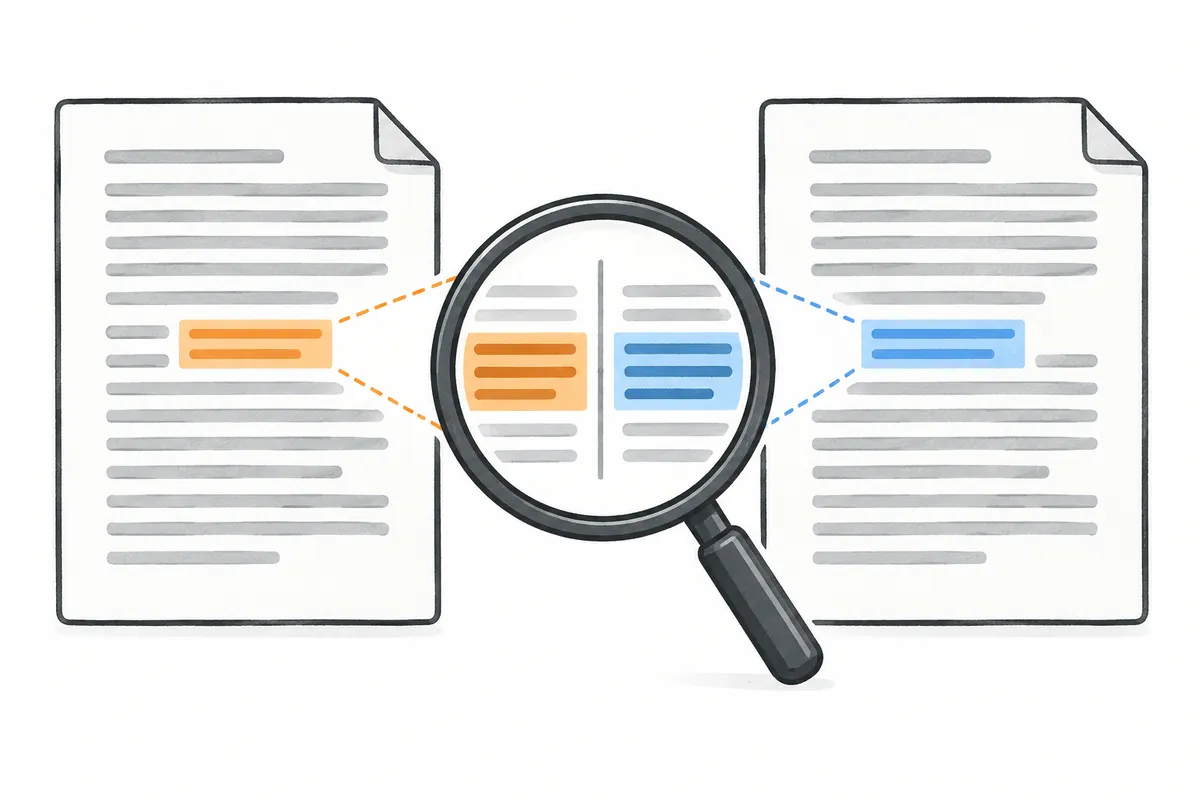
This is not automatically beneficial. A domain requiring whitespace preservation may reject it. If the function accepts nonstrings, check those conditions too. Diff shows intent; it does not define actual requirements.
| Illustrative input | Review question | Evidence needed |
| No outer whitespace | Is the existing result retained? | Normal-input comparison |
| Outer whitespace present | Is removal required? | Input rules and expected results |
| Empty string | Is empty-value behavior retained? | Boundary-input check |
| Nonstring value | Accepted or rejected? | Calling conditions and input contract |
Fill answers from the actual project. Reading code differs from executing and checking outcomes. Separate predicted effects from effects verified by actual checks so others understand evidence scope.
5. Inspect the list, then important files
For large changes, git diff --stat summarizes files and git diff --name-only lists names. These guide selection but do not replace full patches explaining behavior. Read file-specific diffs for omitted details.
Suppose a change set contains input handling, tests, and documentation. Read behavioral changes first, compare tests checking them, then verify documentation describes the same rules. A rename and an execution-path change do not have identical impacts.
For staged review, use the same comparison options for lists. Mixing a default-scope list with staged patches can connect unrelated changes. Consistent comparison within a record matters more than reducing file count.
6. Investigate empty or excessive output
For no output, first inspect comparison targets. Plain diff can be empty when only staged changes remain. It also does not establish inspection of new untracked files. Check work state and paths to see what was included.
If an entire file appears changed, examine logic versus formatting or line endings. Ignoring everything because the display is inconvenient can miss meaningful whitespace. Separate display and functional differences and preserve necessary original changes in the final review.
Binary files and combined merge diffs are not fully interpreted by ordinary one-sided additions/deletions. For unfamiliar formats, consult the relevant official documentation. Do not read image contents as text patches or assume multi-parent changes are one comparison.
7. Turn findings into change requests
Provide file, block, affected input, and expected rule. “strip applies to inputs whose whitespace must be preserved; distinguish that condition” is more concrete than “this looks odd.” State whether it is a code-derived candidate or a confirmed failure.
When tests change too, check whether expectations merely changed to pass or reflect actual requirement changes. If a failing test was removed, establish why its condition is no longer needed. Added test lines alone do not guarantee correctness.
At review completion, briefly record comparison targets, files examined, key behavior changes, actual validation scope, and remaining questions. Help the next reader know what to inspect. Before reverting or committing, check for other user edits included.
8. A reading sequence to use immediately
Write the two compared states and inspect the file list. Identify targets and types in headers, then read block ranges. Consider input, output, and side-effect changes in additions and deletions; read calling conditions in context. Finally compare relevant verification evidence.
This explains understanding patches, not execution success or deployment approval. One line can affect many callers, while extensive formatting can preserve behavior. Reviewing requirements and actual outcomes rather than file or line counts makes Git diff useful evidence.
Official sources and writing standards
References checked: 2026-10-06. This explanation was written with AI assistance based on official sources actually opened. Separately marked calculations, code, and checking examples are illustrative, not results from directly testing or measuring the user environment. Changes to features and official sources were rechecked during publication preparation.
Original illustrations created to help explain this article.
Original on Tistory ↗