Asking Codex to Reproduce Bugs: Minimal Examples and Environment Information
This article was translated from its source language with AI assistance. Please check technical terms and equations against the original.
Simply asking Codex to “fix the error” can conflate distinct failures. First distinguish failure to start, incorrect calculations for particular inputs, and display-only differences. Good reproduction material is not about lengthy explanation; it contains conditions producing the same failure in another run.
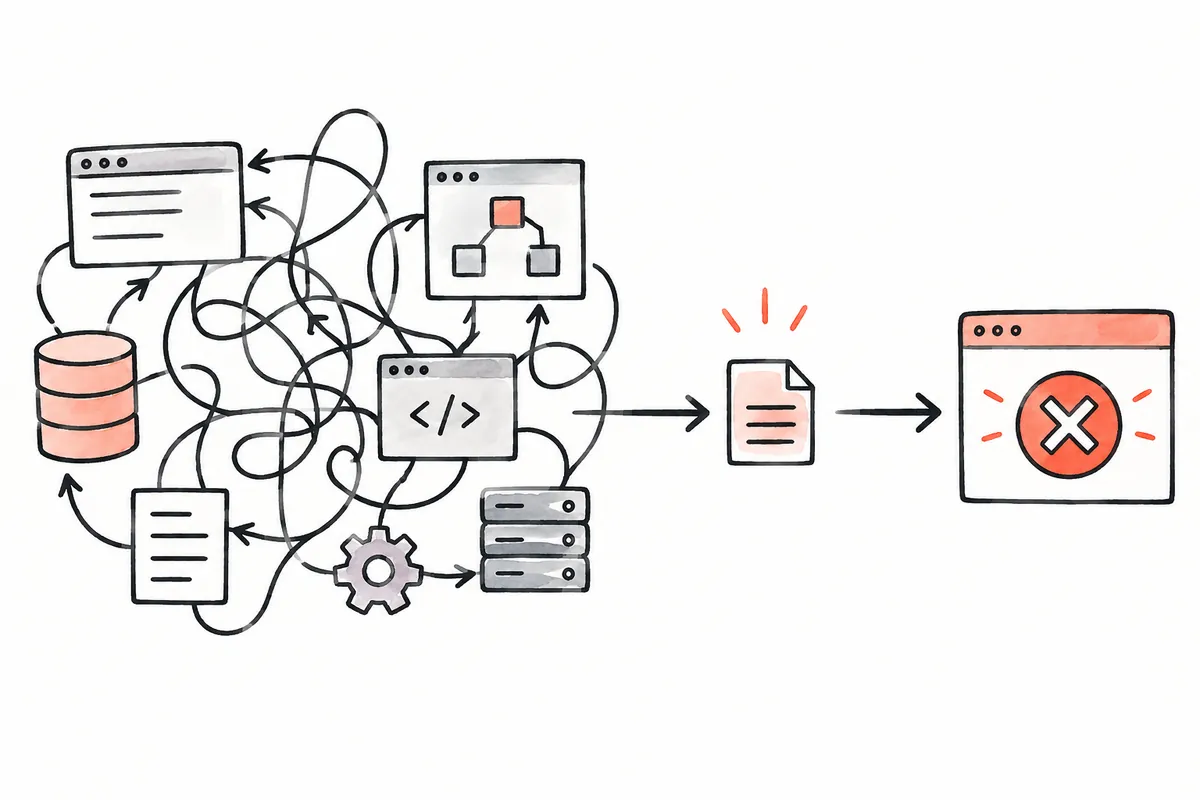
This article explains requesting reproduction, correction, and verification without assuming a model or plan. Code and log formats are illustrative, not actual project outputs or readers' error records. A proposed change and an actually resolved error are separate states.
From bug reproduction to fix verification
1 → Separate input, procedure, expectation, and observation
2 → Reproduce with matching code and environment
3 → Create a small example preserving the failure condition
4 → Make a minimal change checking relevant inputs
5 → Compare the same failure input and normal inputs again
1. Divide the bug report into four fields
Write inputs, procedure, expected outcome, and observed outcome. Inputs cause the issue, such as files or arguments; procedures describe handling steps. Expectations express intended rules; observations are actual screens or outputs. Without expectations, removing an exception does not establish correct behavior.
| Field | Illustrative entry | Wording to avoid |
| Input | One space in the quantity field | Entered a strange value |
| Procedure | Call the example function with that string | Just ran it |
| Expected | Treat as an empty quantity | Should work normally |
| Observed | Exception and location from that actual run | Probably a conversion error |
Fill observations from your own execution. Copying unverified internet error messages may reproduce another failure. If logs are absent, leave observations unknown and request a short reproduction first. Put candidate causes separately instead of presenting them as confirmed observations.
2. Prioritize environment fields affecting outcomes
Prepare directory, OS, language runtime, dependency lockfile, execution command, and code version. Web issues may need browser and viewport. Choose relevant reproduction conditions instead of listing every device detail. Use versions checked in the current environment, not installation-guide numbers.
For “works on my PC,” compare successful and failing environments in matching fields. Start with code version, directory, and input file. Use the project's execution instructions rather than copying another environment's commands unchanged.
If account information is needed, consider examples preserving failure conditions instead of pasting real passwords or tokens. Replace customer identifiers with fictional values while preserving relevant length or spaces. Record whether replacement could affect outcomes.
3. Minimal cases must preserve failure conditions, not merely reduce file count
The illustrative Python function below handles quantity strings. Empty strings become absent values, while whitespace-only strings follow another route. This is not assumed to be an actual product bug; it demonstrates defining inputs that should receive the same treatment.
def parse_quantity(text):
    if text == "":
        return None
    return int(text)
Specify “empty and whitespace-only strings return None, numeric strings become integers, and text causes an error” to define reproduction and checks. Then separately verify fixing whitespace and preserving numeric behavior. If actual empty-value rules differ, revise the contract first.
Reduce large projects by removing unrelated screens or data and checking the same failure after each step. If it disappears, a removed condition may matter. The goal is a small example preserving failure and expected behavior, not the shortest possible code. Record reductions to reconnect with the original project.
4. A prompt requesting reproduction before editing
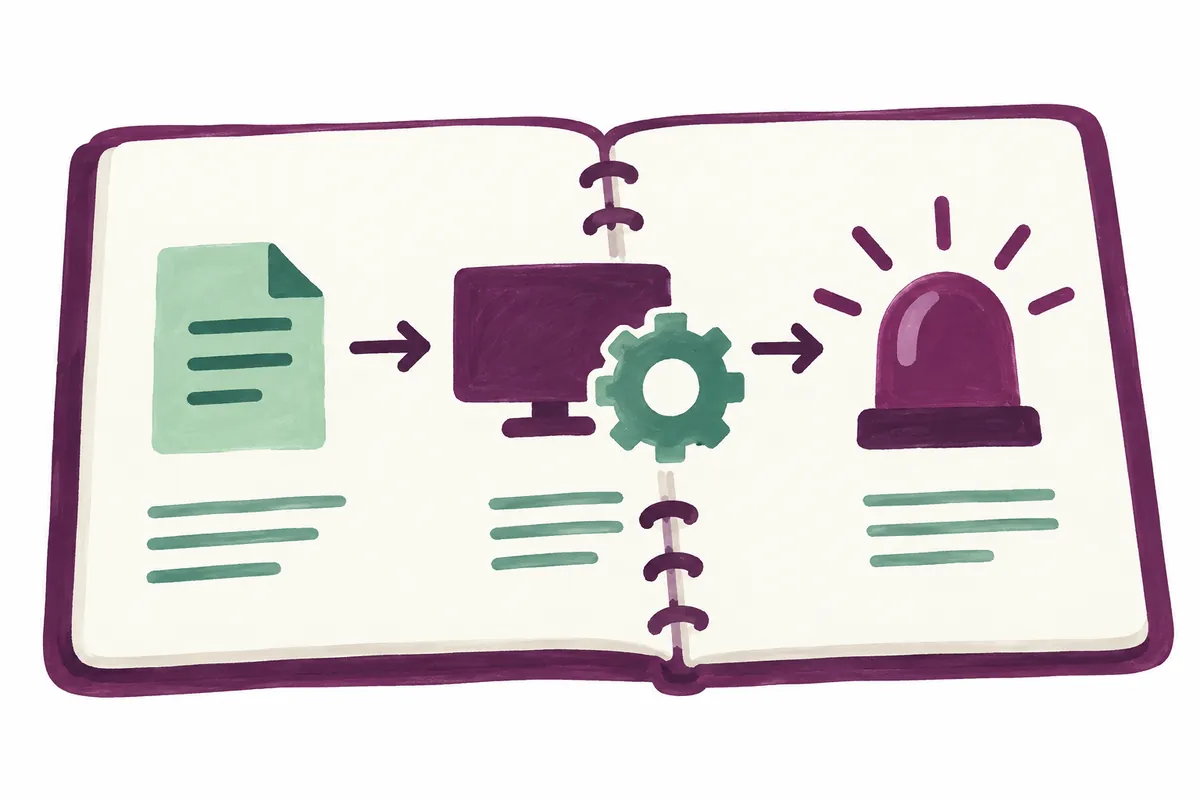
Include sequence and completion criteria in the first request. The following is an original template for the function example. Fill paths and commands with actual values. Submitting the example does not itself establish Codex accessed that environment or executed commands.
First read relevant code and reproduce the error using the supplied input and steps. Before editing, record expectations separately from observations, plus actual command, exit status, and key output. If it does not reproduce, explain missing environment conditions before changing code. If reproduced, create a small check for that failure and a minimal fix, then verify using the same input.
This does not require new test files for every bug. Automated checks help repeatedly verify calculation or input regressions; temporary environment issues may instead need observation and recovery evidence. Choose evidence for the failing path rather than counting test files as achievement.
OpenAI's modernization example compares outputs and behavior for the same inputs, using small corrections and rechecking differences. Prompting guidance also emphasizes actual checks after changes. This template applies that principle to a small bug; it is neither an official menu nor a mandatory prompt.
5. Verify failing and normal inputs together
Separate empty, whitespace, numeric, and nonnumeric inputs. Turning every conversion exception into None to handle whitespace may silently empty text too. If text should cause errors, that edit changes the rules despite fewer exceptions.
| Illustrative input | Defined expectation | Verification purpose |
| Empty string | None | Preserve the existing empty-value rule |
| Whitespace-only string | None | Handle the failure condition |
| String 12 | Integer 12 | Preserve normal conversion |
| String abc | Conversion error | Do not hide invalid input |
Record before and after results separately for each check. Checking only whitespace before and numbers afterward cannot establish resolution of the same failure. Align code and inputs for both runs. Removing a failing check without explaining changed results can lose regression evidence.
6. Define the stopping point when reproduction fails
Investigate differences instead of declaring success. Compare directory, encoding, dependencies, settings, and code version one candidate at a time. For intermittent issues, record run counts and success/failure conditions; one arbitrary success does not establish absence of problems.
If Codex cannot execute, separate runtime restrictions from code-analysis findings. A candidate cause from code helps but cannot replace reproduction. Request distinct final fields for static-analysis candidates, actual reproduction, post-fix checks, and unchecked conditions.
If a reduced example reproduces but the original service has additional failures, check their connection. A small example passing does not establish whole-service success. It helps understand causes; resolution requires verification of the original failing path too.
7. Read outputs and changes in order
Start with reproduction records and edited files, then compare post-fix results for the same failure and normal inputs. Finally read unexecuted checks and uncertainty. Even a long answer can need another request if these four evidence items are absent.
If a report says “all checks passed” without commands or targets, ask what conditions were checked. One small check can still be useful within its scope if it clearly confirms the actual error path. Explain why broader verification is needed and specify added conditions.
Reproduction filenames can include code versions or run numbers. Preserve before/after outputs separately; overwriting one with the other destroys comparison evidence. Error lines can move after changes, so keep function names with line numbers.
When reverting, distinguish the pre-task state from this task's changes. If user and Codex edits mix, compare changes before restoring whole files. Separate reviewing a fix from applying it to the live service. Reproduction requests begin the evidence for causes and corrections.
Official sources and writing standards
References checked: 2026-10-06. This explanation was written with AI assistance based on official sources actually opened. Separately marked calculations, code, and checking examples are illustrative, not results from directly testing or measuring the user environment. Changes to features and official sources were rechecked during publication preparation.
Original illustrations created to help explain this article.
Original on Tistory ↗