Finding Government PDF Documents: Checking Posting Dates and Revised Editions
This article was translated from its source language with AI assistance. Please check technical terms and equations against the original.
Steps for checking the latest edition of an official PDF
| STEP 1 | Define the purpose and exact document name |
| STEP 2 | Open the official posting |
| STEP 3 | Distinguish posting dates from dates in the document |
| STEP 4 | Check revision history and current guidance |
| STEP 5 | Keep the source, edition, and check date |
This explanatory diagram organizes the reading sequence. It is not an actual program screen or measurement result.
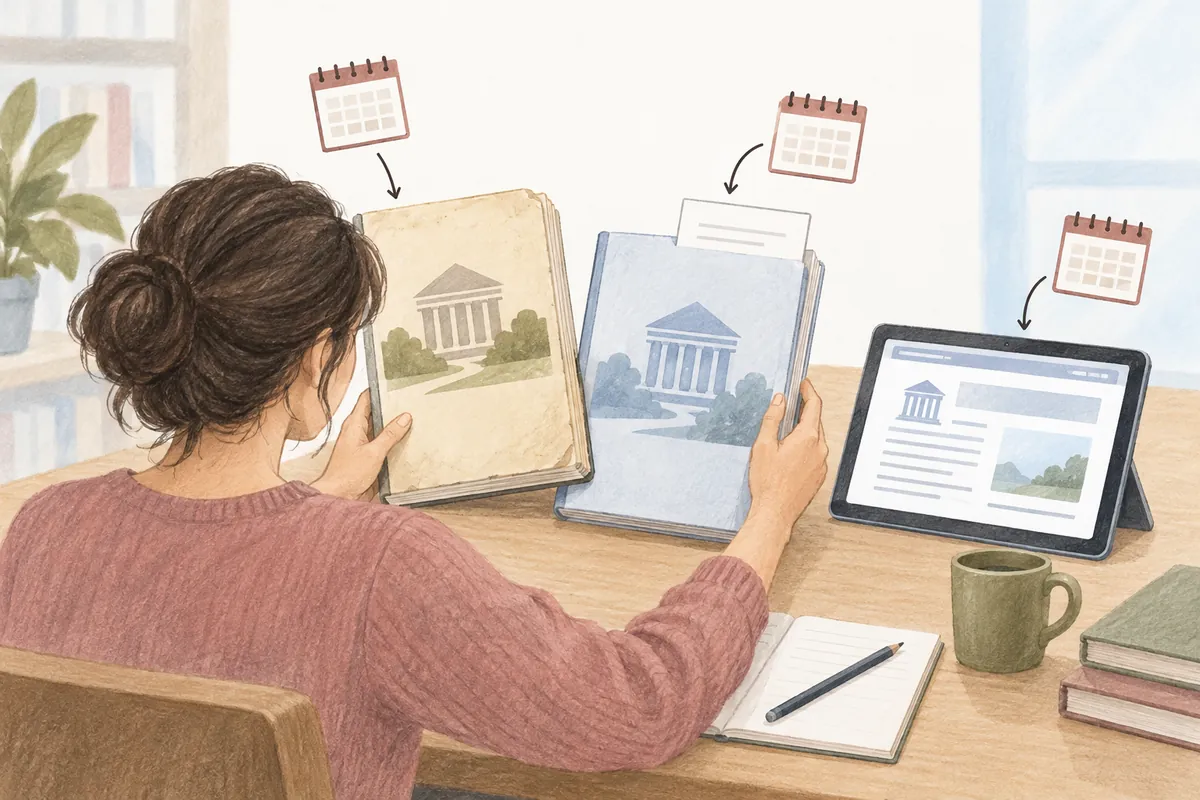
When searching for a public institution's guide, PDFs with the same title may remain on several websites. The file at the top of search results is not guaranteed to be the latest edition, and a recently posted file may be a re-upload of an older document. If you need to follow an actual procedure, check the issuing institution, dates in the document, and whether it is a revised edition together.
This article explains how to form search terms for government and public institution materials and distinguish posting dates from when a document applies. It uses Korea Policy Briefing's specialist materials search and information in official postings as examples. It does not determine eligibility for a particular policy or its current legal effect; hypothetical file names and dates are for understanding, not actual guidance.
1. Define the document's purpose and exact name
First decide whether you need a guide, research report, statistical material, or application notice. The material you should read depends on your purpose even within the same topic. A research report analyzing a policy's effects may not itself establish current application requirements. If you need actual application instructions, find the institution's current notice and detailed guidance.
Include the topic, document type, year, and issuing institution in your search terms as needed. Hypothetical searches might be “institution name topic guide revision” or “institution name topic 2026 PDF.” If the topic is broad, add distinctive words from the title; if you know the institution, start within its official website. Even if you remember only a file name, finding the original posting title lets you see revision information and related attachments together.
A search condition such as filetype:pdf can help find PDFs, but not all official materials are PDFs. They may be provided as web text, HWP files, or e-books, so restricting the search to PDFs from the start may miss necessary guidance. When seeking an original source, use both general search and the official site's document archive.
2. Open the official posting page as well
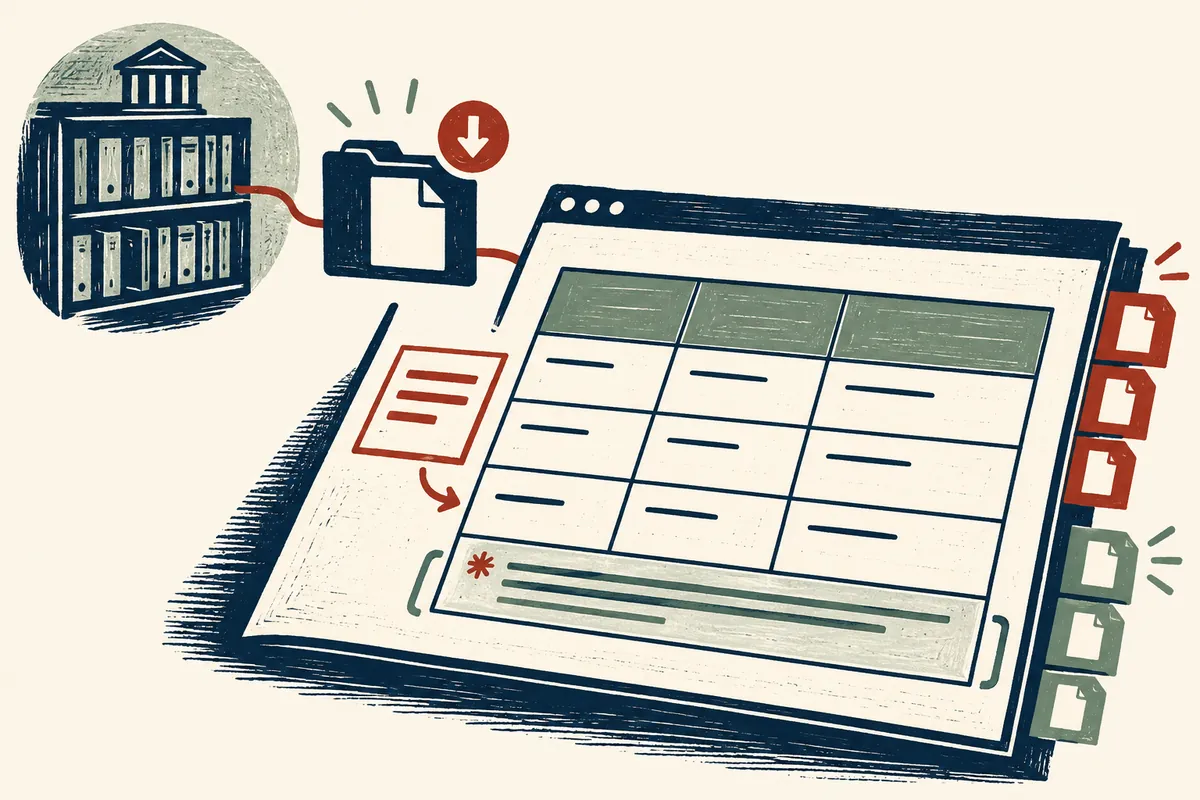
Korea Policy Briefing's specialist materials page provides a list with titles, sources, registration dates, and attachments, as well as search routes by topic, type, source, and period. When you find a document, check the detailed posting page rather than opening only the file. The page may include corrections or explanations of revised editions and provides a link for reconfirming the file's source.
The official Government24 home page links to policy information and government and local government websites. Such official routes can help identify the issuing institution if you do not know it. However, you must still check whether the linked material is current and suitable for your purpose. Finding it through an official route does not automatically establish its current scope of application.
A file found on a blog or community site can be a clue for locating the material. But without confirming the original posting, issuing institution, and preparation date, it is difficult to present it as current guidance. Search again using key words in the file title and the institution's name, then check whether it is the same file listed in the official archive. Someone's summary may differ from the conditions in the complete original.
| Information to find | Usual location | What to record |
| Posting information | Official archive's detailed posting page | Title, source, registration date, and correction notices |
| Document information | PDF cover, publication details, and preface | Publication date, revised edition, and issuing institution |
| Scope of application | Target groups, periods, and footnotes in the text | To whom it applies and when |
| Version differences | Revision history and subsequent postings | What changed |
| Route for reconfirmation | Official posting and file links | Downloaded file name and check date |
3. Do not read posting, publication, and effective dates as the same date
The registration date is when material was posted on the website, while the publication date may be when the document was issued. A revision date may indicate when content was changed, and an effective or application date may indicate when a system or guidance applies. Since terminology and purposes differ between documents, record each date's original label. Choosing only the most recent date and calling the document “current” can overlook important differences.
In a hypothetical case, if a posting dated October 1, 2026 attaches a report published in March 2025, do not describe the report as written in 2026. Conversely, if a document revised in September 2026 says it applies from October, record that application date as well. These dates illustrate the distinction and do not specify actual policy commencement dates.
For statistical materials, distinguish the survey reference period from the release date too. If “August 2026 trends” is released in October, read which period its figures represent. Do not describe figures as direct measurements of the day's conditions simply because the release date is recent. Check the title, survey period, and reference time for the figures together.
4. Check revised or expanded edition labels and change histories
If the title says revised, corrected, or expanded edition, examine how it differs from earlier material. Korea Policy Briefing's specialist materials list also contains documents labeled expanded editions. When an edition label appears, find the added or revised scope in the cover, preface, and revision history. Do not assume every chapter was rewritten based only on the title label.
Even if covers look similar or the file name ends in “final,” compare dates and editions. Search the institution's archive for follow-up notices, corrected copies, or replacement file announcements. An older posting remaining available may not mean its contents can still be applied unchanged. When citing material directly, retain identifying information about the edition you read.
When comparing two editions, distinguish differences across the entire document from differences in the item you need. If you need an application deadline or required documents, focus on the relevant section and footnotes. If the change history says only “content supplemented,” do not invent detailed changes. Compare the relevant wording in the current edition and, if needed, the previous edition directly.
5. Read target groups, units, and footnotes in the PDF
When opening the PDF, check its title, issuing institution, contents, and relevant section. You can search key terms with the Find function, but text search may not work in a scanned document. Do not immediately conclude that content is absent because search returned no results. Inspect the contents or image pages directly and, if needed, look for an accessible official version in another format.
Units and footnotes determine what table figures mean. Check where units such as persons, thousands of persons, %, or percentage points are specified, whether figures are provisional or final, and which groups are excluded. Copying a table without its headings or footnotes may remove original conditions. Carry over the minimum conditions needed for your explanation and record the original table's location.
Printed page numbers may differ from PDF viewer page numbers because of a preceding cover or contents. Distinguish them when recording citation locations. For example, “PDF page 12, printed page 8, Table 3” is easy to find again. If you cannot verify the exact number, identify the location using the section or table title.
| Reading situation | Conditions to check | Example of an incorrect interpretation |
| Policy application guidance | Target group, period, exceptions, and responsible institution | Extending another region's guidance to the whole country |
| Statistical table | Survey period, units, target group, and provisional status | Using the release date as the measurement reference date |
| Research report | Research question, methods, and limitations | Presenting a research proposal as an implemented system |
| Revised document | Edition, change history, and application date | Assuming all content is current because the posting date is recent |
| Scanned PDF | Searchability and readable extent | Concluding content is absent because search does not work |
6. Keep the original link even after saving the file
It is easy to lose the source of a downloaded file later. Keep a short note containing the document title, issuing institution, edition and dates, official posting link, file link, and check date. You may organize file names in a personally convenient format, but preserve the official original title and edition information in the note. Renaming a file is different from modifying its contents.
When sharing a downloaded file with others, check the public material's usage conditions. If the posting provides a Korea Open Government License type or copyright notice, read the permitted conditions and credit the source. Government-posted documents may contain outside photographs, tables, or other works, so do not assume everything can be reused without restriction. Sharing the original link also helps others check the material's current status.
When summarizing part of a document, state the scope of the section reviewed and its key conditions. Instead of saying only “according to the material,” make the document and relevant part findable. When citing figures, retain the table title and reference period and compare again to ensure your summary has not changed the conditions. Distinguish opening a PDF from reviewing all its contents.
7. When material cannot be found or sources disagree
If a link is broken, search again using the posting title and issuing institution and check how the official archive has moved. Before relying solely on a privately re-uploaded file, look for another official posting or current guidance. If files with the same title differ, compare the cover, revision history, and conditions in the text as well as registration dates, and record the differences.
If it is unclear which document currently applies, check the responsible institution's current guidance and inquiry channels. Do not establish legal effect or application eligibility solely from AI's inference based on dates. A status note such as “current official guidance needs checking” helps prevent passing uncertain information to others as confirmed facts.
Finally, compare the material with your purpose again to see whether it contains what you need. Even the newest report may not explain your desired application procedure, while an older foundational explanation may be useful for understanding concepts. Assessing document dates alongside intended use helps you choose an appropriate original source instead of relying only on search result order.
Official sources and scope of verification
- Korea Policy Briefing: Specialist materials search
- Korea Policy Briefing: Example posting for expanded-edition material
- Government24: Policy information and institution website guidance
Sources checked: October 5, 2026. Written by AI after reviewing official materials. Hypothetical cases and calculation examples in the text are not actual user records or experimental results. Service conditions, menus, and published materials can change; check the necessary conditions in current official guidance.
Original illustrations created to help explain this article.
Original on Tistory ↗